Page 59 of 86 SCHÄFER IT-Systems
Industriestraße 41 D-57518 Betzdorf
Phone: +49 (0) 2741/283-770 sales@schaefer-it-systems.de www.schaefer-it-systems.de As
amended on 16/8/2019 (subject to technical changes)
11. Function configuration (web interface)
Turn on the device, set up the network settings, continue configuring other settings and actions.
This section contains the following topics:
Set up the web interface
Network settings
System time
Create a floor plan
Sensor configuration
Create groups of elements
Create notifications
Create ping
Create timer
Create trigger
Create Get SNMP elements
Add an IP-camera
Add logic diagrams
Set up the GSM / USB modem
Set up CAN
Relay circuit
Settings for potential-free contacts
Backup, restore and reset.
Installation of the SSL certificate
11.1. Set up the web interface
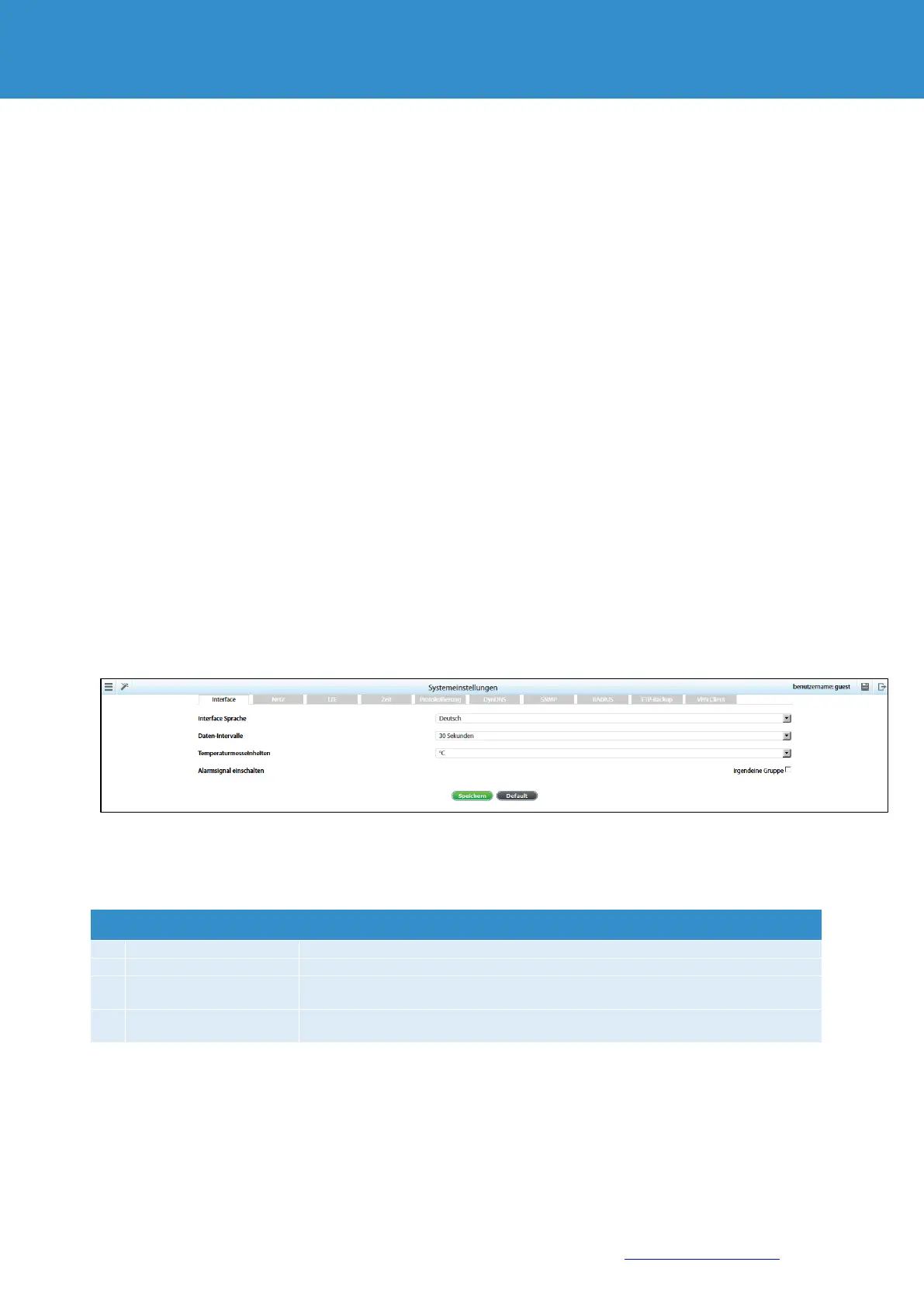
Go to the "System Settings" tab >> Interface.
Change the parameters of the web interface to the required values and click the "Save" button.
Select the language of the web interface
Determine the interval of data updates
Temperature
measurement units
Select the temperature unit to be displayed
Switch on the alarm
signal
Set alarm signals for groups


 To Next Page