Page 63 of 86 SCHÄFER IT-Systems
Industriestraße 41 D-57518 Betzdorf
Phone: +49 (0) 2741/283-770 sales@schaefer-it-systems.de www.schaefer-it-systems.de As
amended on 16/8/2019 (subject to technical changes)
11.5. Sensor configuration
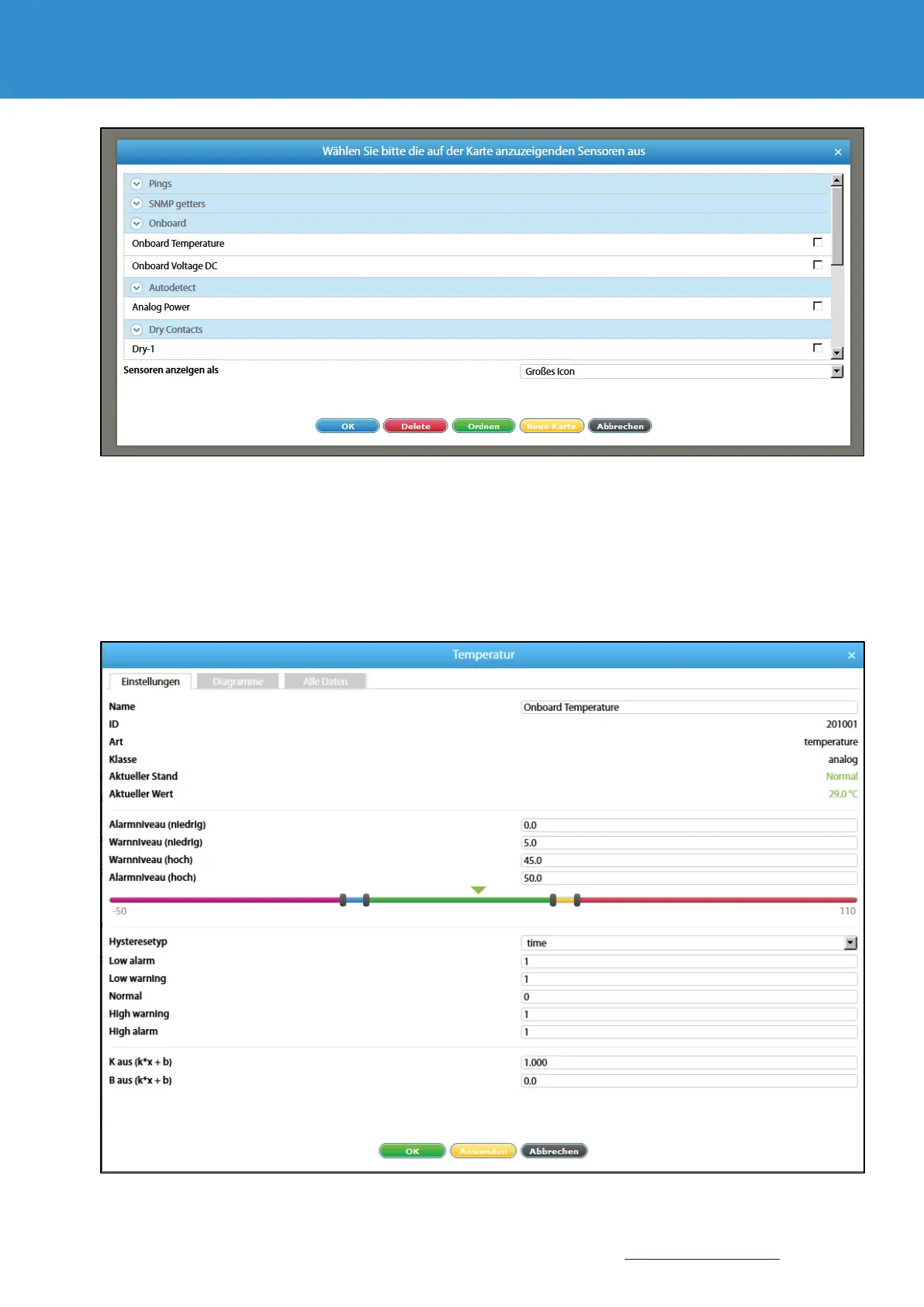
To configure a sensor, go to "Menu" >> "System tree" and click on the sensor element in the tree. A
modular window with the sensor properties is displayed.
Change the required settings and click "OK" or "Apply" at the bottom of the window.


 To Next Page