102 User’s Manual
6.3.1 Downloading single records
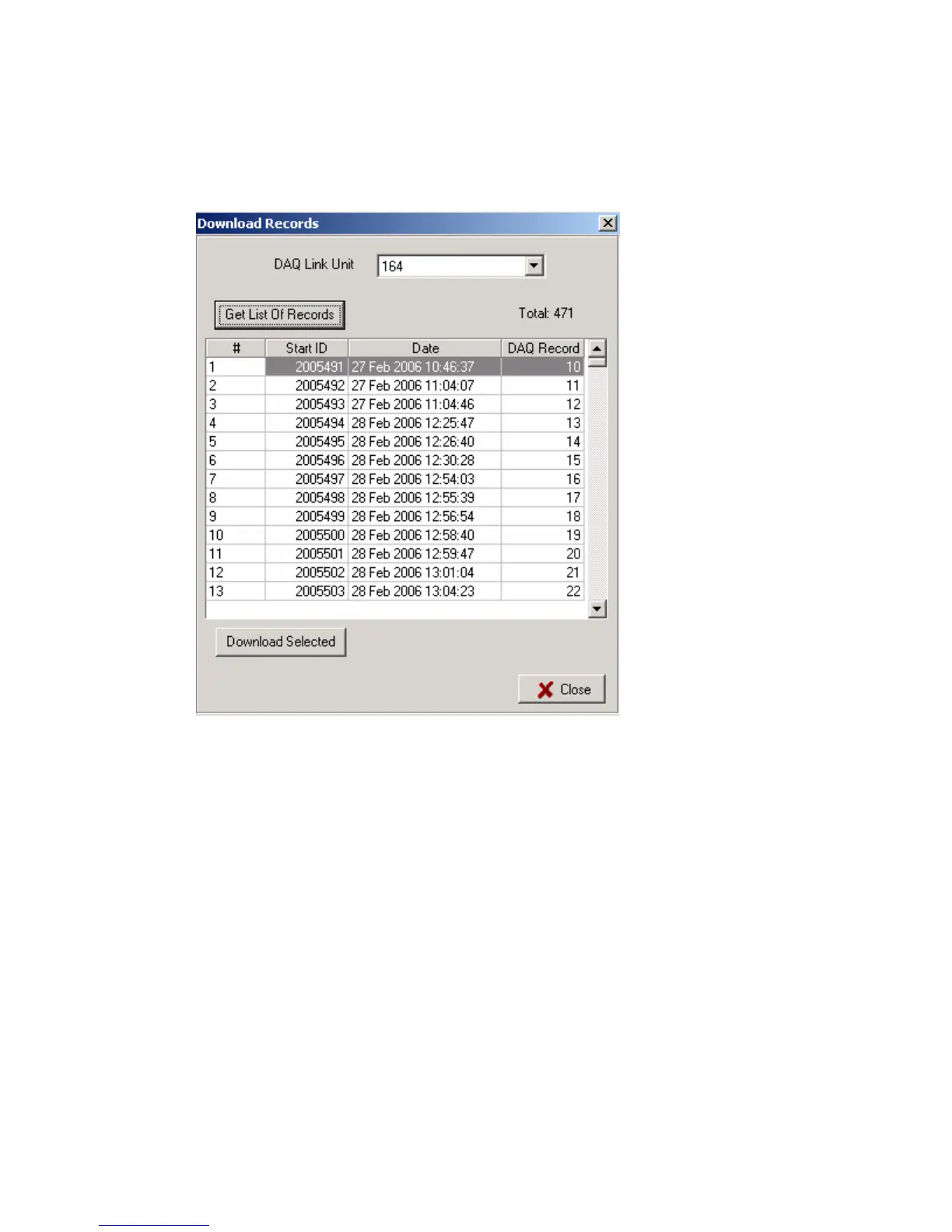
To download a single record from the DAQlink III Flash card memory, go to Options-
Download Menu.
After pressing the “Get List of Records” button, a list of all of the stored data will appear.
Select record to be downloaded from the list by highlighting the record. Press Download
selected.
Record will be downloaded.
Press Close to view the record.
Press File – Save to save the record.



 To Next Page