68 User’s Manual
5.4.8 General Settings
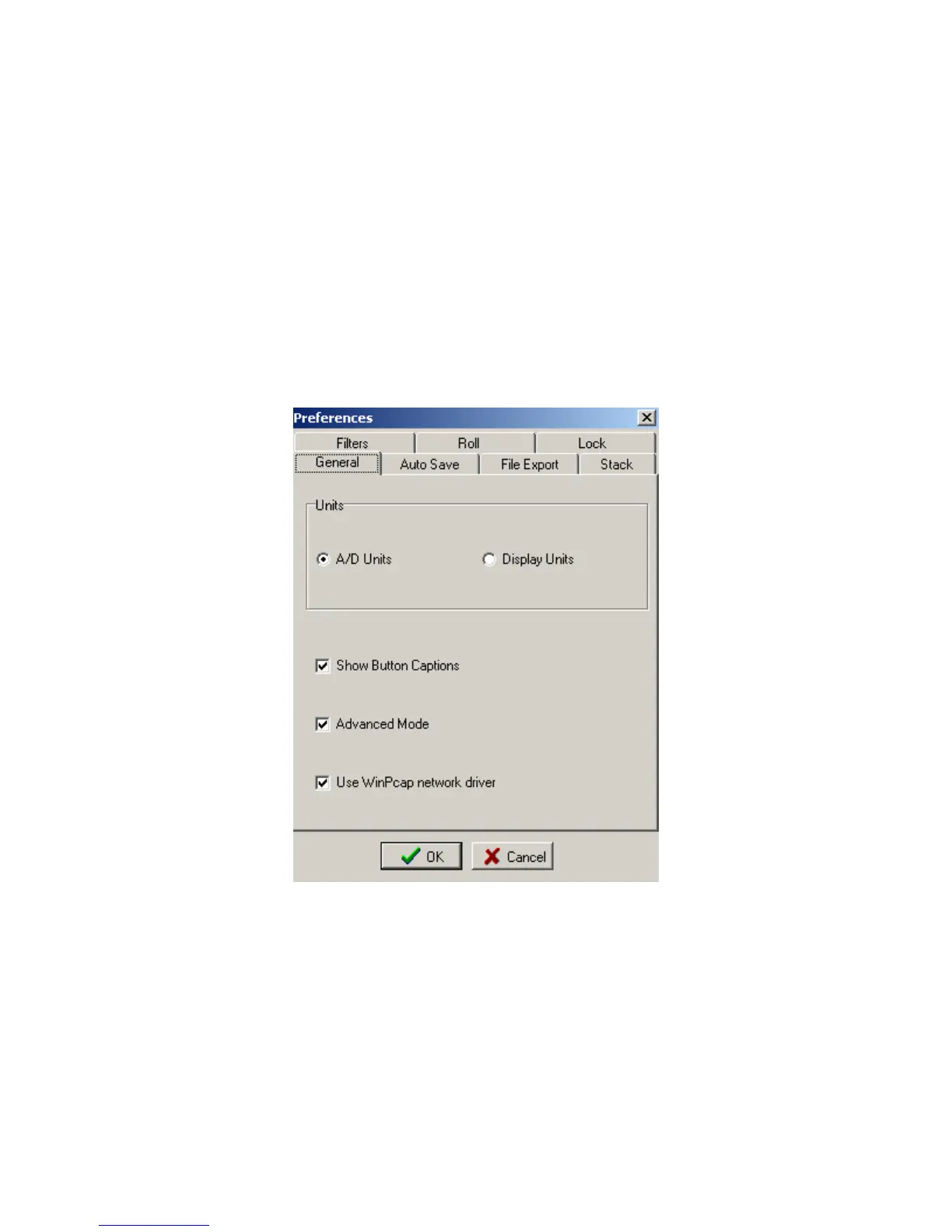
The General Settings menu allows the user to select either the A/D units (Volts), or some
other display unit which was setup in the DAQlink III configuration.
For normal Seismic operation A/D units should be used.
Show Caption Buttons – allows the Toolbar Menu to be easier to use.
WinPcap network drive – this network driver allows the program to receive data much
faster over the Ethernet connection. This driver is required when doing multiple boxes at high
sample rate.
Figure 5.4.8 Display Settings



 To Next Page