94 User’s Manual
6.0 Advanced Features
6.1 DAQlink III Continuous Recording
The DAQlink III has the ability to perform almost continuous recording. Typical this
type of recording is done using a GPS receiver. This allows the recorded events to be referenced
to a GPS time.
6.1.1. Vscope Auto Start Function
The Auto Start function allows the DAQlink III to perform continuous recording. There
are two basic auto start features with the Vscope and DAQlinkIII system. The Vscope auto start
allows the software program to restart the DAQlink III unit. The DAQlink III auto start allows
the DAQlink III to auto start itself without being commanded from the Vscope program.
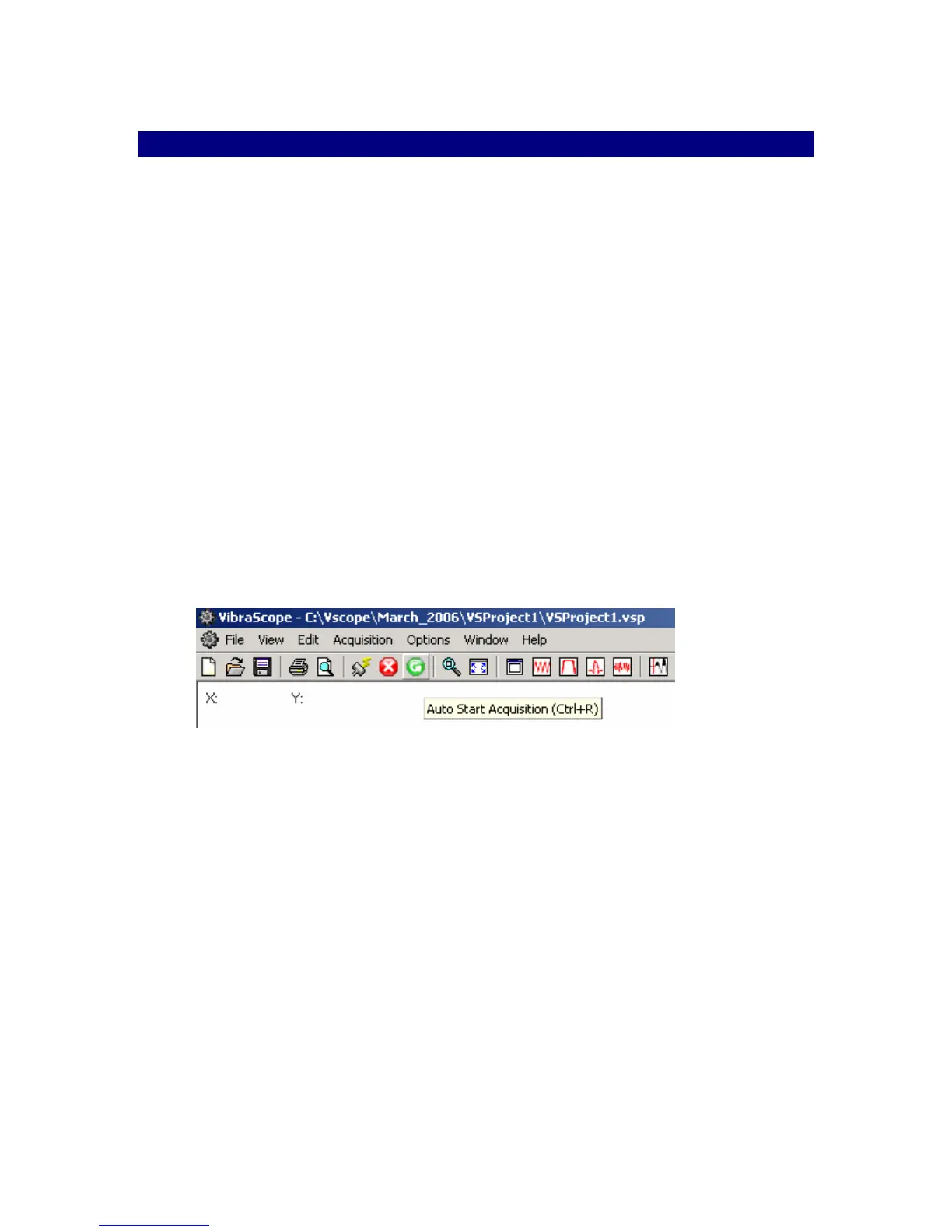
Vscope auto start allows the Vscope program to restart the DAQlink III unit. This
function is enabled by pressing the “Auto Start” button on the tool bar, or by pressing the (Ctrl +
R) Hot Key. This function toggles the auto start “on” and “off”. After auto start is enabled, a
manual start is required to start the cycle.
When the Vscope auto start is enabled, the Vscope program first completes acquisition of
the current record, and then automatically restarts the DAQlink III unit. There will be a delay
between records depending on the acquisition parameters.



 To Next Page