45
5.2 Projects
The VScope uses projects to save program settings and to store acquired data. The
projects are like folders used to sort and store different data. Each project saves its own
configuration for acquisition parameters, plot selection, scaling options, and other VScope
selections. Plus each project has its own database where the program keeps the saved data. This
allows the user to have different settings for different jobs and quickly switch between them. The
program remembers last project and loads it automatically on startup.
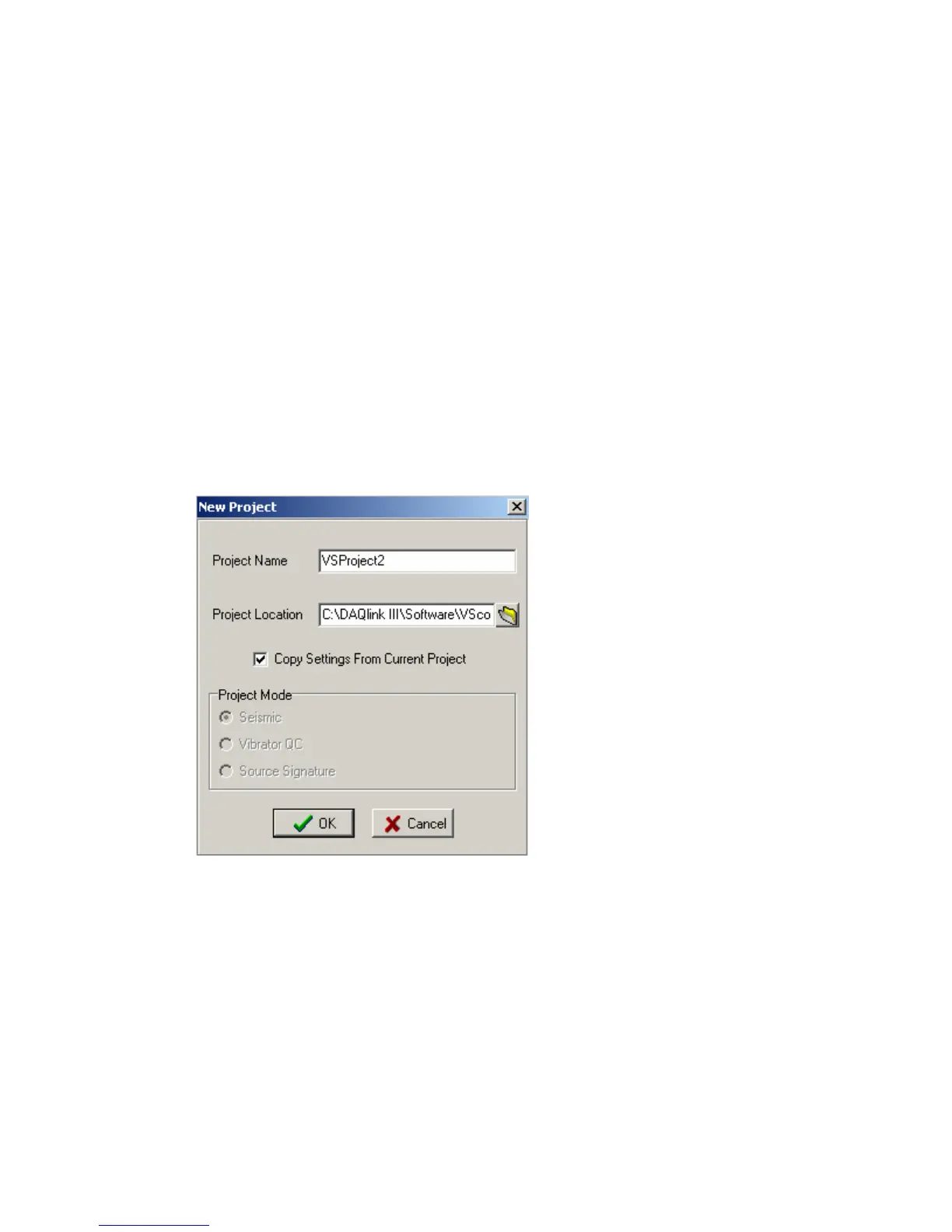
To create a new project click menu File->New Project. VScope will reset all its settings
to default values and will create an empty database. The program will create a separate folder
with the same name as a project and store new database and project file with extension *.vsp to
that folder.
To create a new project with the same settings as the current one select “Copy Settings
From Current Project” Enter a New Name for the New Project and press OK. All settings from
the current project will be copied to a new one.
When VScope is started for the first time it creates a default project – Project1. To
change the current project use File->Load Project menu and select a VSP file to load.



 To Next Page