48 User’s Manual
5.3.2 DAQlink III and Channel Configuration
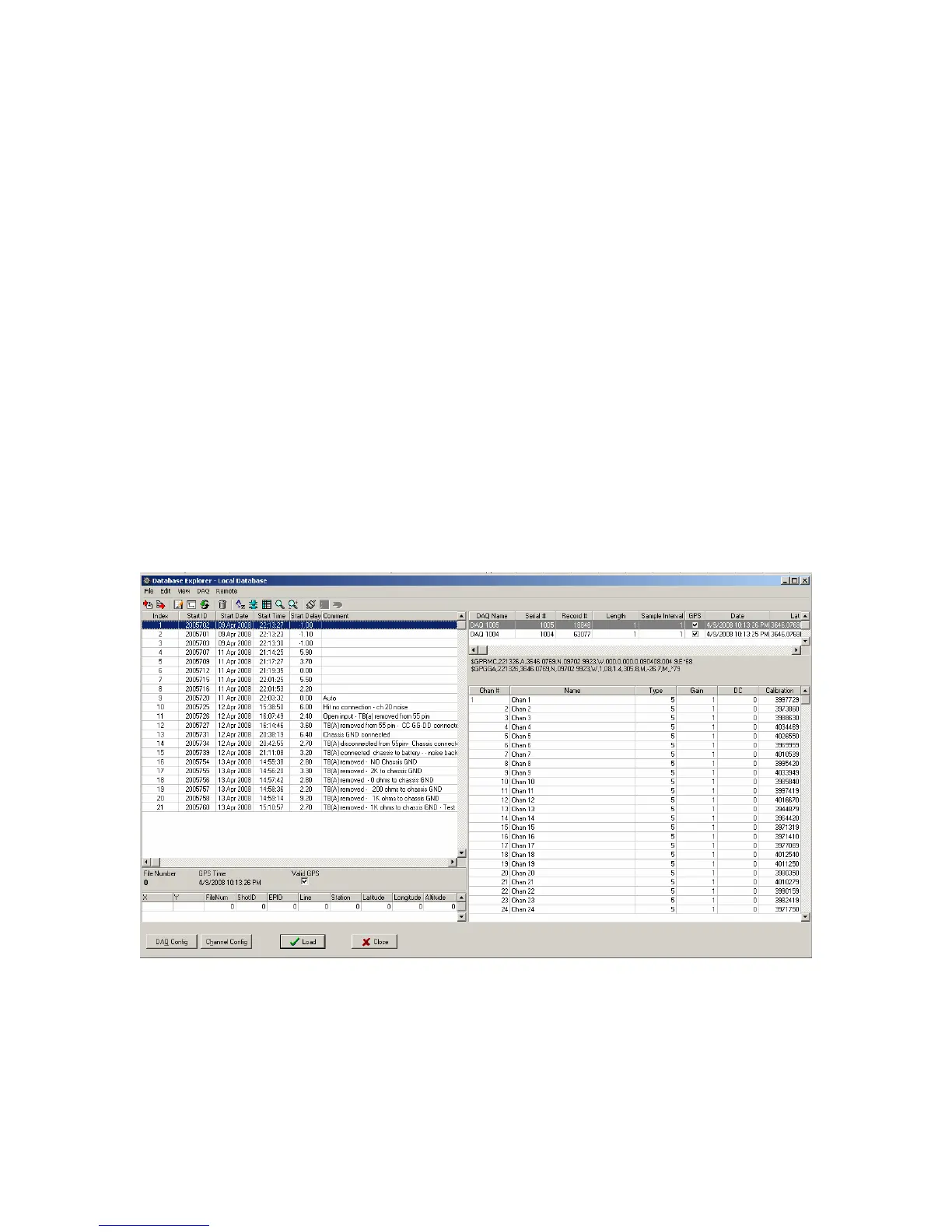
Clicking the “DAQ Configuration” and the “Channel Configuration” buttons can show
the DAQlink III Configuration and the Channel Configuration for the saved data. The DAQlink
Configuration shows the acquisition parameters for each DAQlink III used in the selected record,
also the GPS data will be shown if available. The Channel Configuration shows each channels
setup for the DAQlink III unit selected in the DAQlink Configuration.
The DAQ Configuration includes the following information
• Serial # - Each DAQ Link has a unique device serial number. This number is stored
to database to provide a unique identification for each record;
• Record# - Each DAQ Link unit increments a counter every time it acquires data.
This record number along with the device # provides a unique identification for each
record.
• Acquisition Time - Length of record in seconds.
• GPS Data – Latitude, Longitude, Altitude and Time from the GPS receiver.
• Valid GPS – Shows if a valid GPS position was used for this record.
• X, Y, FileNum…- Shows data received from a Master Recording System. This is
used to associate files recorded with the DAQlink III units to the Master Recorder.
When using the database and exporting SEG-Y files, the Index number of the
database is used as File Number.
Figure 5.3.2 DAQlink III and Channel Configuration



 To Next Page