69
5.4.9 Auto Save and Auto Start
Auto Start Acquisition can be enabled from the main menu with the Repeat
Button. After the data is acquired from all of the selected DAQlink III units, the Vscope program
automatically sends a new start command out to the selected units.
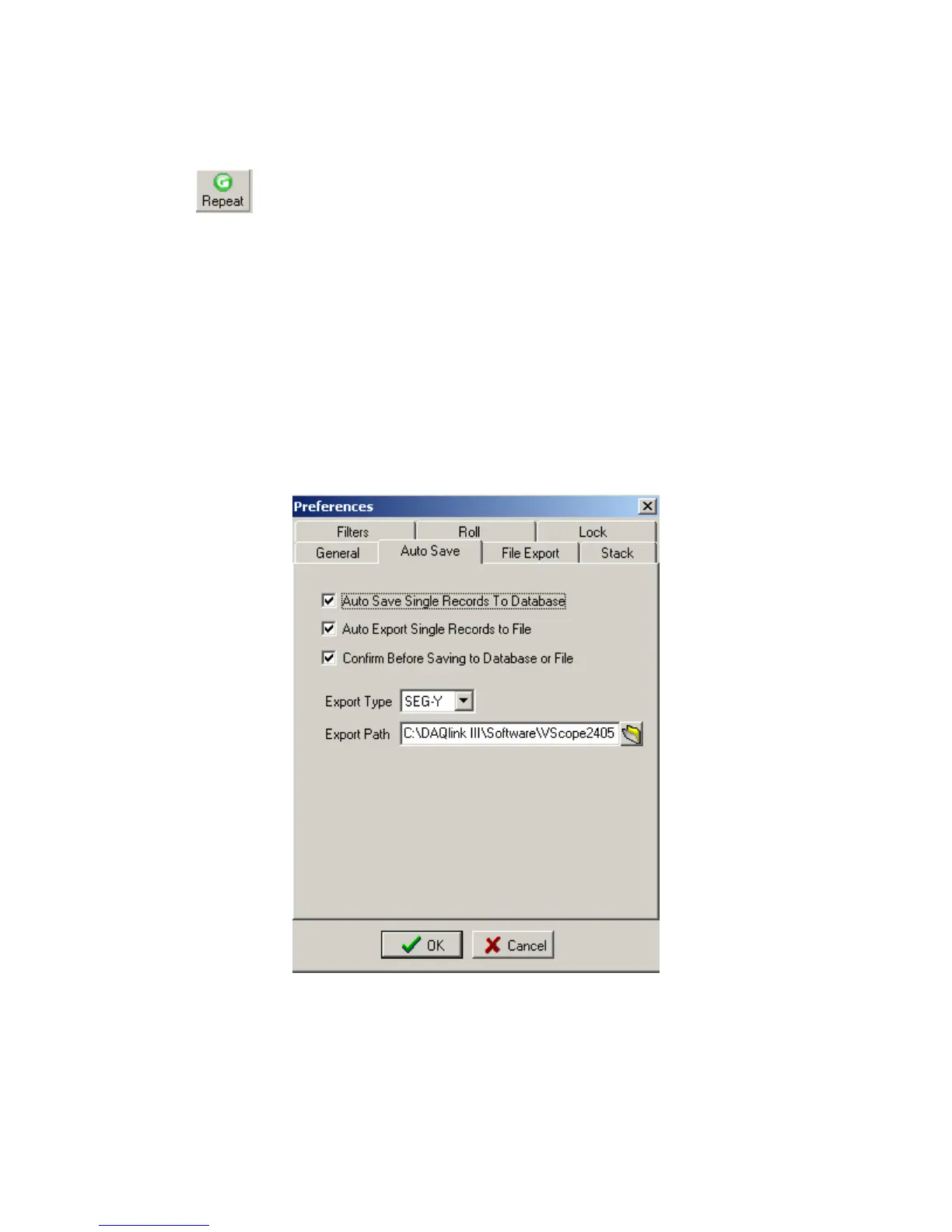
Auto Save menu allows the user to setup the following automatic save operations.
• Auto Save Single Records to Database – After the data is acquired from all of the
selected DAQlink III units, the data is automatically saved to the database with
the comment that is in memory.
• Auto Export Single Records to File - Allows all data to be exported to SEG-Y or
SEG-2 files. Export Type and Export Path determine what type of file is
exported and where the data will be stored.
• Confirm Before saving to Database. Select this option if to view data before
saving or exporting
Figure 5.4.9 Auto Save



 To Next Page