62 User’s Manual
5.4.3.1 Store All Plot Menu
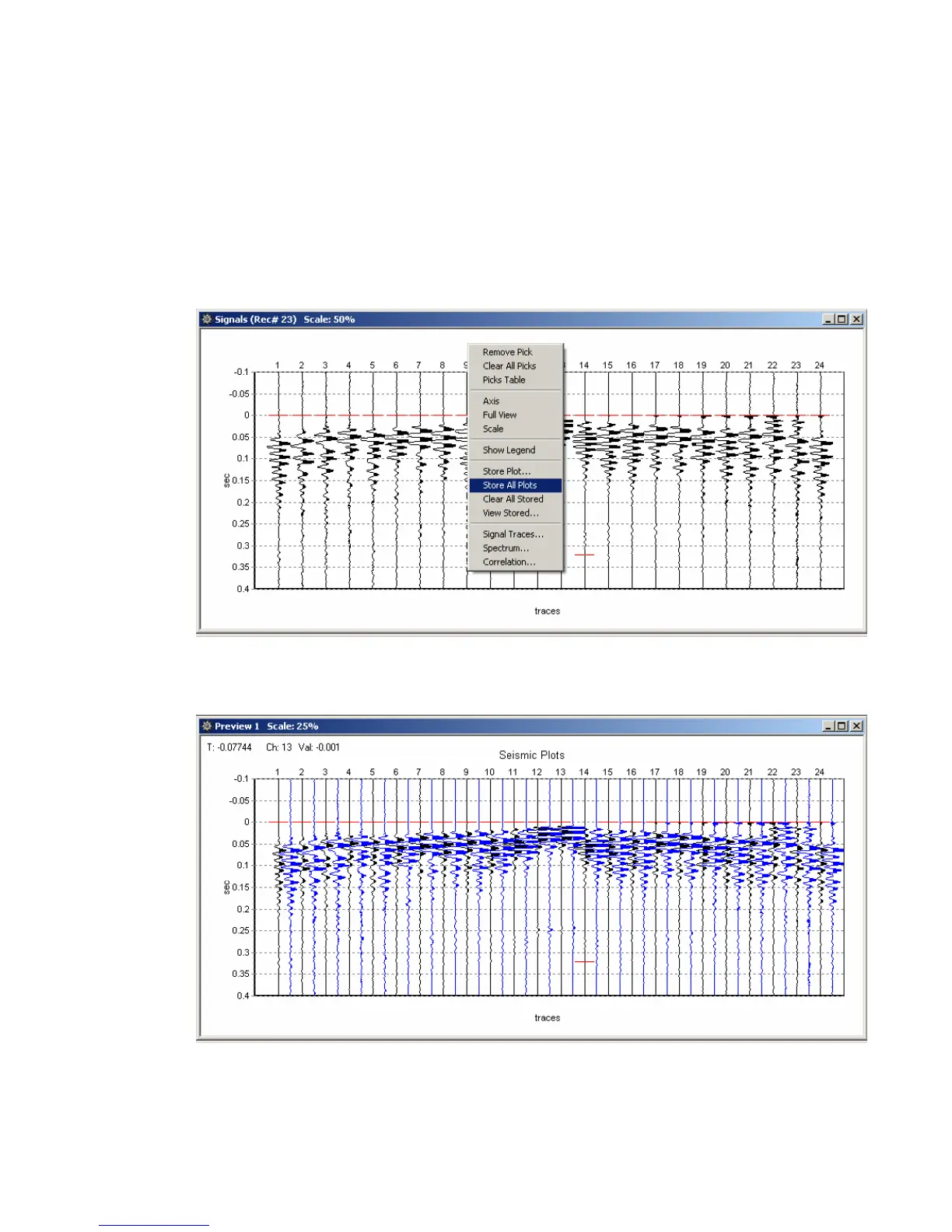
Store All Plots – allows the current plot to be saved to memory and viewed later as an
overlay to another signal.
All channels can be stored using the “Store All Plots” Function.
Right click the Plot to bring up the “Store All Plot” Option.
After storing all plots, a second group of plots will be displayed. This allows for quick
comparison of traces from different records.



 To Next Page