9
2 Cable Connections
2.1 DAQlink III Unit Operation
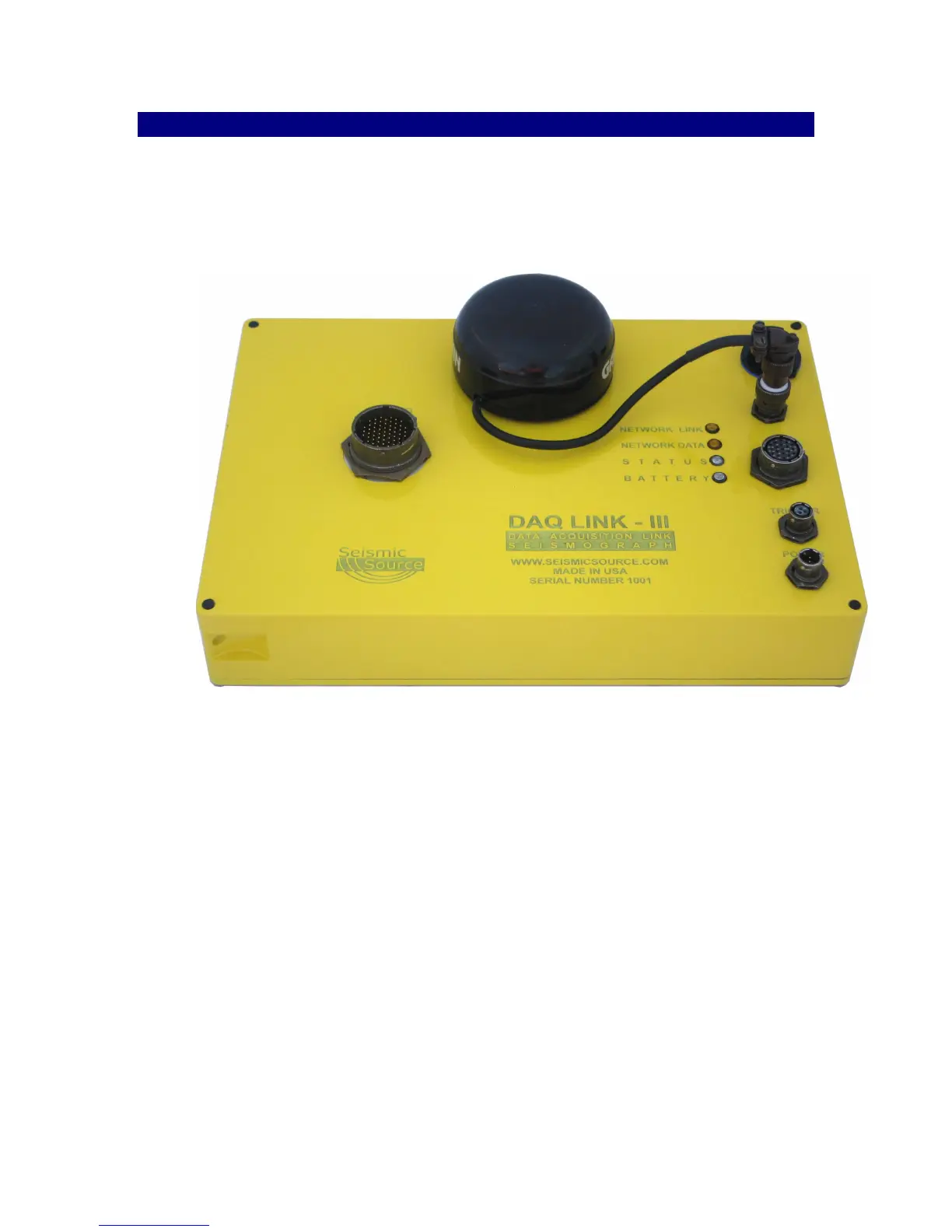
Cable Connections
• Connect DAQlink III to computer with patch cable provided.
• Connect 11-18 VDC supply to DAQlink III cable.
• Note: The DAQlink III’s Battery LED’s will show the status of the battery voltage,
• Green Flash – battery voltage is above 12 volts
• Amber Flash – battery voltage is between 10and 12 volts
• Red Flash – battery voltage is below 10 volts
• Connect the Trigger cable to the trigger source.
• Connect the Analog input cable (Spread Cable and Geophones).
• GPS connected to 4 pin GPS connector.



 To Next Page