120 User’s Manual
It is sometimes necessary to reboot the computer to have the new address take effect.
If the DAQlink III unit was previously communicating with a computer with a different
address, then the DAQlink III unit must be reset (power off then on) for the unit to communicate
to the new address.
With Windows XP there is an additional Authentication Tab. The Authentication must
be disabled to operate with the DAQlink III unit.
7.3 Windows 2000 Ethernet setup
With Windows 2000 computer this can be done by the following procedure:
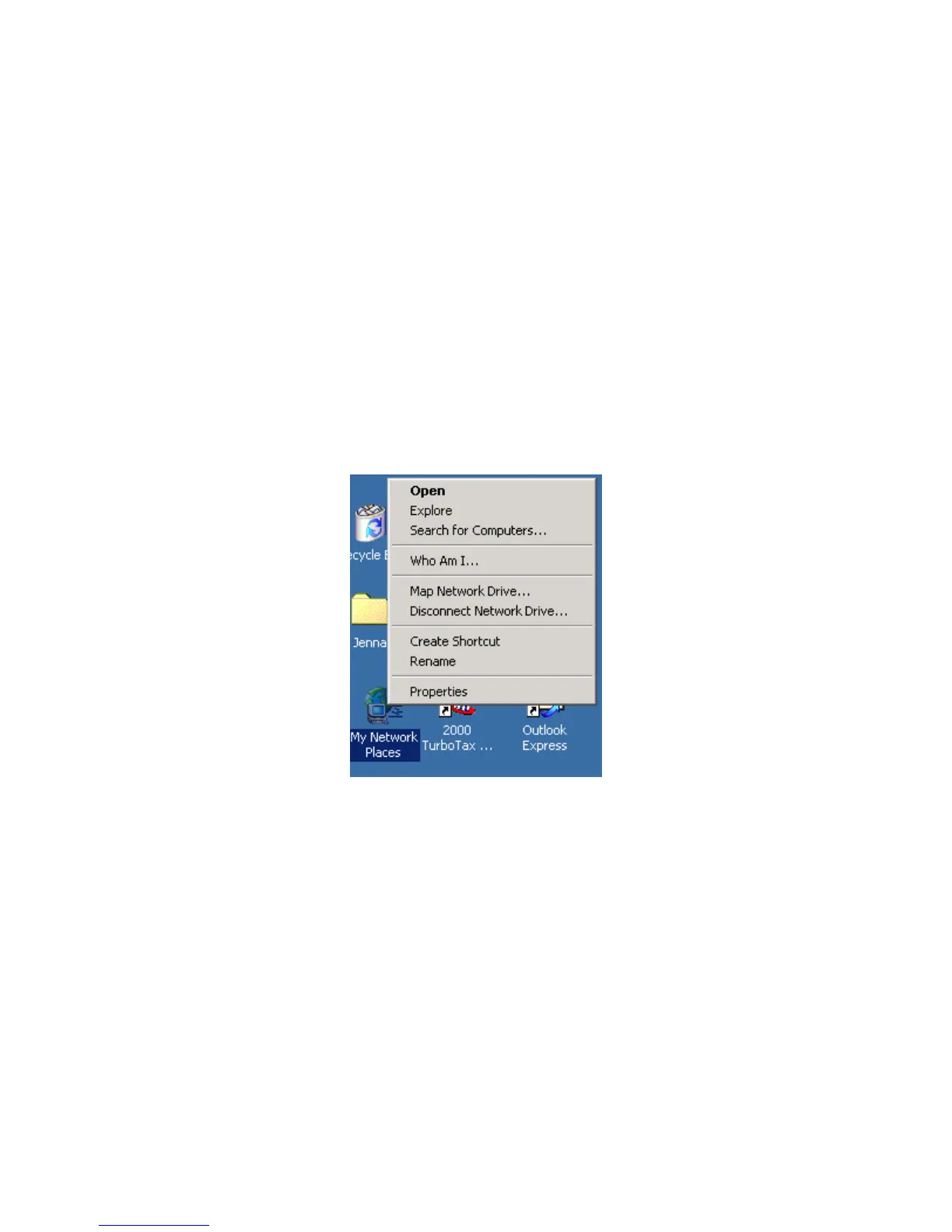
Right Click on My Network Places and select Properties.
Figure 2.1 Network Properties
Right Click on an icon that corresponds to your network card and select Properties.



 To Next Page