51
5.3.4 Storing Data to Database
After acquisition is finished you can save new data to database. Select menu File->Save
(Ctrl S). A window will appear where you can enter a comment for current record. By default
this window displays a comment from the last record in the database.
5.3.5 Stacking Data in Database
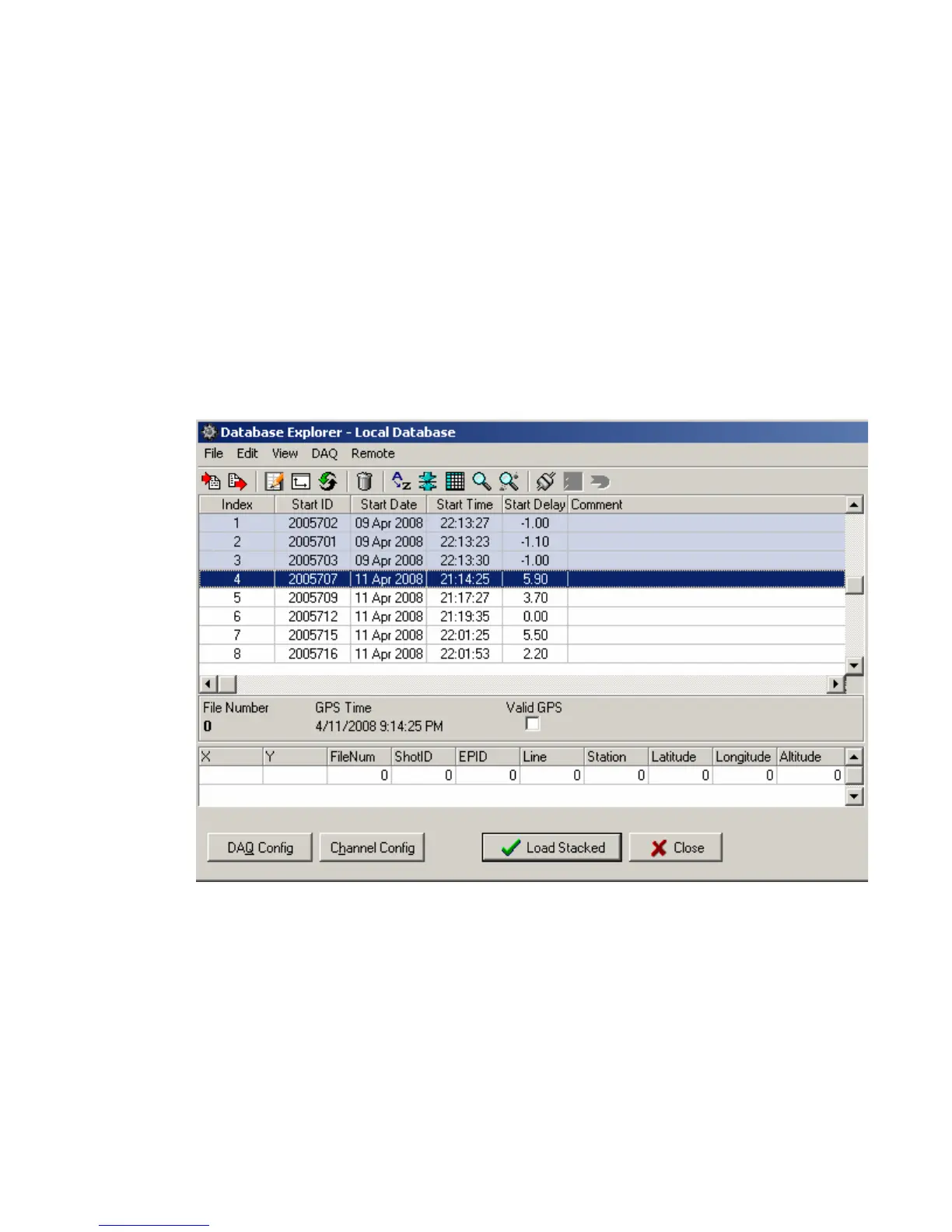
While in the Database menu, multiple records can be stacked together. Select the records
to be stacked by pressing the “Ctrl” key and clicking the left mouse button. After the records to
be stacked have been selected, press the “Load Stacked” button in the bottom right hand corner of
the screen. The selected records will be added together and can now be viewed. Press the File –
Save button to save the stacked data to the database.
Figure 5.3.5 Stacking data with Database Explorer



 To Next Page