123
7.5 TCP/IP Verification
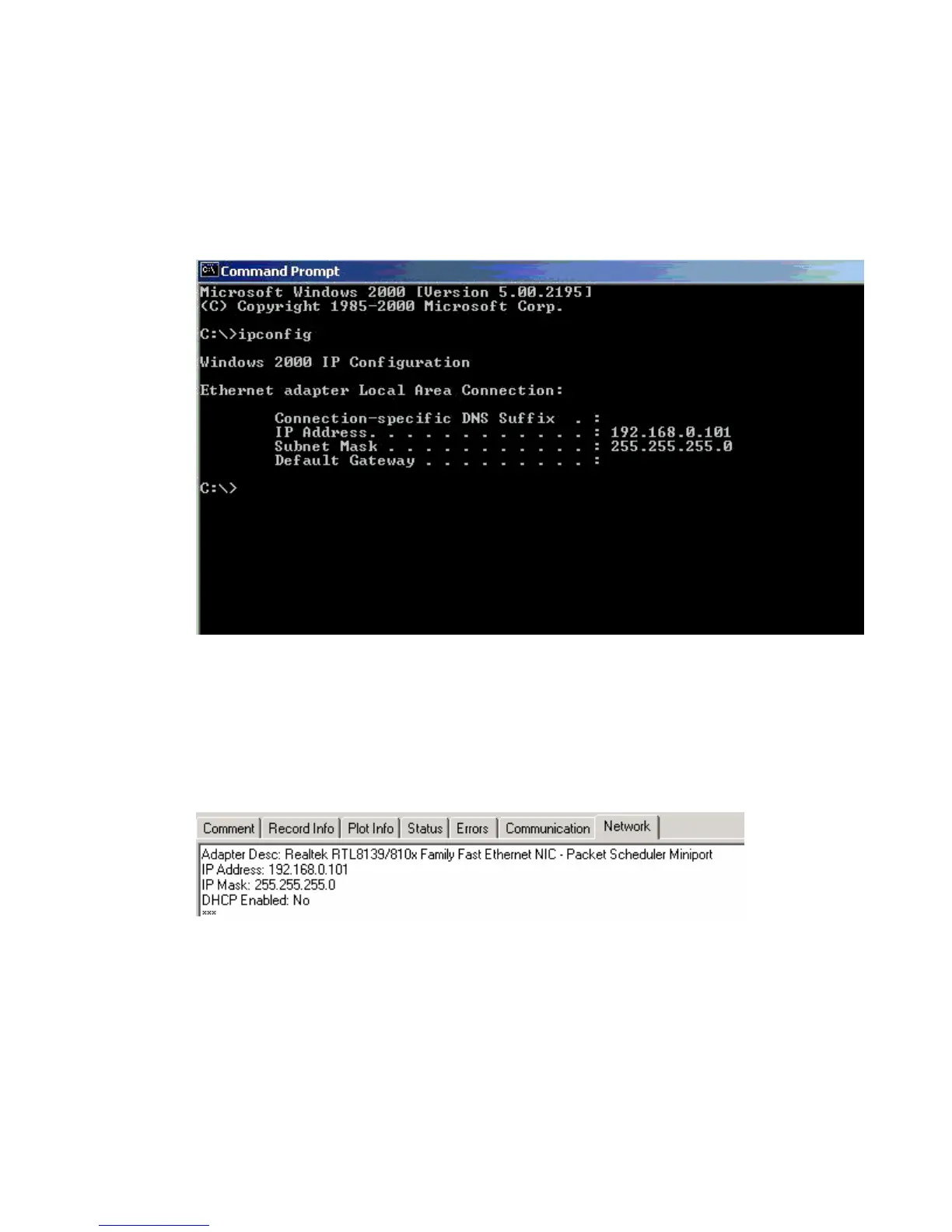
To verify that the IP address is correct, select “Start”, then “Run”, then type in “CMD”.
This starts the command prompt in Windows (This is similar to the old DOS command prompt).
Type the command “ipconfig”. The current ip address 192.168.0.101 should be shown.
Viewing the Network Tab at the bottom of the Vscope program can also check the IP
address.
The Network Tab shows the current IP address detected by the Vscope program.



 To Next Page