79
5.6.2 Memory Window
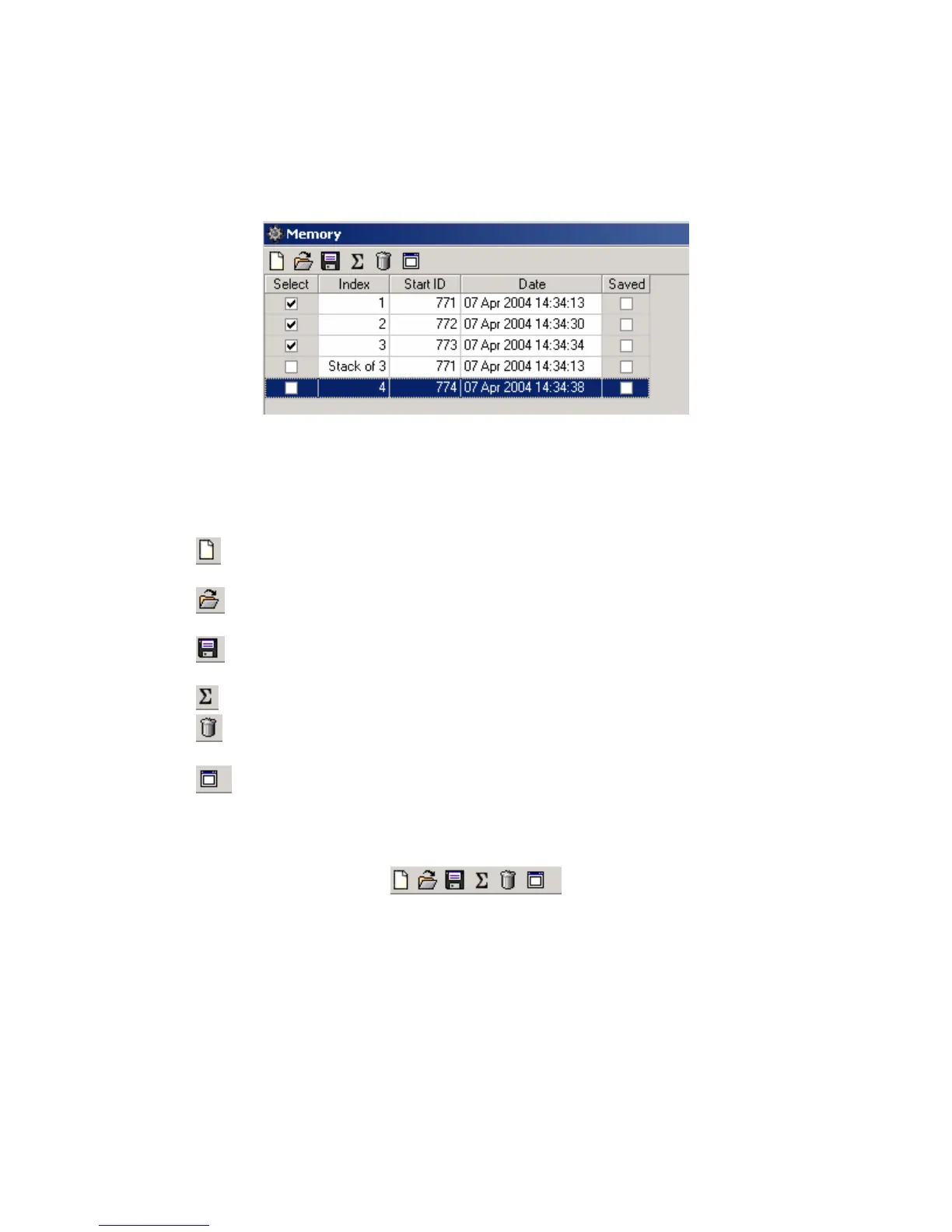
Opening the Memory Window shows details of the stacking process.
Figure 5.6.1 Memory Window
The memory window tool bar is used to control the operations of the memory window.
The memory clear button is used to clear all records from memory. Press this button
before starting a new stack.
The load from database button allows a record from memory to be loaded into the
memory buffer.
The save to database button saves all of the selected records in the memory buffer to
the database.
The stack button allows the selected records in memory to be stacked.
The memory delete button allows the selected record in the memory buffer to be
deleted.
The show record button allows the selected record in the memory buffer to be
viewed.
Figure 5.6.2 Memory Window Tool Bar



 To Next Page