83
5.8 Refraction Example Setup
The Vscope software with the DAQlink III unit has been designed to be a very flexible
system which has many options for setup.
Once System is setup, all settings are stored in the “Project Settings”. When a new
project is created, the current project settings can be copied to the new project. All settings are
copied, so the setup of all of the options and displays is only required once.
Typically system setups should be saved to “standard projects” which can be reloaded
into Vscope program. This allows different setups to be saved to the computer for different
applications. Then when in the field, the standard setup can be loaded into the computer and
everything is ready to go.
The following example shows a typical setup for a refraction survey using a Sledge
Hammer as a source.
Setup for Automatic Features
Devices Settings
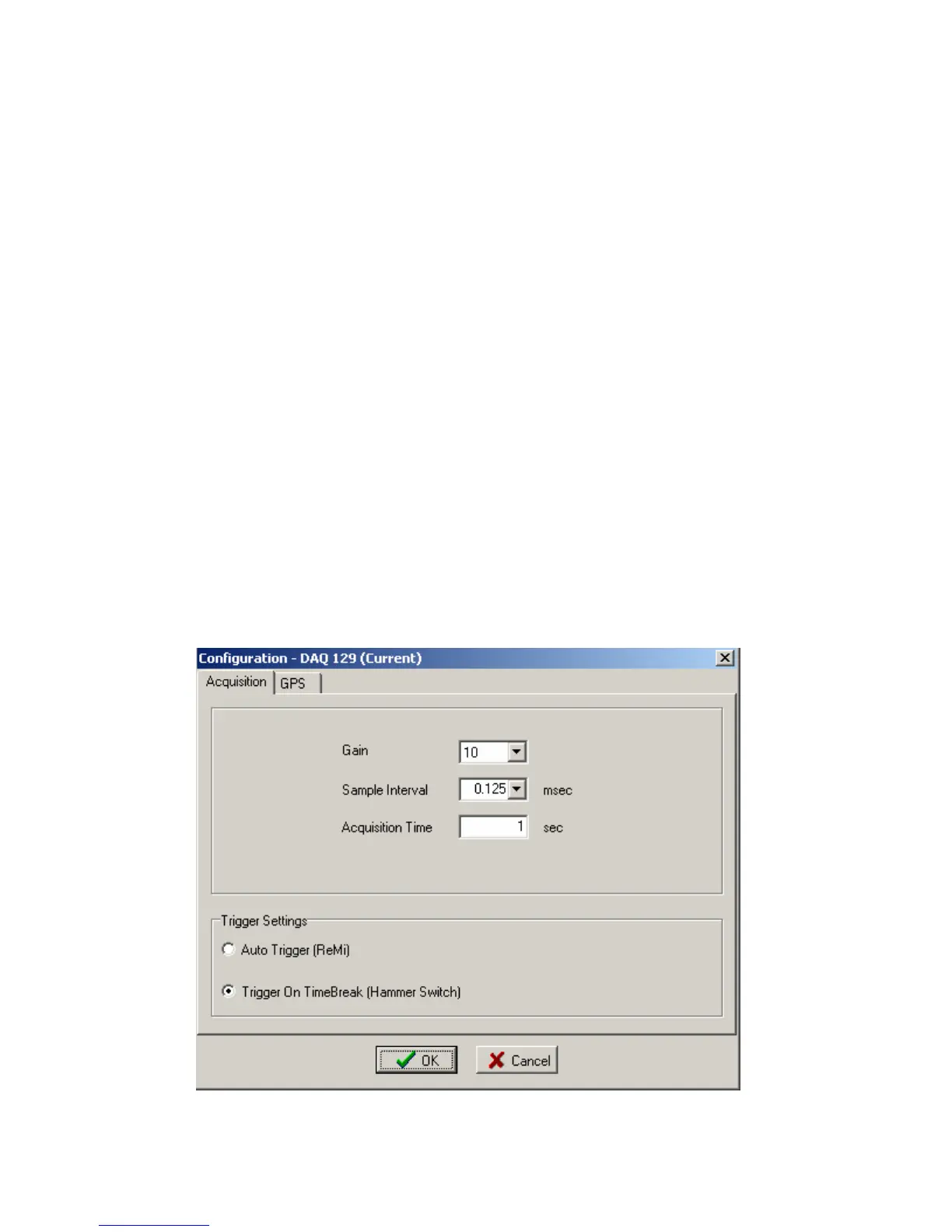
Go to Device settings and setup for Refraction Shot, typically setup is 0.125 sample
interval with short acquisition time. Example shows 1 second record.



 To Next Page