108 User’s Manual
6.4 Changing data in Database – Trace order - Polarity
The data in the database can be change by editing the values in the DAQlink III settings.
6.4.1 Changing Trace Order
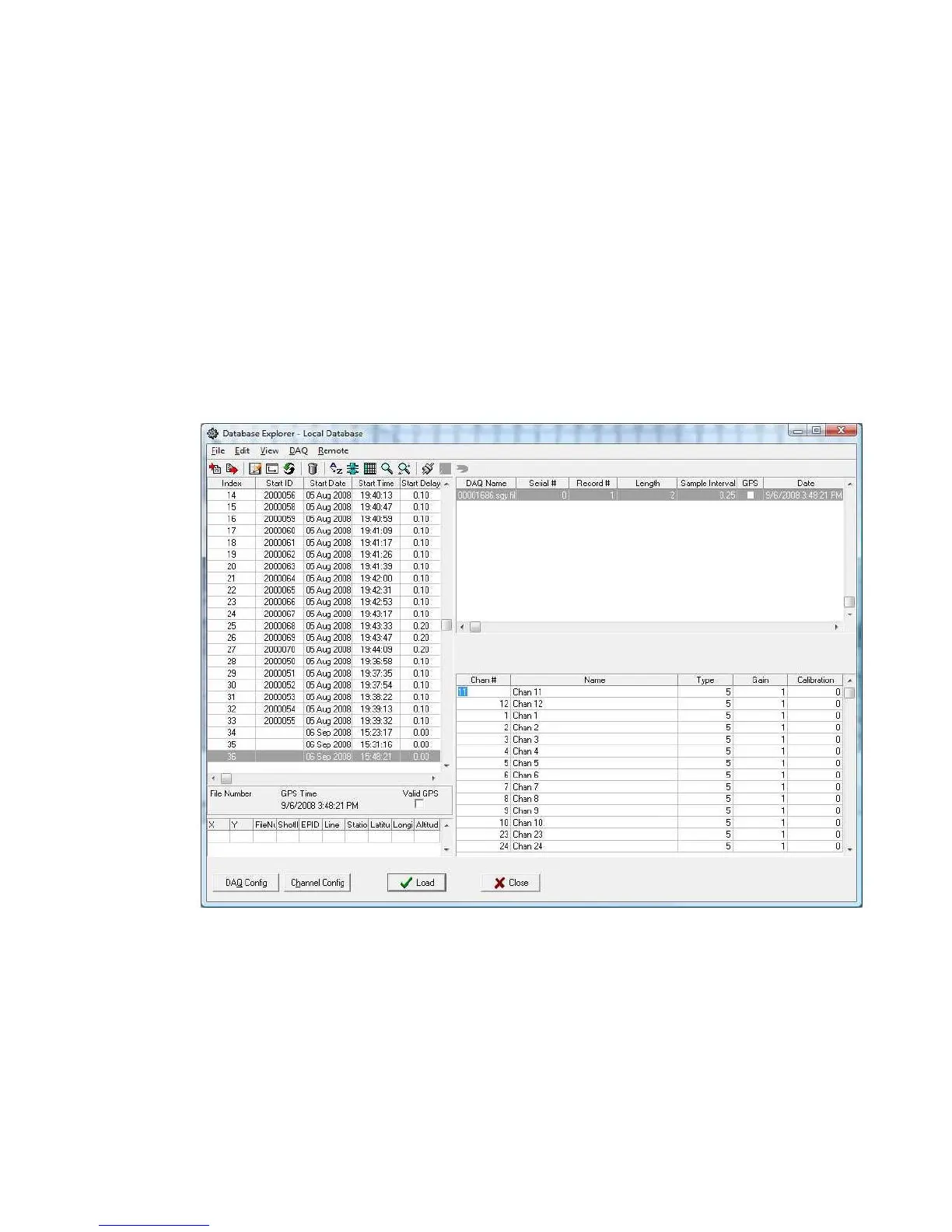
First open the file with the database explorer.
Click on DAQ Config and Channel Config buttons to make the list of channels visible.
Click on the channel to be shifted and press F7 or F8 to move it up or down the list.



 To Next Page