92 User’s Manual
5.10 Geophone and Line Test
The DAQlink III has a built in Geophone Test and Line test feature. This test performs a
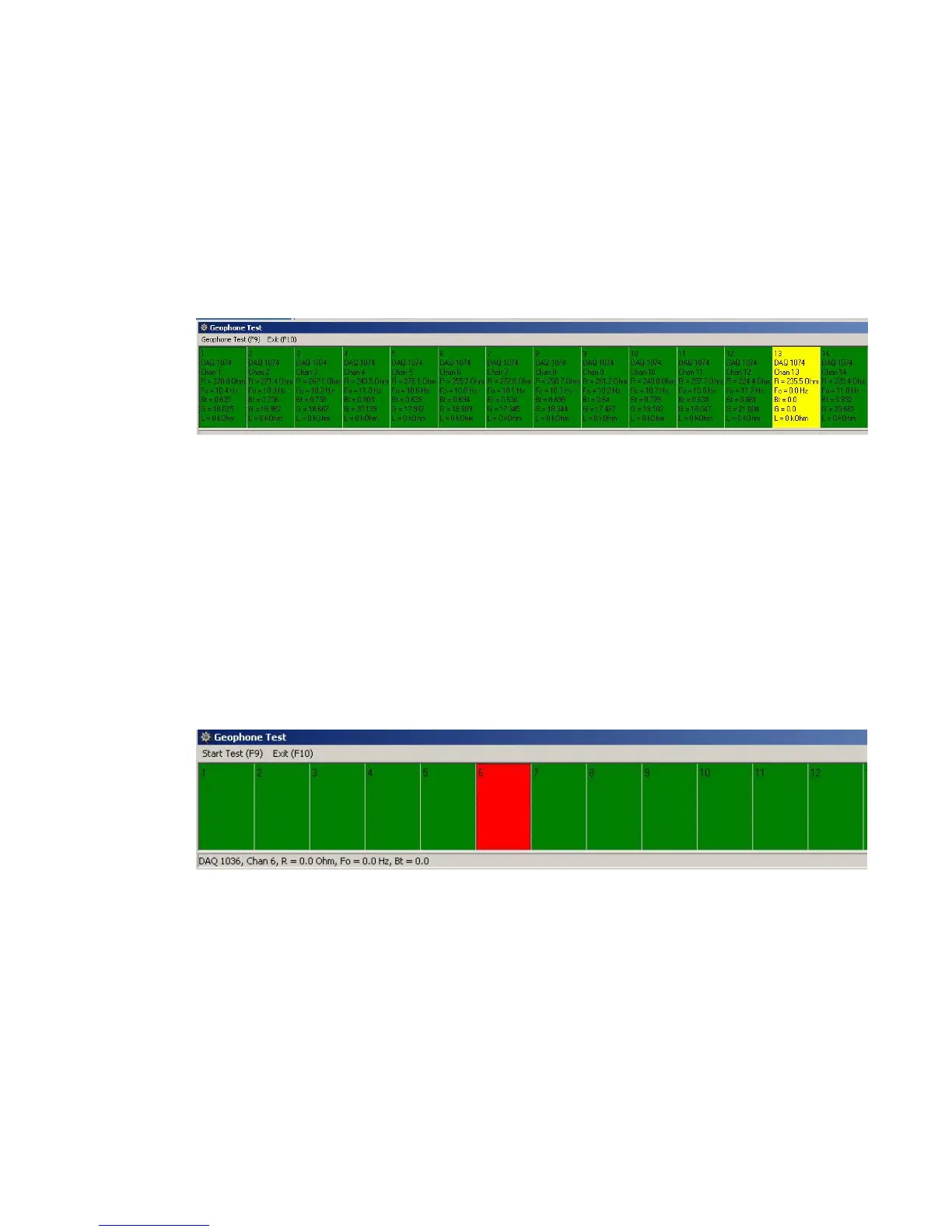
“Pulse Test” on all of the geophones. The results of the test are shown on a bar graph at the
bottom of the Screen.
Press F10 to open the Geophone Test bar graphs.
Press F9 to start a new Geophone/Line Test.
The Bar Graph shows “Green” if all geophones are connected and are planted correctly.
Move your mouse to any box on the “Bar Graph” and click it with the mouse and the Resistance,
Frequency and Damping of the station will be shown.
If the Geophone is on its side the Bar Graph will display “Yellow”. Note: Higher
Frequency Geophones (30Hz +) will show green when on their side.
If the Geophone is not connected or the cable is “open circuit”, then the bar graph shows
RED. The Resistance is measured greater than 4000 ohms then the Graph shows RED.



 To Next Page