73
5.4.13 Noise Statistic Window
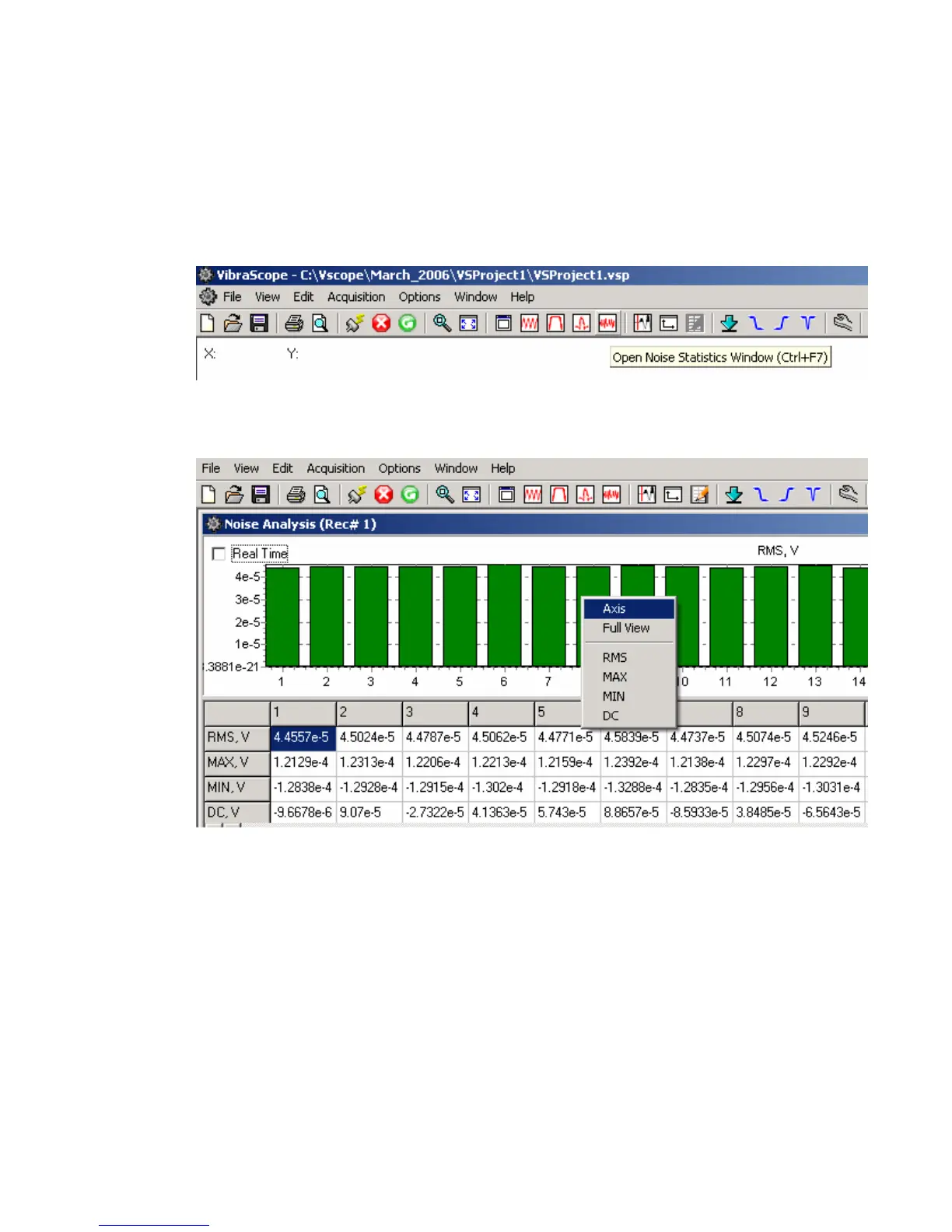
The real time Noise Monitor Window can be selected by the “Open Noise Statistic”
button on the tool bar, or by pressing ctrl F7.
The Noise Statistic Window shows analysis of the current acquired data.
The RMS, maximum, minimum, and DC levels of each trace are shown for the current
record.



 To Next Page