61
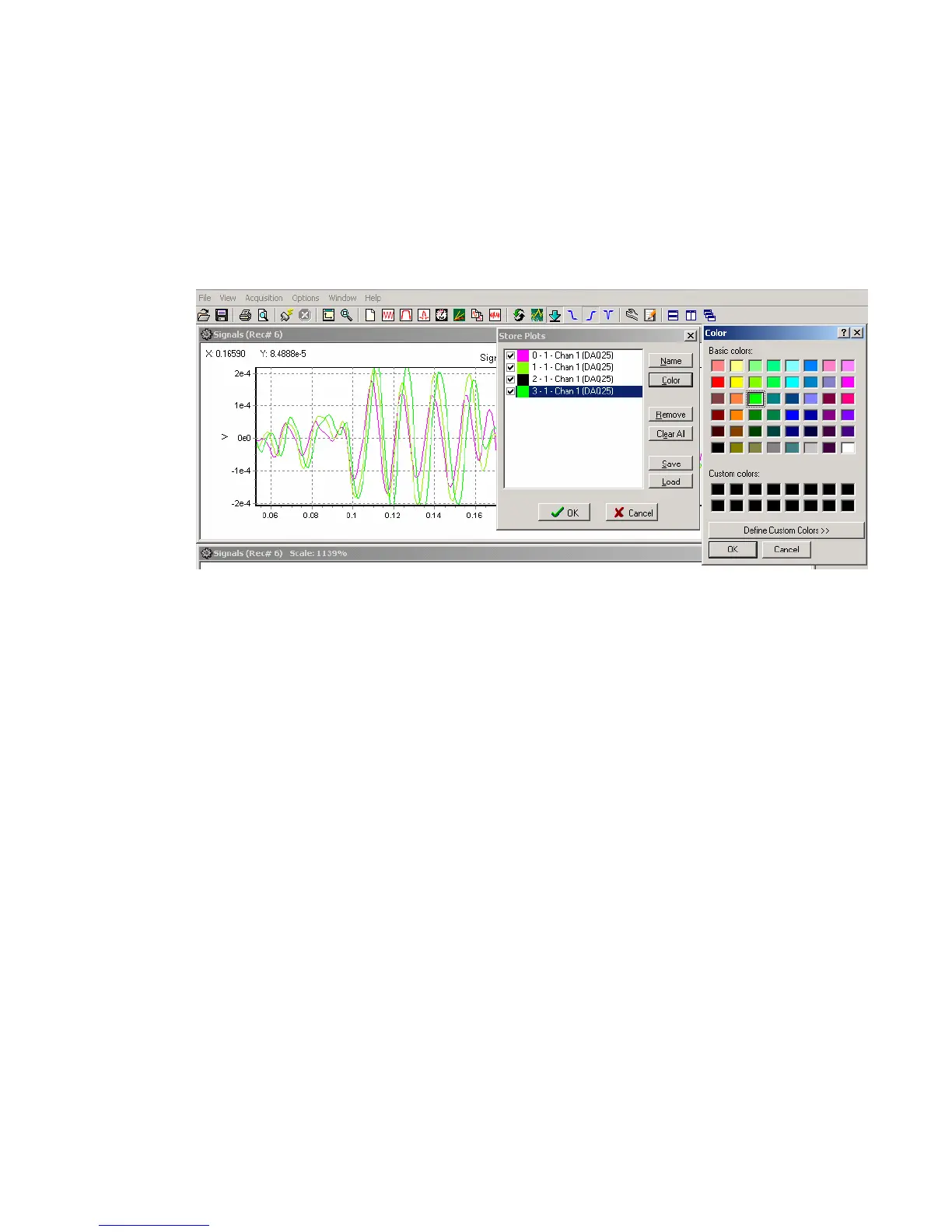
5.4.3 Store Plot Menu
Store Plot – allows the current plot to be saved to memory and viewed later as an overlay
to another signal. The first trace in a plot will be stored. The color and name of each stored plot
can be changed in the Store Plot Menu. The stored plot data can be saved and later loaded from
disk with the Save and Load buttons in the Save Plot menu. The store plot menu is used to
compare data using the same sample rate. Data acquired using different sample rates will not be
displayed correctly.
Figure 5.4.3 Store Plot Menu
View Stored – used to retrieve the saved plots in memory.



 To Next Page