60 User’s Manual
5.4.2 Plot Popup Menu
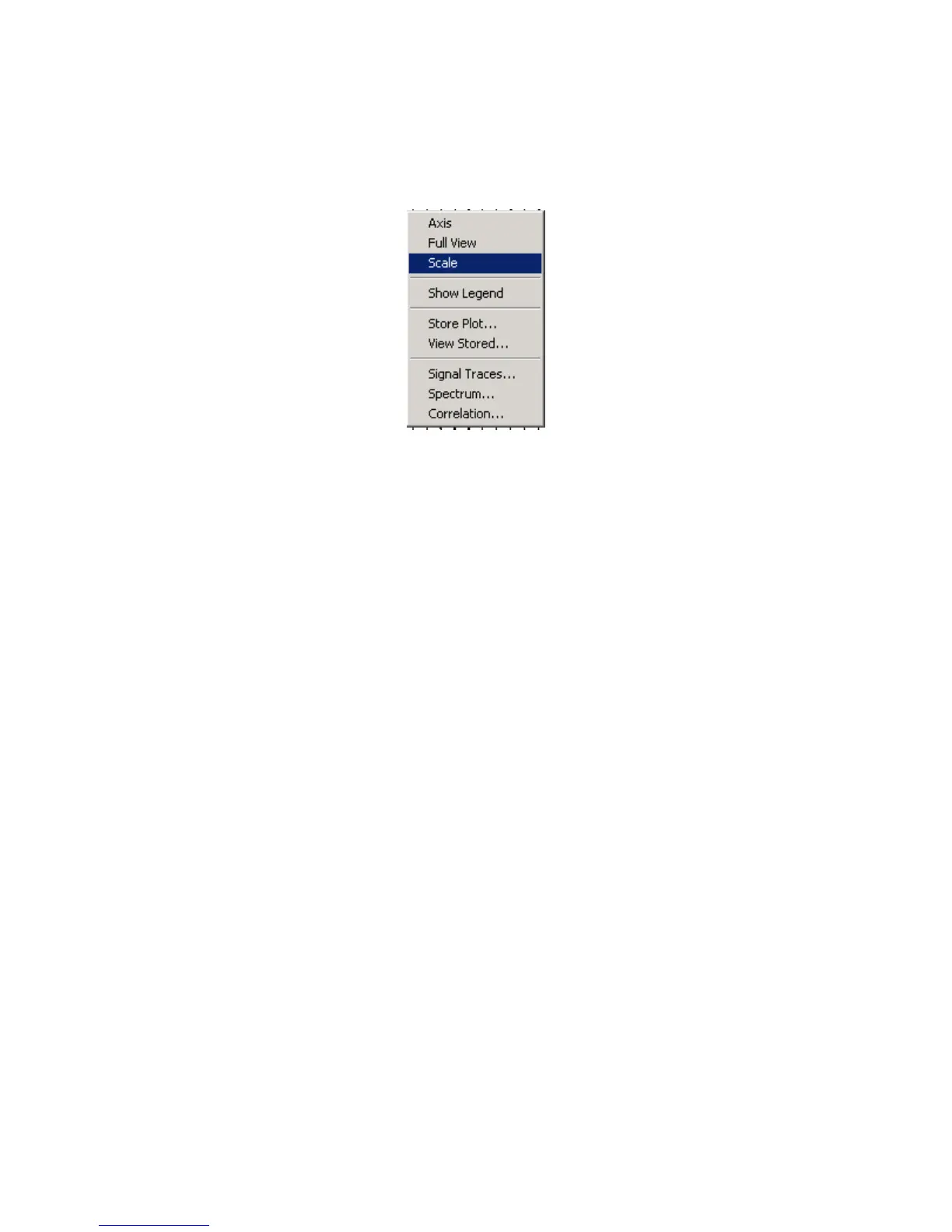
The same selections are available in the plot popup menu. On any plot press the right
mouse button to bring up the plot menu.
Figure 5.4.2 Plot Popup Menu
Axis allows changing of the x and y axis of the plot.
Full view or ctrl +F zoom out completely to show all of plot.
Show Legend –enables and disables the text legend at the bottom of the plot.



 To Next Page