59
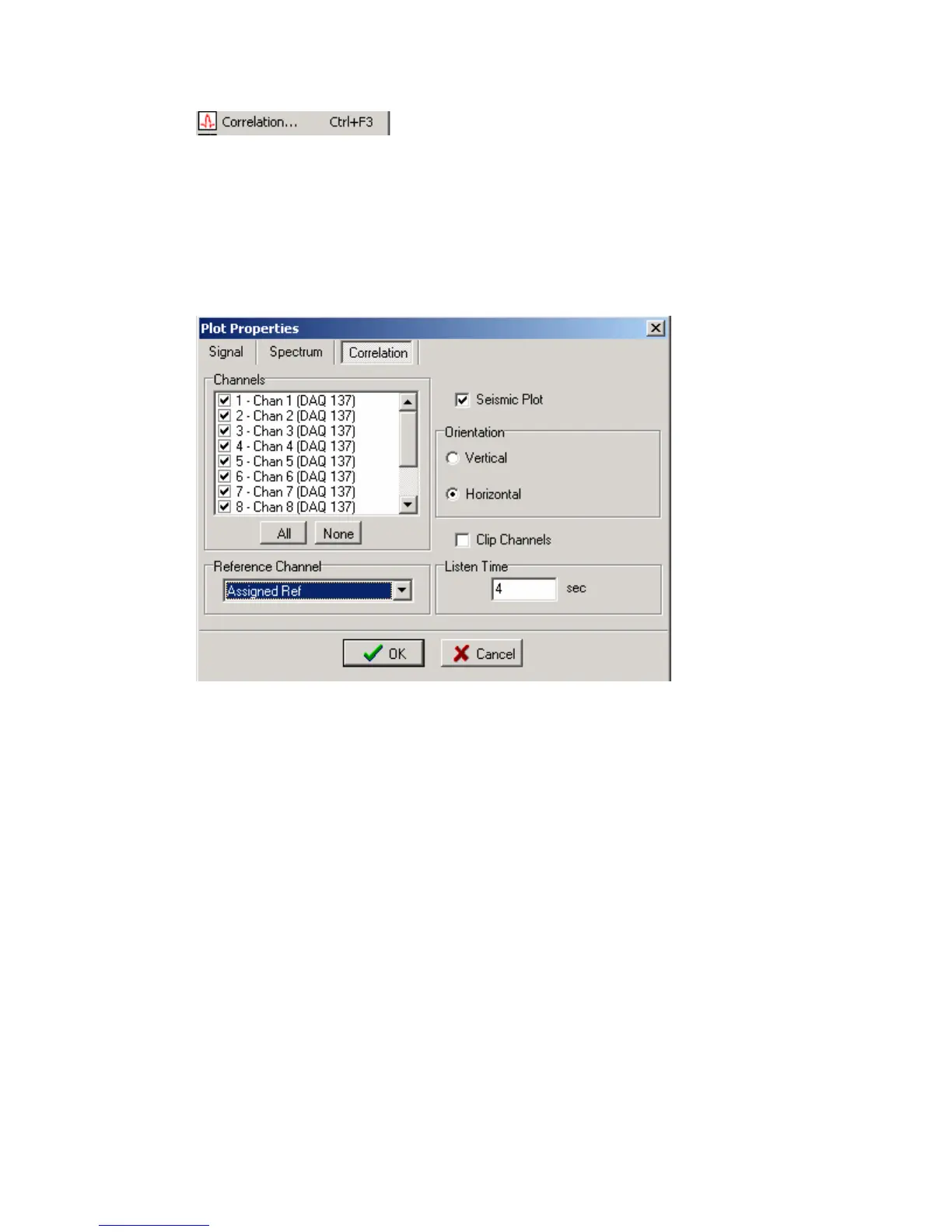
Select correlation to display correlation, phase of
correlation, envelope of correlation, or spectrum of
correlation. Also, correlated Seismic Plots can be displayed.
The correlation will be performed using the channel defined in the DAQ units type field
= Reference. Other channels can be selected with the assigned reference pull down menu.
Seismic Plot can be shown in Vertical or Horizontal display. Also peaks of signals can
be clipped.



 To Next Page