71
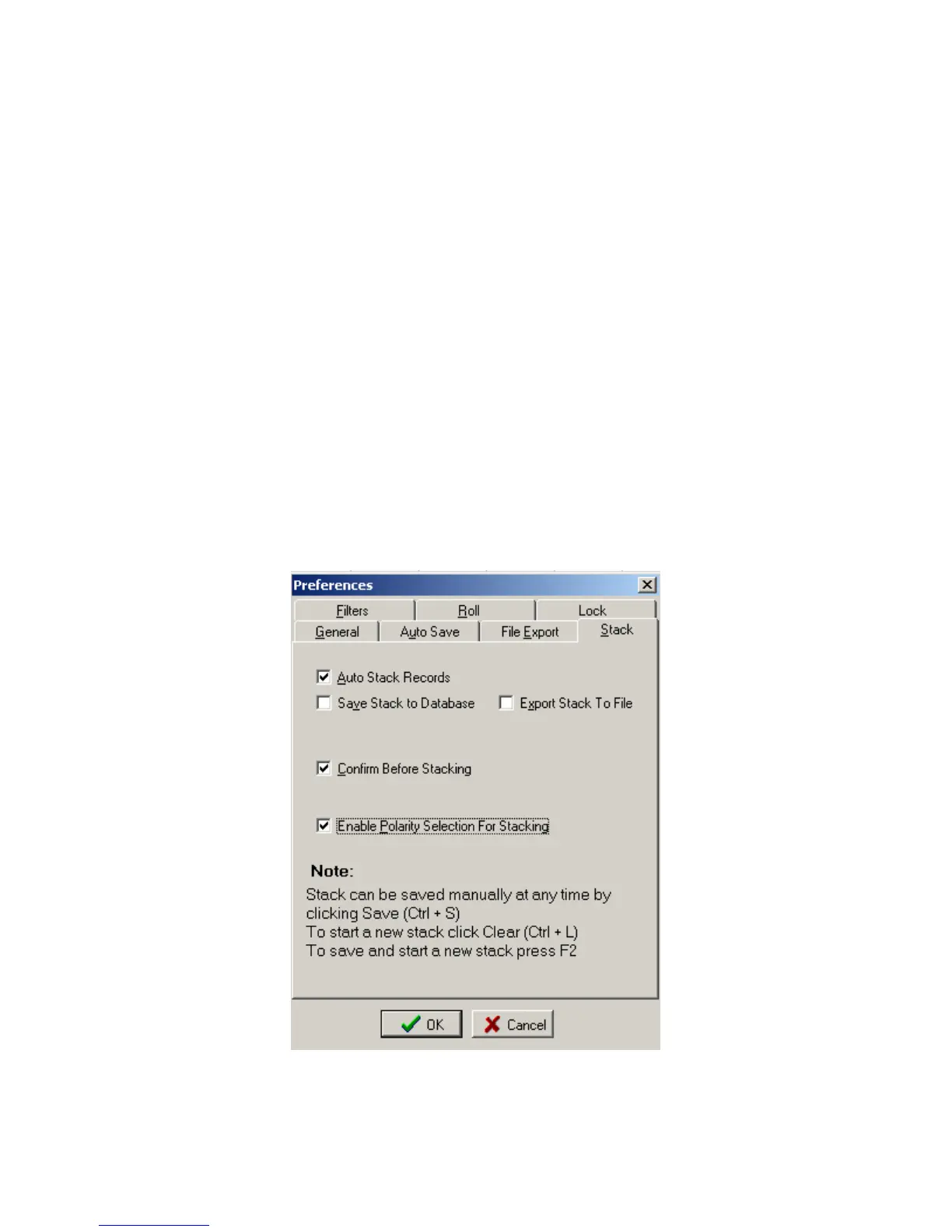
5.4.11 Stack Menu
Stack menu allows the user to setup the following automatic save operations.
• Auto Stack Records- When selected the program will automatically stack the
records. See Memory Function.
• Save Stack to Database – When selected the stacked data will be saved to
database.
• Export Stack to File – When Selected the stacked data will be exported to a file.
• Confirm before stacking – When selected the operator must select to add record
to stack.
• Confirm before saving stack – When selected the operator must confirm before
the stack is saved to the record.
• Enable Polarity Selection for Stacking will enable and extra button in the Vscope
Toolbar which will invert all of the data. Ctrl +P will toggle from Positive to
Negative.
Use Save (Ctrl +S) to save stack at anytime.
Use Clear (Ctrl +L) to clear stack.
Press F2 to save and start new stack at anytime.
.
Figure 5.4.11 Stack Menu



 To Next Page