121
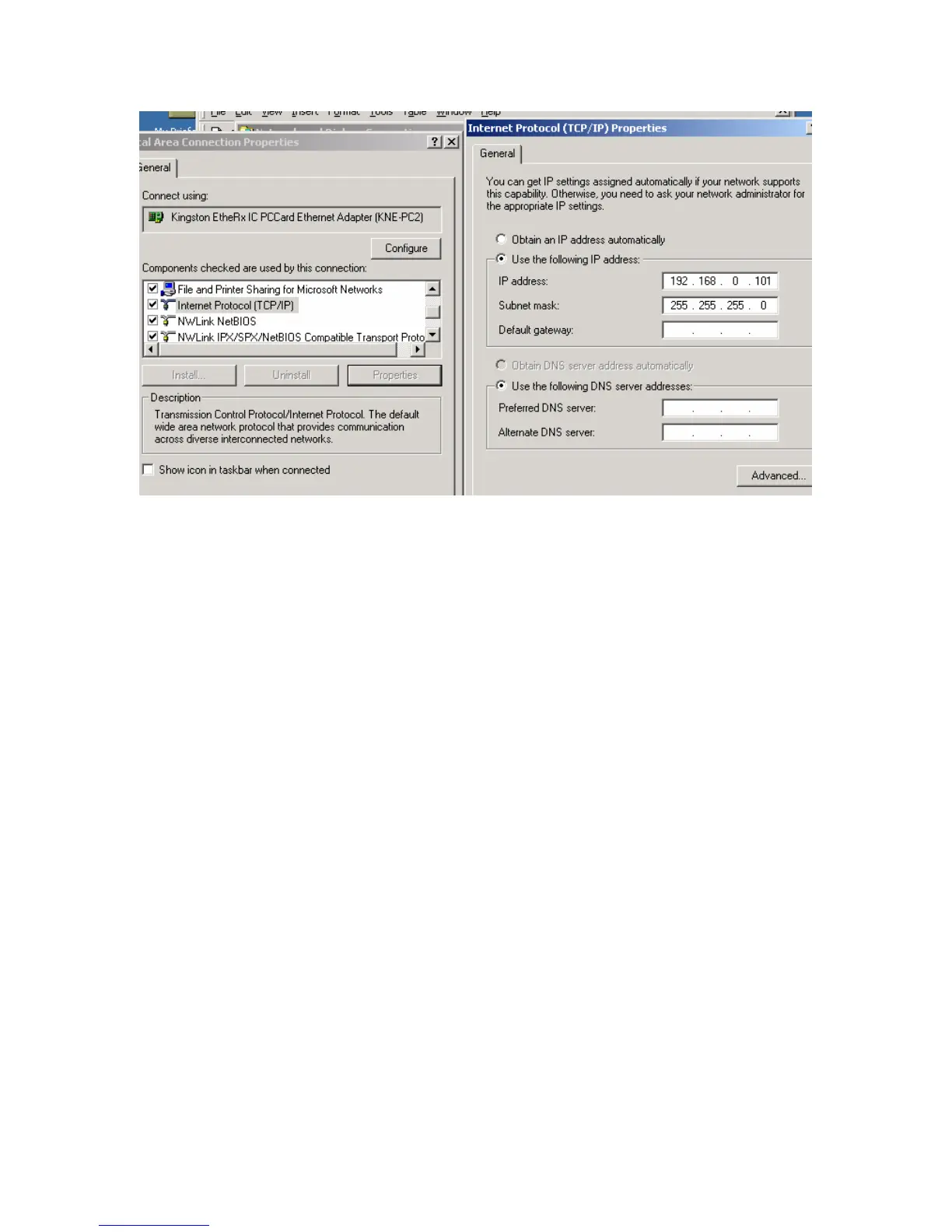
Figure 2.2 IP configuration
Select Internet Protocol (TCP/IP) and click on Properties button.
Use following IP address:
IP address 192.168.0.101
Subnet Mask 255.255.255.0
Press OK to accept entries.
It is sometimes necessary to reboot the computer to have the new address take effect.
If the DAQlink III unit was previously communicating with a computer with a different
address, then the DAQlink III unit must be reset (power off then on) for the unit to communicate
to the new address.



 To Next Page