47
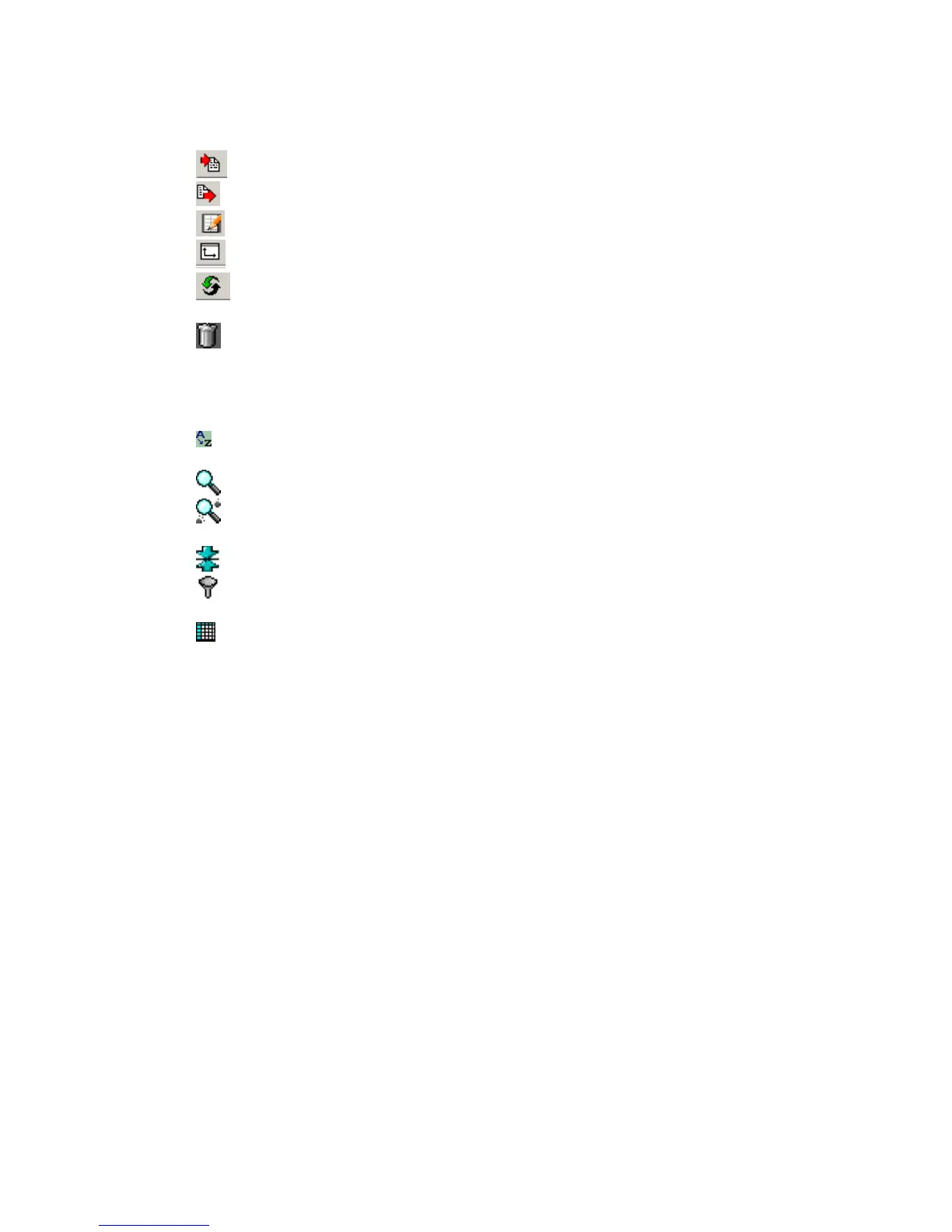
Toolbar buttons at the top of Database window help to find particular record.
Import Records allows data to be imported into Database.
Export Records allows selected records to Exported from the Database.
Edit Comment (Ctrl E) – Use this button to view or edit the comment.
Assign Source and Receiver Coordinates.
Invert Selected Record – this will invert the data for the selected record. Very
useful for Shear Wave stacking.
Delete (Del) – Use this button to delete data record from database.
Additional buttons
Sort Records– Allows to select a column in the table, which will be used to sort
records.
Search – Allows to search a record using Index, Date, Device or Record #.
Search in Comment – Helps the user to find a record, which has some word
combination in the Comment column.
Range – Shows only records that lie withing some range (eg. betweet two dates).
Filter – Allows to set complex criteria for records to be shown in the table (Not
implemented yet).
Show All Records – Cancels all ranges and filters and allows the user to see all
records in the database.



 To Next Page