40 User’s Manual
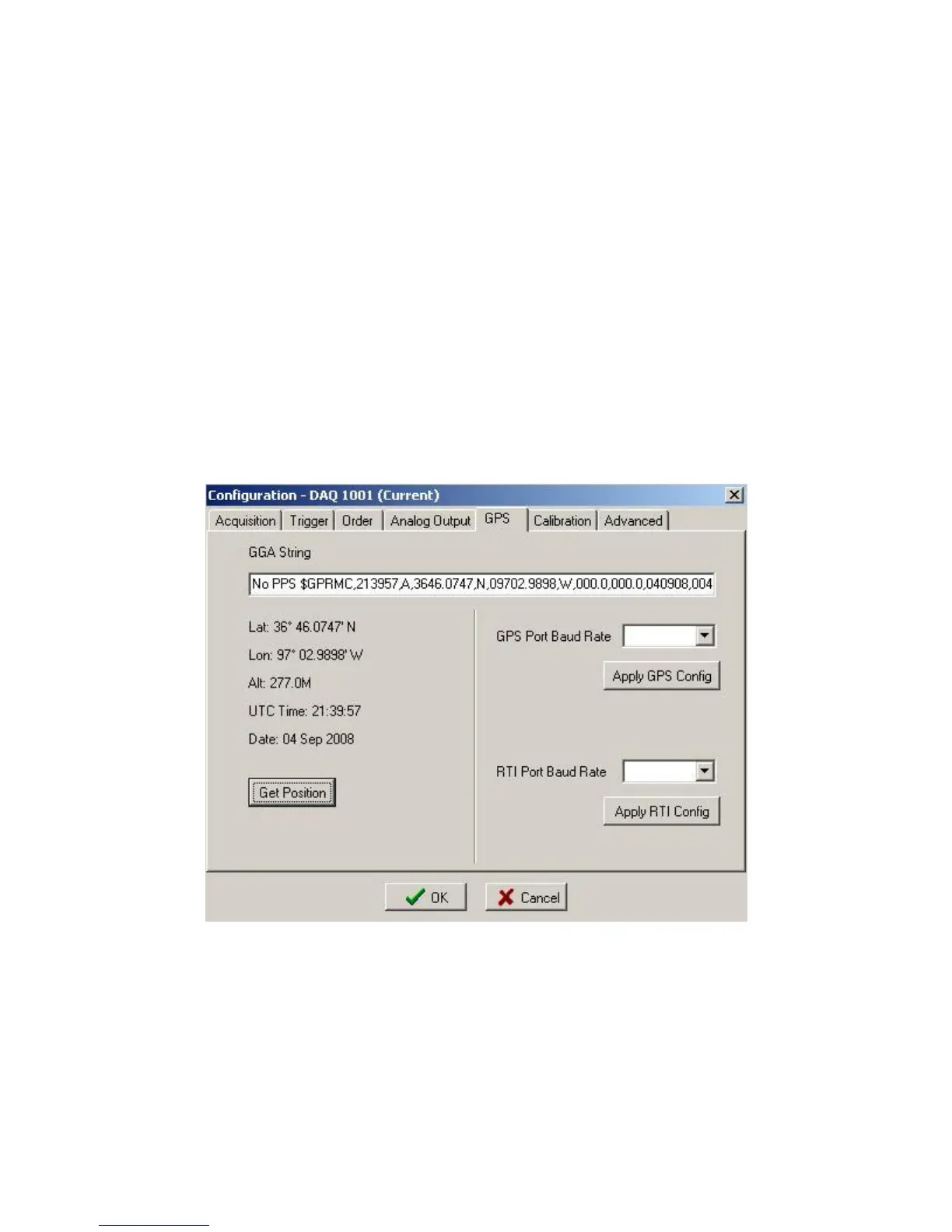
On the Vscope software, go to options-Device -DAQ settings-GPS menu.
Press "Get Position" will update serial string.
The data in the top window will show the serial data from the GPS receiver. Select the correct
baud rate to view the serial data from the receiver.
When a valid GPGGA message is received (Must have valid position), then the data will update
when the “Get Position Button” is pressed.
A valid PPS pulse is required for the DAQlink III to trigger on “PPS” or “Trigger on GPS time”
to operate.
If a valid PPS does not occur a “No PPS” message will appear in the GGA string window.
Figure 4.3.5 Device GPS



 To Next Page