© 2019 Safe Fleet | All rights reserved | Part #: 700-1123 R4
p. 23
TH8 Installation and Conguration Guide
Status Details ()
Light Status
Off Powered down
Red On (not recording)
Solid green On (recording)
Yellow On (recording, but there
is video loss from one or
more cameras)
Potential Causes
(DVR not recording) Status light
HDD unlocked Blinking
HDD fault (missing, bad drive) Blinking
DVR overheated (stopped
recording)
Blinking
DVR overheated (shutdown) OFF
DVR warming up (low ambient
temperature)
OFF
DVR booting up Blinking, then ON
DVR in local Playback menu, TEMP
power mode, or Power Off Delay
ON
DVR in rmware upgrade ON
RGY Indicator
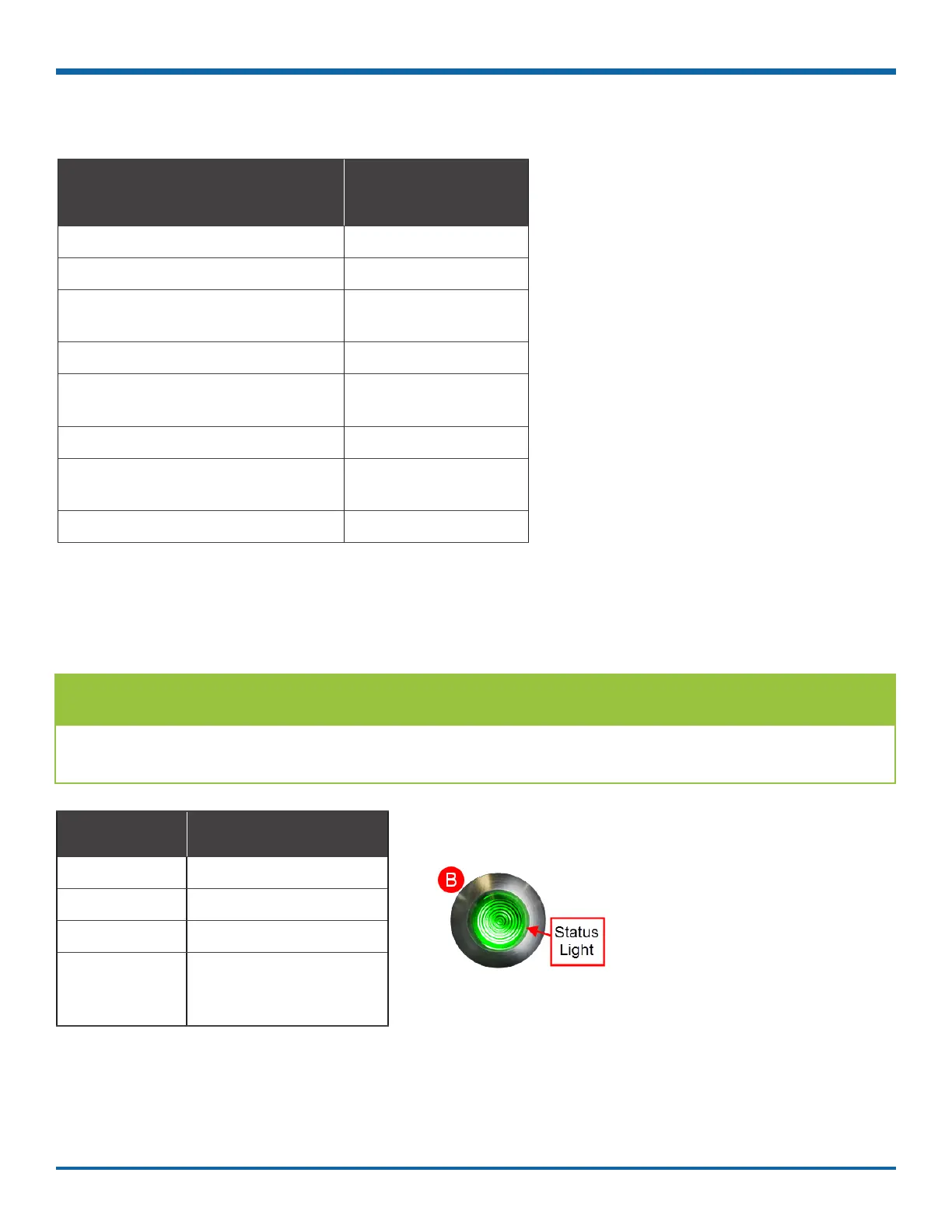
On vehicles equipped with an RGY Indicator (B), colored lights provide status details:
TIP: Report a ashing green, yellow, or red RGY status light to a supervisor
The RGY status light should turn solid green approximately two minutes after the vehicle ignition is on.



 To Next Page