© 2019 Safe Fleet | All rights reserved | Part #: 700-1123 R4
p. 71
TH8 Installation and Conguration Guide
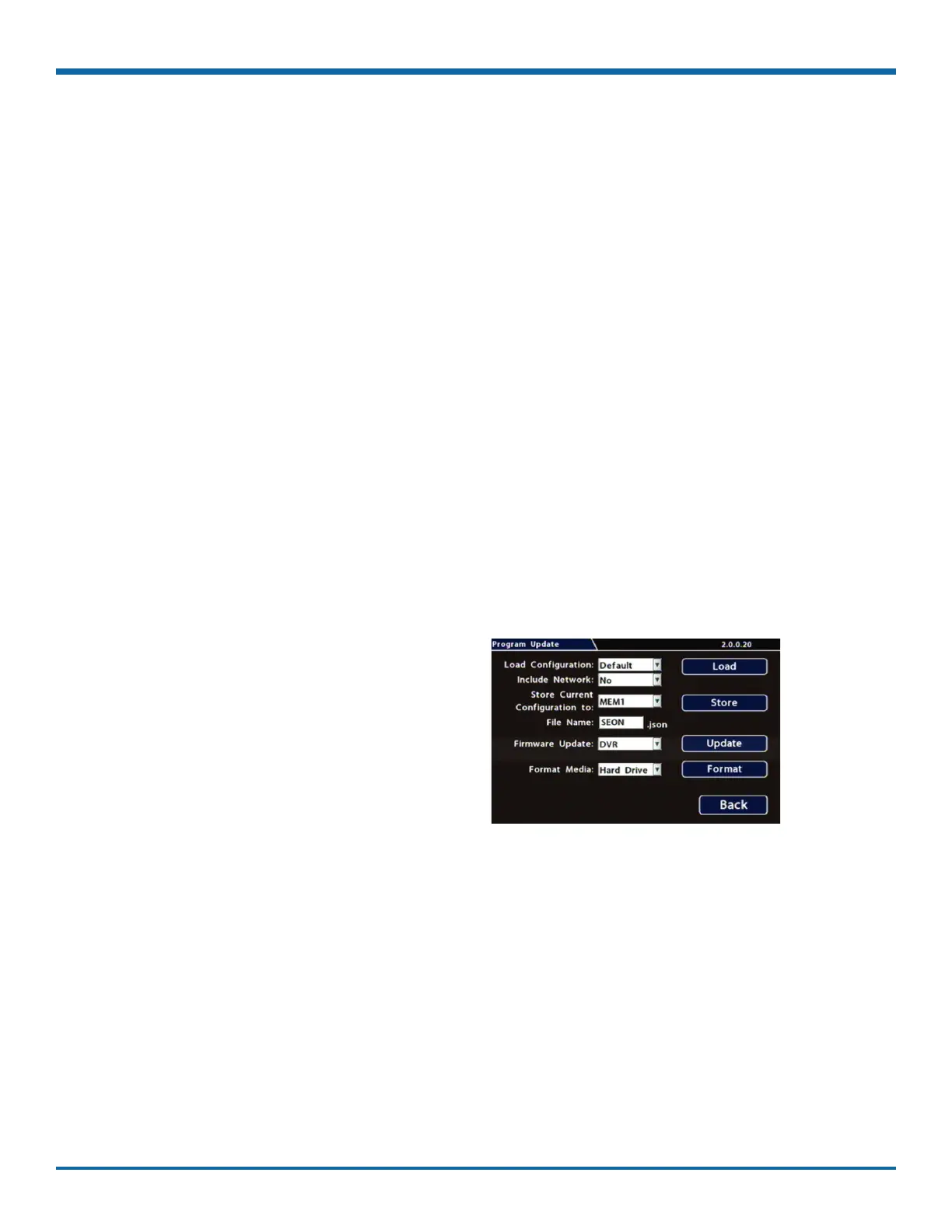
Program Update
About
This topic describes options on the System Settings Program Update tab, which are used to:
• Install DVR rmware updates
• Copy DVR setup details to a conguration le
• Apply settings from a conguration le to the DVR
• Format DVR storage media (hard drive or SD card)
For rmware installation procedures: see "About" on page 13.
For full instructions on copying settings and applying them to other DVRs: see "Copying DVR Conguration"
on page 15.
Before you begin...
Power up the DVR with a monitor and USB mouse connected, then right-click in Live view and select
Conguration.
For more information, see "Accessing the On-screen Display" on page 25.
Program Update Tab
To perform program updates:
1. Select System Program Update to open the
tab.
2. Choose options as required.
For details, see , below.
3. Click Back to save changes.



 To Next Page