© 2019 Safe Fleet | All rights reserved | Part #: 700-1123 R4
p. 22
TH8 Installation and Conguration Guide
Video System Status
About
This topic describes optional system status indicators, which tell you if the system is recording, and whether
an Alarm is triggered. Colored lights provide status details.
Before you begin...
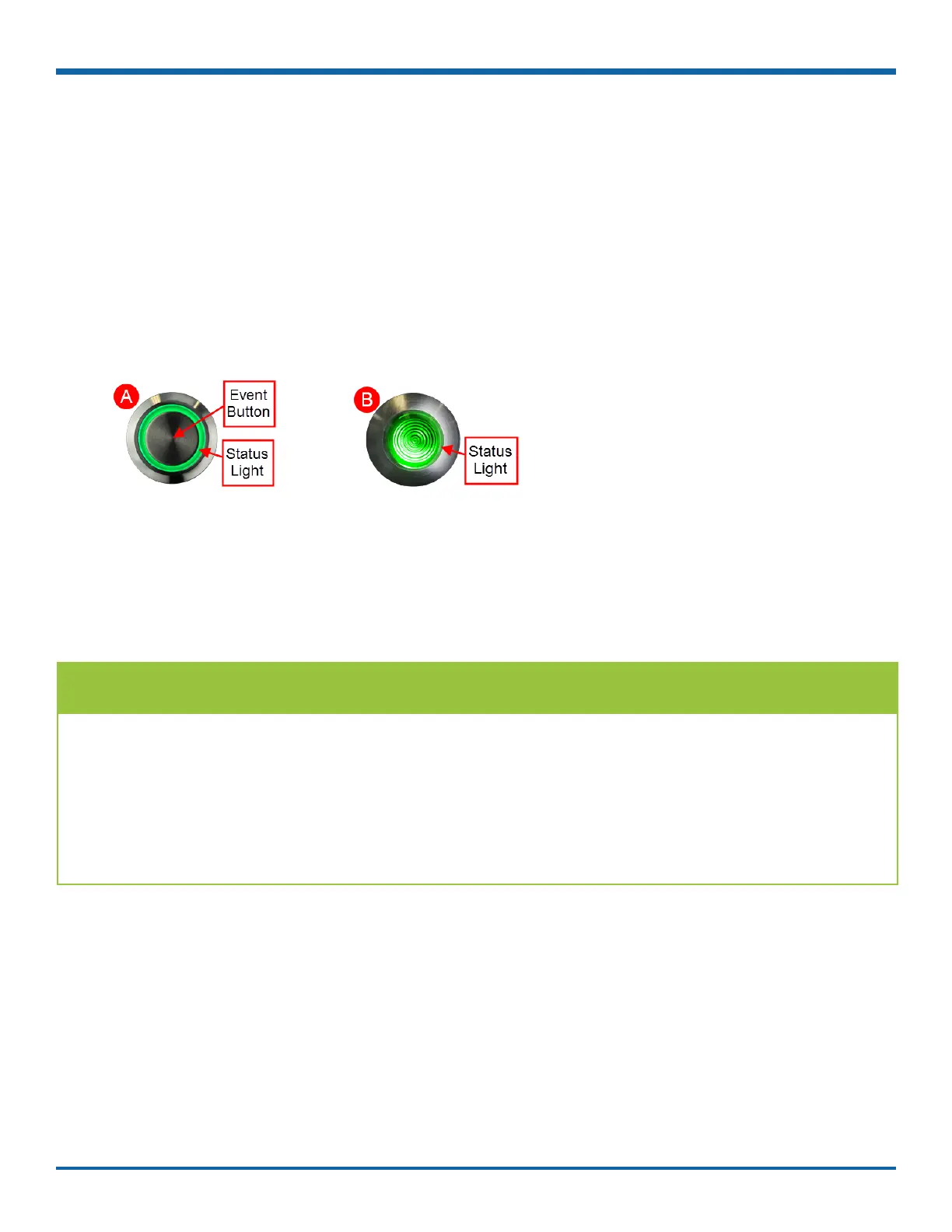
In order for the operator to easily check video system status, an Event/Diagnostic button (A) or an RGY
Indicator (B) must be installed in the vehicle. For more information, contact Technical Support.
For information about using the Event Button, see "Tagging Video for Review" on page 24.
Event/Diagnostic Button
Basic System Status ()
TIP: Report a continually ashing green status light to a supervisor
• When the vehicle ignition is turned on, the status light ashes green for a short period, then turns solid
green.
• A solid green status light indicates the video system is operating normally.
• Flashing green for more than a couple of minutes indicates the system requires attention (see the
next section for details).



 To Next Page