© 2019 Safe Fleet | All rights reserved | Part #: 700-1123 R4
p. 65
TH8 Installation and Conguration Guide
GPS Fencing
About
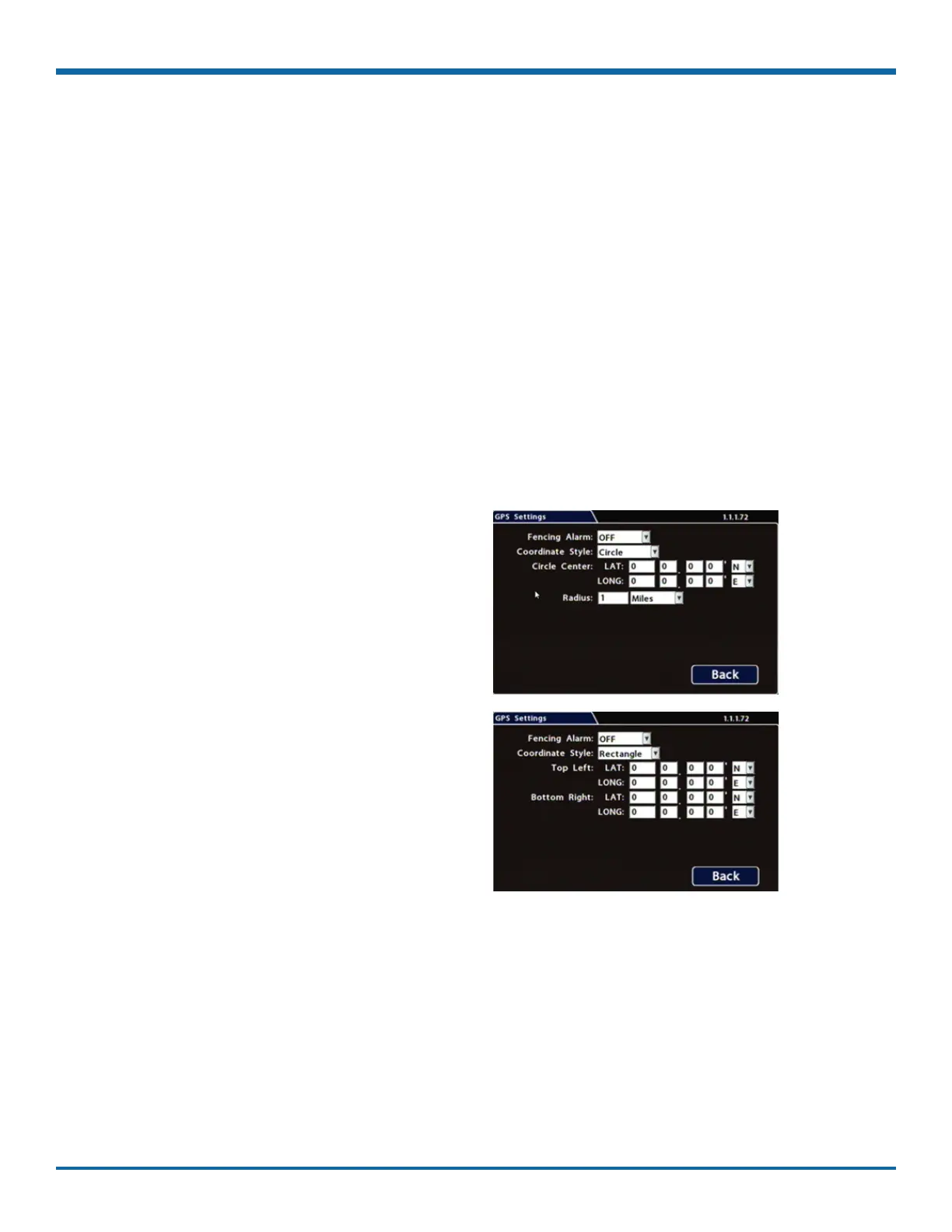
This topic describes how to set GPS fencing (geofence) options. A geofence denes a designated circular
or rectangular geographic area, based on GPS coordinates (latitude/longitude). If the vehicle leaves the
geofenced area, the DVR can trigger an Alarm.
Before you begin...
Power up the DVR with a monitor and USB mouse connected, then right-click in Live view and select
Conguration.
For more information, see "Accessing the On-screen Display" on page 25.
GPS Tab
1. Select Alarm/Signal GPS to open the tab
2. Congure Fencing Alarm settings as required.
For details, see , below.
3. Click Back to save settings, then click Back
again to return to the Conguration menu.



 To Next Page