© 2019 Safe Fleet | All rights reserved | Part #: 700-1123 R4
p. 30
TH8 Installation and Conguration Guide
Searching Video
The DVR includes a simple, powerful search feature
that quickly nds recorded information by Date and
Time, Alarm, Signals, or System Events.
To view the Search menu:
1. From the Playback Toolbar, click the Search
icon:
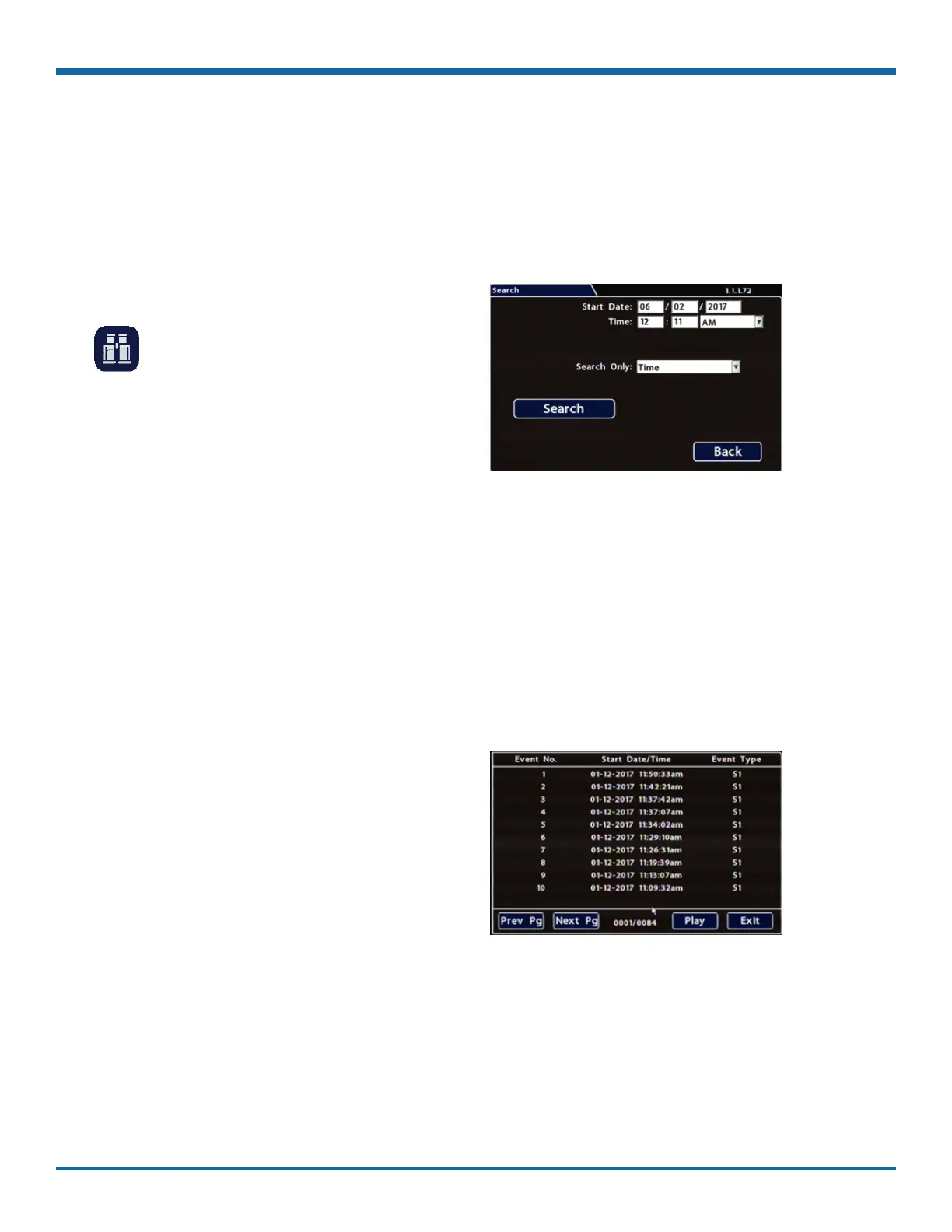
The Search tab appears (options displayed
depend on the Search Only pull-down menu
selection).
2. Use the Start/End Date and Time elds to set the
desired period to search.
For instructions on how to enter numbers into
the Date and Time elds, see "About" on page
27.
3. If desired, use the Search Only pull-down and
sub-menus to specify Alarms, Signals, or System
Events to search.
4. Click Search.
• If Search Only is set to Time: Playback starts
from the specied time and date (if the video
exists on the hard drive).
• If you selected Alarms, Signals, or System
Events:
The DVR retrieves a list of recorded video
segments containing the specied event
type. Select an item from the list, then click
Play to view the video captured when the
event occurred.



 To Next Page