© 2019 Safe Fleet | All rights reserved | Part #: 700-1123 R4
p. 26
TH8 Installation and Conguration Guide
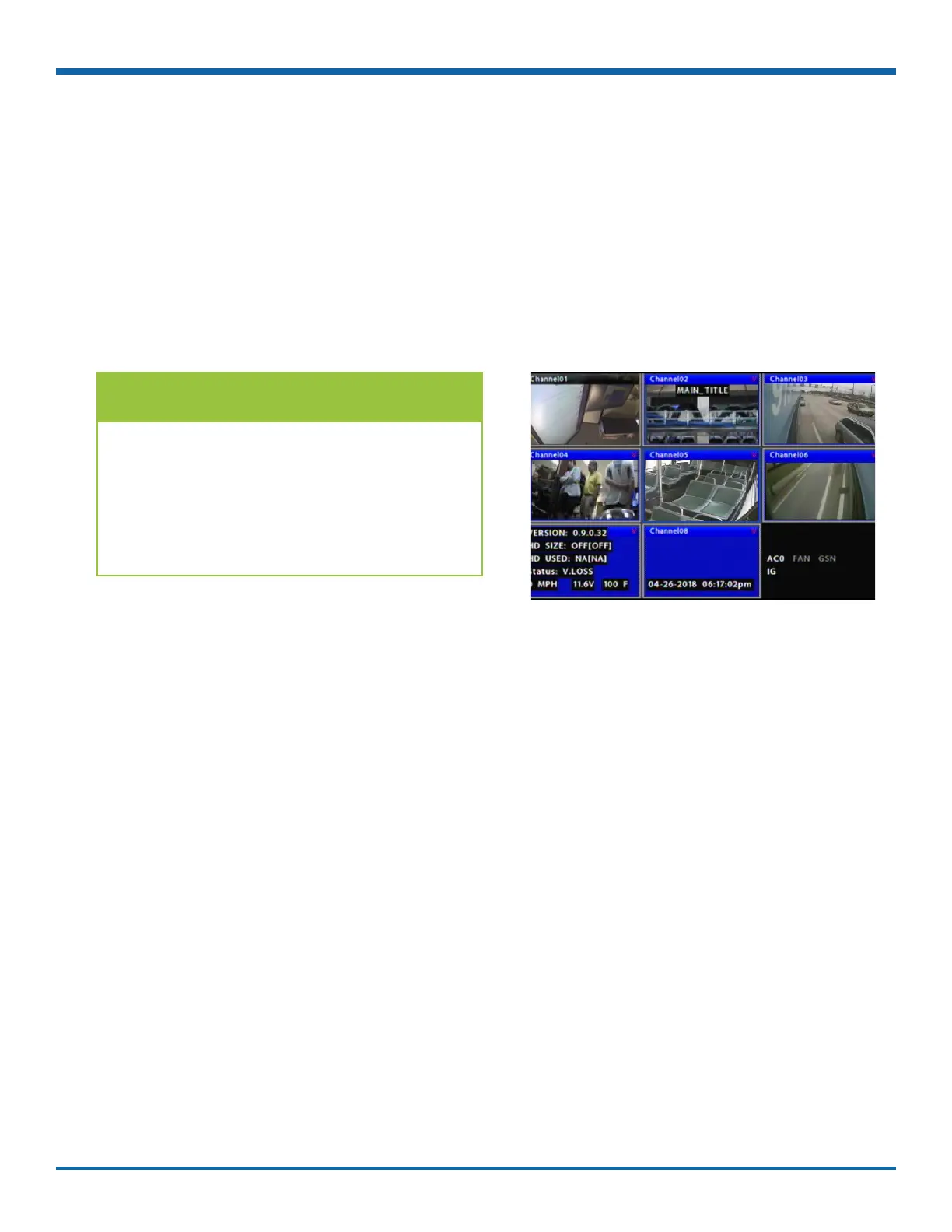
TIP: Camera Feeds
Live camera feeds appear in a 9-up (3x3) grid.
Tiles display according to assigned logical
channel number (sequentially, from top-left
to bottom-right). If more than 9 channels are
enabled on the DVR, the live display switches
to a 16-up (4x4) grid.
Live View
Live view uses a grid format, with each camera feed displayed in its own tile. When live viewing and recording,
you can control:
• Camera feeds - including the sequence of tiles: see "Ch (logical channel)" in "Camera Settings - Menu
Options" on page 46.
• Camera titles (see "Camera Settings" on page 42).
• Text overlays and item descriptions - including DVR status and various system detail (see "Title/
Display Menu" on page 39).



 To Next Page