MX-2300/2700 N/G SIMULATION 7 – 70
46-24
Purpose : Adjustment
Function (Purpose) : Used to the copy color balance auto adjust-
ment.
Section : Engine
Item : Adjustment
Operation/Procedure
1) When the machine enters Simulation 46-24, the initial screen
is displayed.
When [EXECUTE] button is pressed, the high density process
control is executed and self print of 48 patches is started.
Check to confirm that there is A3 paper on the paper feed tray.
If there is no A3 paper, supply it.
2) While the high density process control is executed, [EXE-
CUTE] button is highlighted.
3) During the self print of 48 patches, [EXECUTE] button is high-
lighted.
4) After completion of the self print, the display is shifted to the
output patch read standby screen.
Place the printed 48 patches on the glass table, and press
[FACTORY] or [SERVICE] button to select the process mode.
5) When [EXECUTE] button is pressed, it is highlighted and the
48 patches set on the table glass are scanned.
Check to confirm that there is A3 paper on the paper feed tray.
If there is no A3 paper, supply it.
6) After reading the patches, self print of 16patches is automati-
cally started.
7) After completion of the self print, the display is shifted to the
registration standby screen. When [REPEAT] button is
pressed, the display returns to the initial screen without exe-
cuting registration.
[When [OK] button is pressed, the correction value is saved to
EEPROM and RAM, and the half tone process control refer-
ence value correction is started.
8) The display is shifted to the reference value registration pro-
cess 1 end screen automatically, and the reference value reg-
istration process 2 (BLACK) is executed automatically.
9) After completion of the reference value registration process 2,
the following message is displayed. (Each message is auto-
matically shifted.)
BLACK: 2ND STEP BLACK END
CYAN: 2ND STEP CYAN END
MAGENTA: 2ND STEP MAGENTA END
YELLOW: 2ND STEP YELLOW END
* When the process control is executed second time, "2nd" is
displayed.
10) All the registration processes are completed normally.
* When [CA], [SYSTEM SETTINGS], or [EXECUTE] button is
pressed during self print, the operation is interrupted.
[Cancel during execution of the operation]
• To cancel and resume the operation, press [EXECUTE].
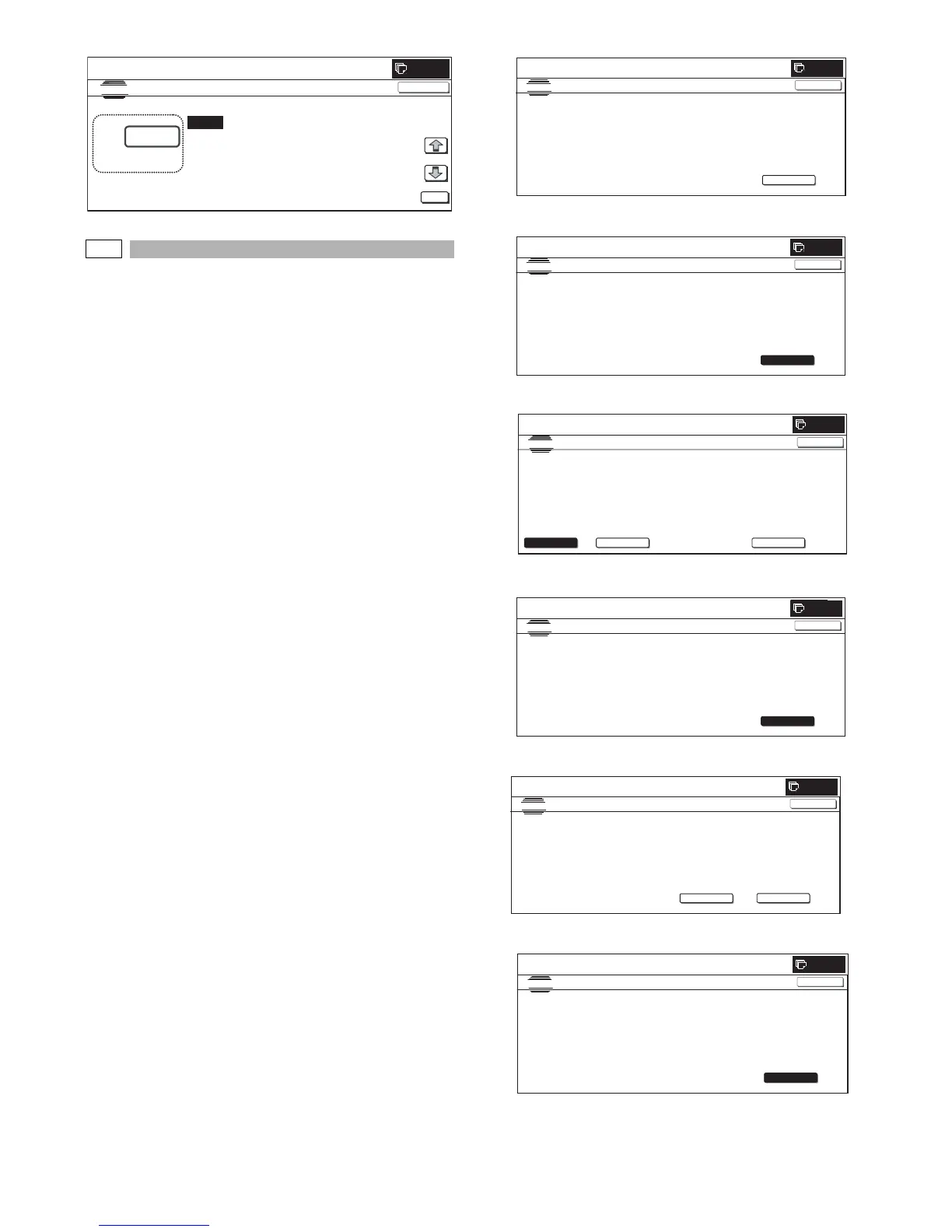
(Initial screen)
(48-patch print)
(Output patch read (FACTORY))
(16-patch self print)
(Standby for registration process)
(Registration of half tone process control reference value)
0
:
A㧦 0
㧧 (0:ENABLE 1:DISABLE)
SIMULATION
NO.46
㧙
23
ENGINE MAXIMUM DENSITY ADJUSTMENT MODE
0
㨇
0
㨪
1
㨉
OK
TEST
CLOSE
SIMULATION NO.46-24
TEST
ENGINE HALFTONE AUTO ADJUSTMENT
EXECUTE
0
CLOSE
PRESS [EXECUTE] TO PROCON EXECUTION AND PRINT THE TEST PATCH.
(PLEASE USE SPECIFIED TYPE OF A3 OR 11"x17” SIZE PAPER
FOR THIS ADJUSTMENT)
SIMULATION
NO. 46-24
TEST
ENGINE HALFTONE A U TO ADJUSTMENT
0
CLOSE
TEST PATCH PRINTING IN PROGRESS...
EXECUTE
0
SIMULATI ON
NO. 46-24
TEST
ENGINE HA LFTONE AUTO A DJUSTME N T
PLEASE SELECT THE MODE (FACTORY) OR (SERVICE) AND PLACE
THE PRINTED TEST PATCH ON DOCUMENT GLASS THEN PRESS [EXECUTE].
㪁
LIGHTAREAATLEFTSIDEONDOCUMENTGLASS.
,
SERVICE
FACTORY
EXECUTE
CLOSE
SIMULATION
NO. 46-24
TEST
ENGINE HALFTONE AUTO ADJUSTMENT
0
CLOSE
ADJUSTED PATCH PRINTING IN PRO GRE SS.
EXECUTE
SIMULATION NO. 46-24
TEST
ENGINE HALFTONE AUTO ADJUSTMENT
OK
0
CONFIRM THE ADJUSTED PATCH AND PRESS [OK] TO REGISTER THIS PATCH DATA
,PRESS [REPEAT] TO CONTINUE THIS PROCEDURE.
REPEAT
CLOSE
SIMULATI ON
NO. 46-24
TEST
ENGINE HALFTONE AUTO A DJ USTM ENT
OK
0
CLOSE
PLEASE WAIT.
NOW REGISTERING THE NEW TARGET OF HALFTONE PROCON.



 To Next Page