MX-2300/2700 N/G SIMULATION 7 – 72
* Copying can be performed also by pressing [COLOR]/[BLACK]
key.
* When [CLOSE] button is pressed, the display is shifted to the
copy basic screen of simulation.
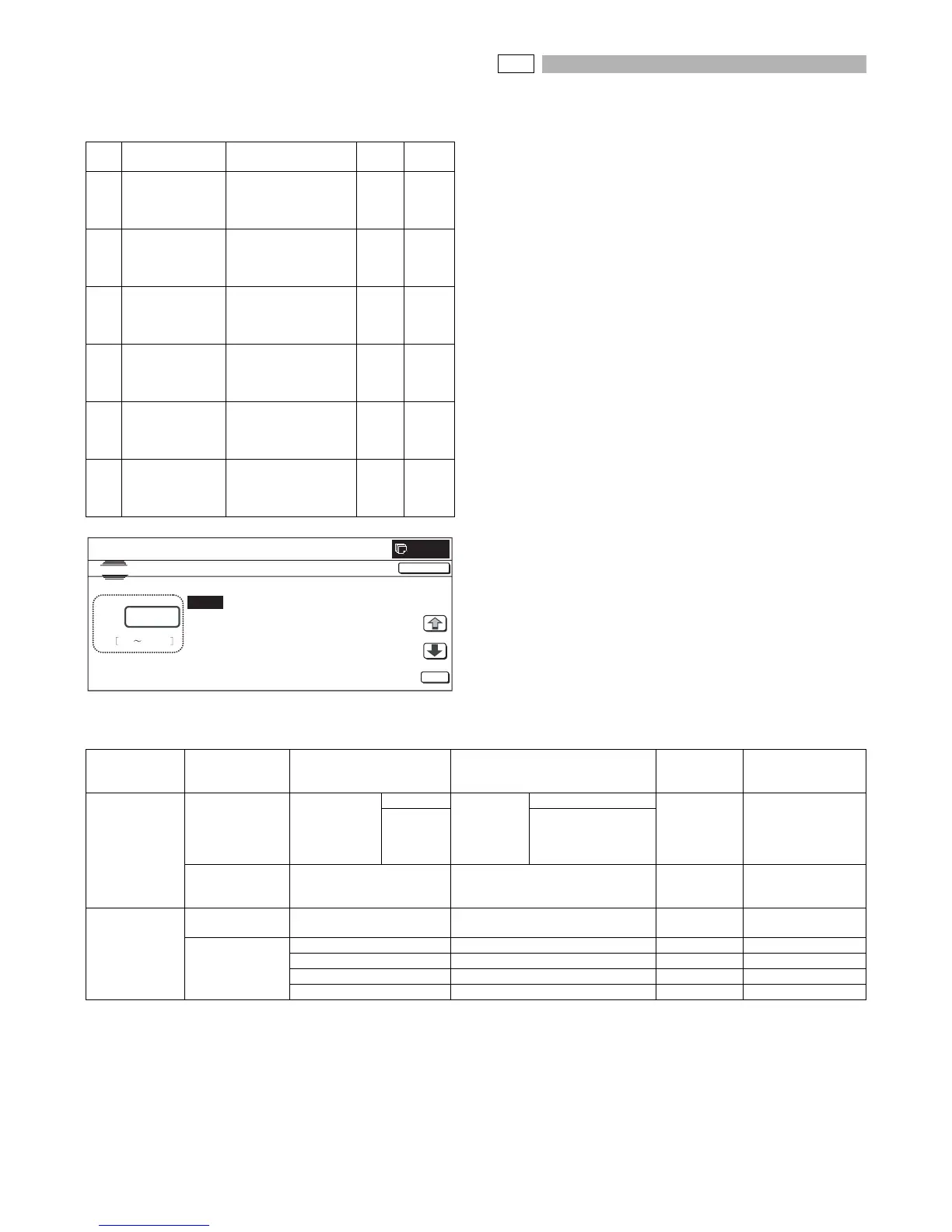
<Set range and default value of each setup>
46-28
Purpose : Adjustment
Function (Purpose) : (Information on this simulation may be
requested in some cases. However, this
function is basically not used in the market.)
Used to check the auto exposure/Auto doc-
ument recognition/ Line number recognition
(Color mode). If the local memory size is
less than 256MB, the operation of this sim-
ulation may not operate normally.
Section : Image process (ICU)
Item : Adjustment
Operation/Procedure
1) Press [EXECUTE] button to start scanning. After completion of
scanning, the result is displayed.
2) Press [NEXT] button to switch to the process data of another
category.
Use [↓] and [↑] keys to change the display page of the process
data.
* If there is a page over [↑], an active display is shown and the
page moves up. If there is no page upward, the display
grays out and the operation is invalid.
If there is a page under [↓], an active display is shown and
the page moves down. If there is no page downward, the
display grays out and the operation is invalid.
3) Press [SETUP] button to return to the initial screen.
* Copying can be performed also by pressing [COLOR]/[BLACK]
key.
* When [CLOSE] button is pressed, the display is shifted to the
copy basic screen of simulation.
* When [NEXT] button is pressed under the final category data dis-
play state, the head category data are displayed.
* Pressing [NEXT] button displays the next category data regard-
less of the display page.
<Content of process data>
Item Display Set range
Set
range
Default
value
A BLACK TEXT
(SLOPE)
Black text edge area
engine γ curve
calculating coefficient
(slope) setting
1 to 99 50
B BLACK TEXT
(INTERCEPT)
Black text edge area
engine γ curve
calculating coefficient
(intercept) setting
1 to 99 50
C COLOR TEXT
(SLOPE)
Color text edge area
engine γ curve
calculating coefficient
(slope) setting
1 to 99 50
D COLOR TEXT
(INTERCEPT)
Color text edge area
engine γ curve
calculating coefficient
(intercept) setting
1 to 99 50
E ED TEXT
(SLOPE)
Error diffusion edge
area engine γ curve
calculating coefficient
(slope) setting
1 to 99 50
F ED TEXT
(INTERCEPT)
Error diffusion edge
area engine γ curve
calculating coefficient
(intercept) setting
1 to 99 50
CLOSE
0
A:
A㧦 50
B㧦 50
C㧦 50
D㧦 50
㧧 BLACK TEXT (SLOPE)
㧧 BLACK TEXT (INTERCEPTE)
㧧 COLOR TEXT (SLOPE)
㧧 COLOR TEXT (INTERCEPTE)
SIMULATION NO.46-27
COEFFICIENT OF GAMMA SETUP
50
1 99
OK
TEST
Category Detail of category Display Content
Set range/
Number of
digits
Remark
ACS (Auto
recognition of
Color document/
Monochrome
document)
RESULT
(Judgment result)
COL/MONO COLOR 2 kinds
(COLOR
document,
Monochrome
document)
COLOR 1 to 2
MONO BLACK
STATISTICS
(Image process
statistic amount)
ACSCONT ACS judgment counter value Max. 10 digits A3 pixel number
COLOR AE
(Color auto
exposure)
RESULT
(Judgment result)
SITAJI_JUDGE Base division detection result 0 to 32
STATISTICS
(Image process
statistic amount)
RATE_SCR Mesh ratio 0 to 10000
SHITAJI Base number judgment result 0 to 3
BEAT_JUDGE Background judgment result 0 to 8
SUM_SITAJI_SCR Base area mesh number Max. 10 digits A3 pixel number



 To Next Page