MX-2300/2700 N/G SIMULATION 7 – 82
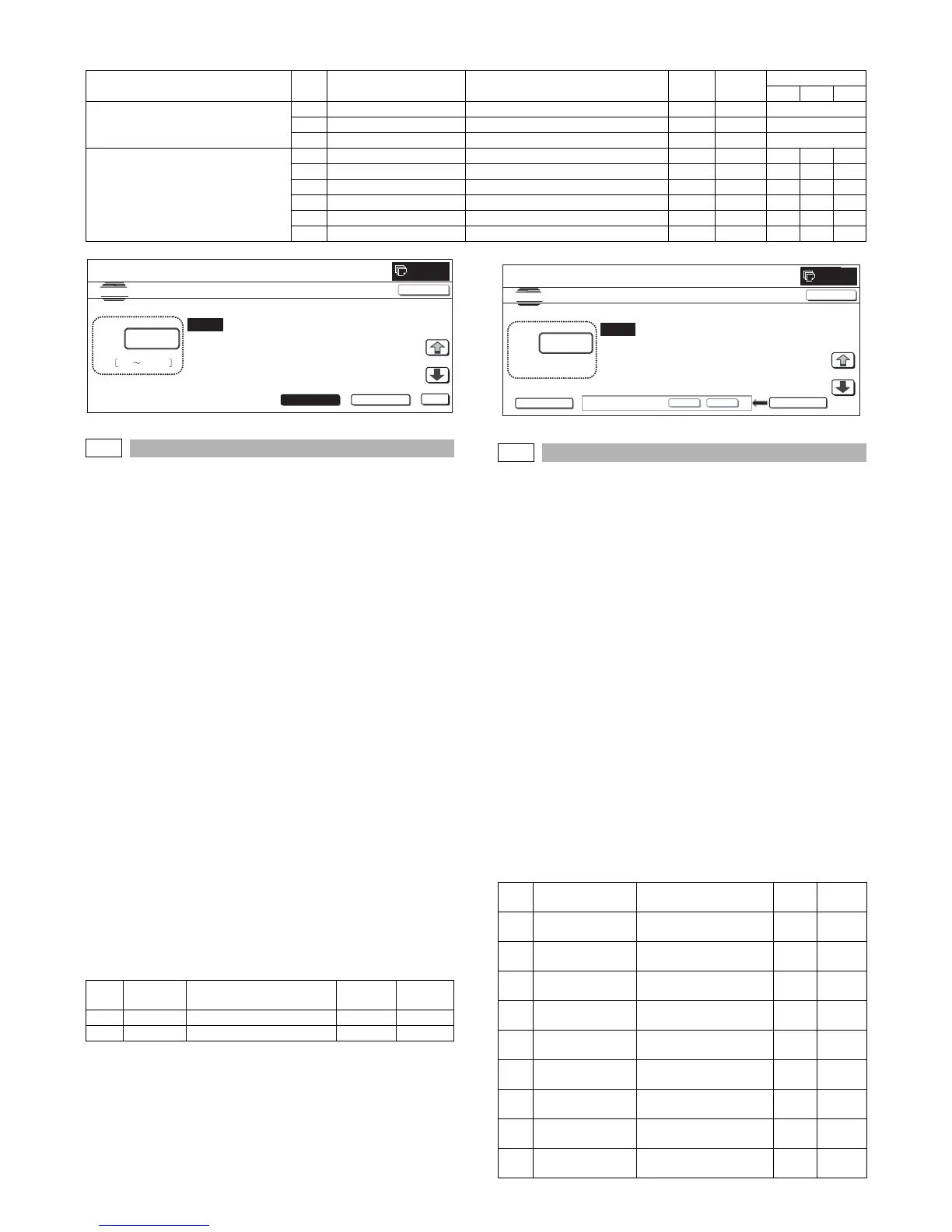
<Set range and default value of each setup>
46-37
Purpose : Adjustment
Function (Purpose) : Used to perform the BLACK image forming
adjustment.
Section :
Item : Image quality
Operation/Procedure
1) Select the set item with [↑] and [↓] buttons.
The highlighted set value is switched and the value is dis-
played in the setting area.
* If there is any item over [↑], an active display is made and
item is shifted.
If there is no item over [↑], the display grays out and the
operation is invalid.
If there is any item under [↓], an active display is made and
item is shifted.
If there is no item over [↓], the display grays out and the
operation is invalid.
2) Enter the set value with 10-key.
* Press [C] key to clear the entered values.
3) When [EXECUTE] button is pressed, [YES] and [NO] buttons
become active.
4) When [YES] button is pressed, [YES] button is highlighted.
The set value is saved to EEPROM.
* When [NO] button is pressed, the display returns to the set
value changing screen.
5) When [DEFAULT] button is pressed, each set value (ratio) is
reset to the default value and the set value is saved to
EEPROM and RAM.
<Set range and default value of each setup>
46-39
Purpose : Adjustment
Function (Purpose) : Used to execute the image send sharpness
adjustment. (Only when FAX is installed)
Section :FAX
Item : Image quality
Operation/Procedure
1) Select the set item with [↑] and [↓] buttons.
The highlighted set value is switched and the value is dis-
played in the setting area.
* If there is any item over [↑], an active display is made and
item is shifted.
If there is no item over [↑], the display grays out and the
operation is invalid.
If there is any item under [↓], an active display is made and
item is shifted.
If there is no item over [↓], the display grays out and the
operation is invalid.
2) Enter the set value with 10-key.
* Press [C] key to clear the entered values.
3) When [OK], [↑], [↓] button, [COLOR], or [BLACK] key is
pressed, the current entered value is saved to EEPROM and
RAM.
<Set range and default value of each setup>
Category Item Display Content
Color
button
Set
range
Default value
CMY
RANGE (Red judgment range) A PARAMETER O Red adjustment coefficient O — 0 to 6 3
B PARAMETER M Red adjustment coefficient M — 0 to 6 3
C PARAMETER INTENSITY Chroma saturation emphasis coefficient — 0 to 6 3
COEFFICIENT (Output color coefficient) A RED R output color CMY 0 to 255 0 255 255
B GREEN G output color CMY 0 to 255 255 0 255
C BLUE B output color CMY 0 to 255 255 255 0
D CYAN C output color CMY 0 to 255 255 0 0
E
MAGENTA M output color CMY 0 to 255 0 255 0
F YELLOW Y output color CMY 0 to 255 0 0 255
Item Display Content
Set
range
Default
value
A R/G Gray forming setting (R/G) 0 to 99 35
B B/G Gray forming setting (B/G) 0 to 99 0
A:
A㧦 3
B㧦 3
C㧦 3
㧧 PARAMETER O
㧧 PARAMETER M
㧧 PARAMETER INTENSITY
SIMULATION NO.46-36
RED/BLACK COLOR COPY ADJUSTMENT
3
0 6
OK
TEST
0
CLOSE
RANGE
COEFFICIENT
Item Display Content
Set
range
Default
value
A 200 x 100[DPI]
OFF
200 x 100[DPI] half tone
OFF
0 to 2 1
B 200 x 200[DPI]
OFF
200 x 200[DPI] half tone
OFF
0 to 2 1
C 200 x 200[DPI] ON 200 x 200[DPI] half tone
ON
0 to 2 1
D 200 x 400[DPI]
OFF
200 x 400[DPI] half tone
OFF
0 to 2 1
E 200 x 400[DPI] ON 200 x 400[DPI] half tone
ON
0 to 2 1
F 400 x 400[DPI]
OFF
400 x 400[DPI] half tone
OFF
0 to 2 1
G 400 x 400[DPI] ON 400 x 400[DPI] half tone
ON
0 to 2 1
H 600 x 600[DPI]
OFF
600 x 600[DPI] half tone
OFF
0 to 2 1
I 600 x 600[DPI] ON 600 x 600[DPI] half tone
ON
0 to 2 1
0
RE YOU SURE?
YES NO
A:
A㧦 35
B㧦 0
㧧R/G
㧧B/G
SIMULATION NO.46㧙37
B&W IMAGE CREATE ADJUSTMENT
35
㨇 0 㨪 99 㨉
TEST
EXECUTE
DEFAULT



 To Next Page