Commissioning
8.3 Establishing a connection to the reader and starting the user interface
SIMATIC MV420 / SIMATIC MV440
Operating Instructions, 04/2013, A5E02371045-06
135
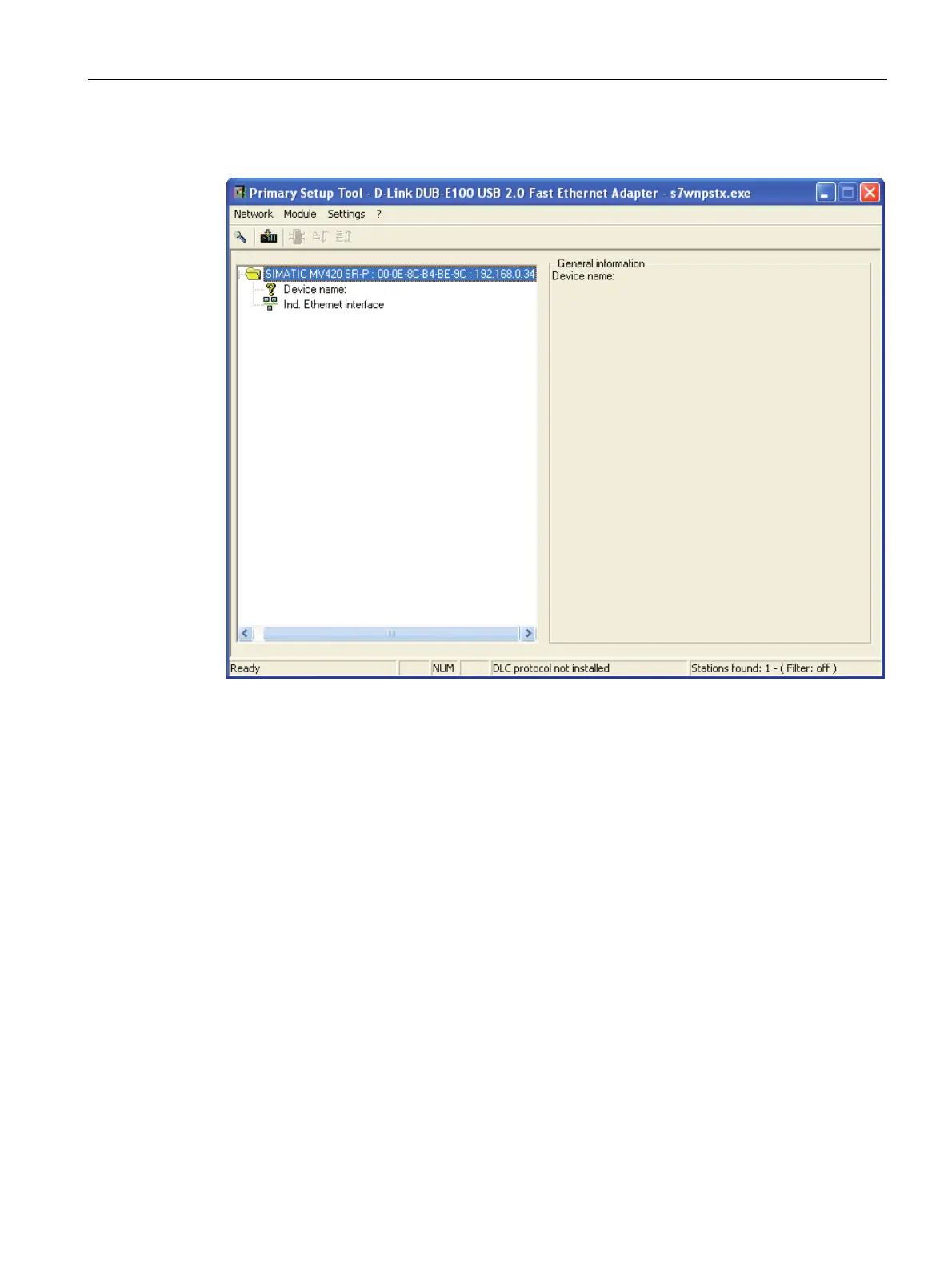
3. Select the displayed device and double-click on it.
4. Clicking on the displayed Ethernet interface displays the properties of the interface.












 To Next Page