Commissioning
8.3 Establishing a connection to the reader and starting the user interface
SIMATIC MV420 / SIMATIC MV440
140 Operating Instructions, 04/2013, A5E02371045-06
Step 5
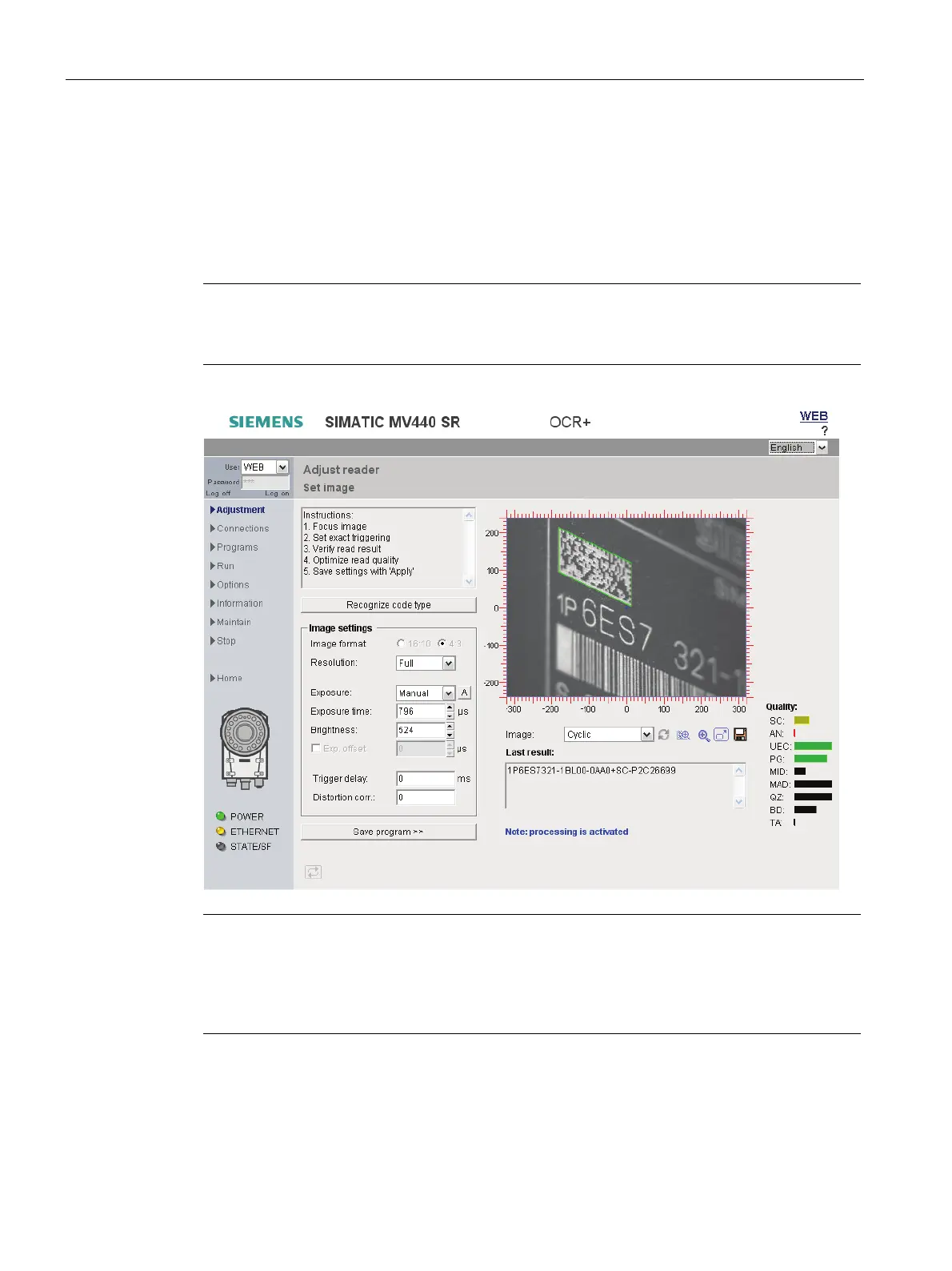
Aligning the reader
Before you put the reader into productive operation, you must first align it correctly. You do
this with the user interface by selecting the "Adjust reader" menu command. The dialog
window shows you an image as seen by the reader.
Note
Focusing the image (SIMATIC MV440 only)
You may need to unscrew the set screws in the lens to focus.
Note
Access online help with the "?" button
Each screen of the adjustment support has a "?" button at the top right with which you can
open the online help at any time. The online help opens with the context-sensitive help text
relating to your current task.












 To Next Page