Commissioning
8.3 Establishing a connection to the reader and starting the user interface
SIMATIC MV420 / SIMATIC MV440
Operating Instructions, 04/2013, A5E02371045-06
139
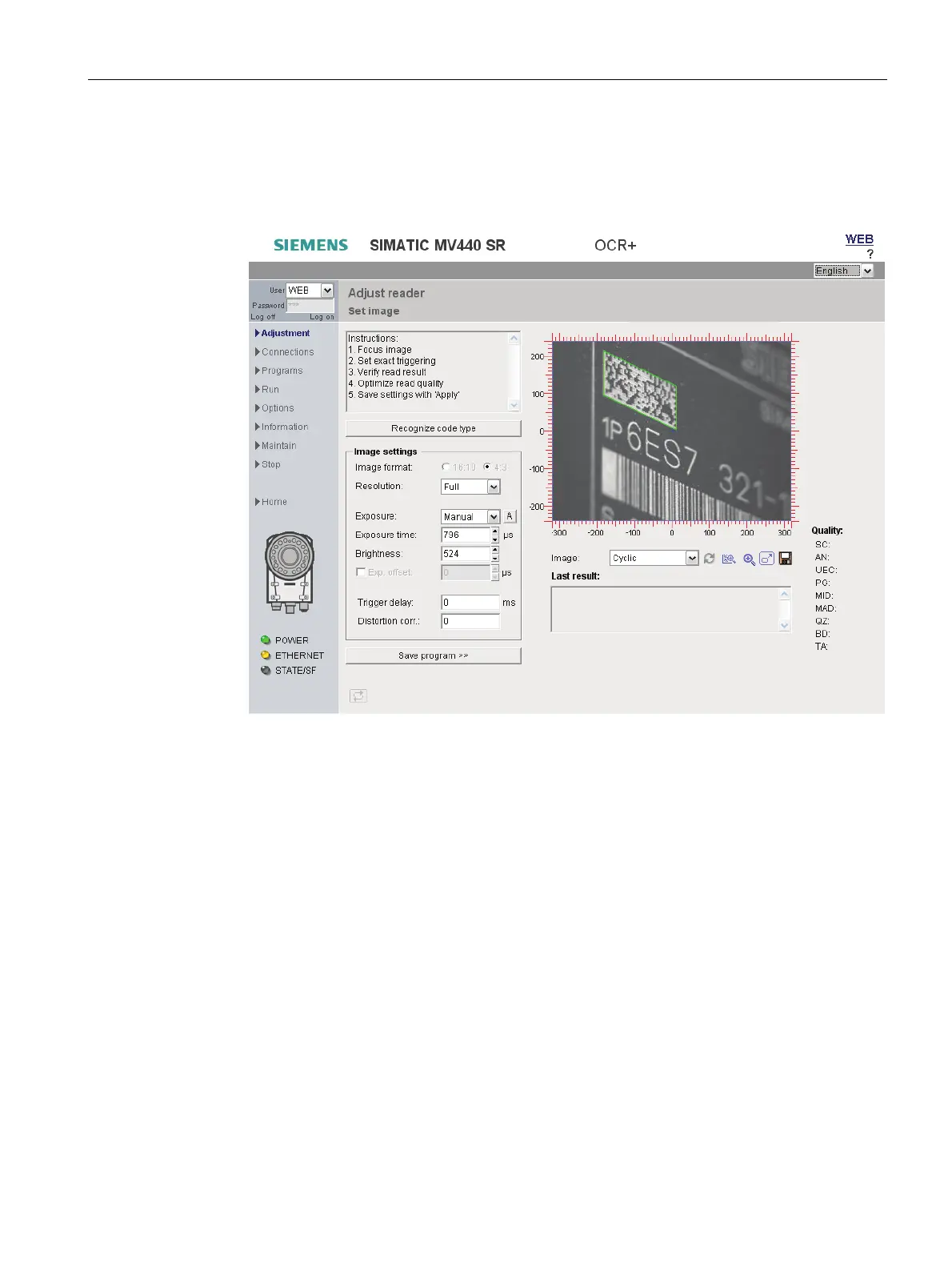
3. Now click on the image of the reader or the "Adjust" menu command.
The user interface of the reader will open after a brief loading period.
4. This is followed by the Adjustment page of the user interface in the Internet Explorer.
Result
● The reader is now connected and can be operated from the user interface.
● You can now perform the next step and adjust the reader and display the first read
results.
● You can also get further support by clicking the "?" button at the top right. This opens the
online help.












 To Next Page