Commissioning
8.3 Establishing a connection to the reader and starting the user interface
SIMATIC MV420 / SIMATIC MV440
138 Operating Instructions, 04/2013, A5E02371045-06
Step 4
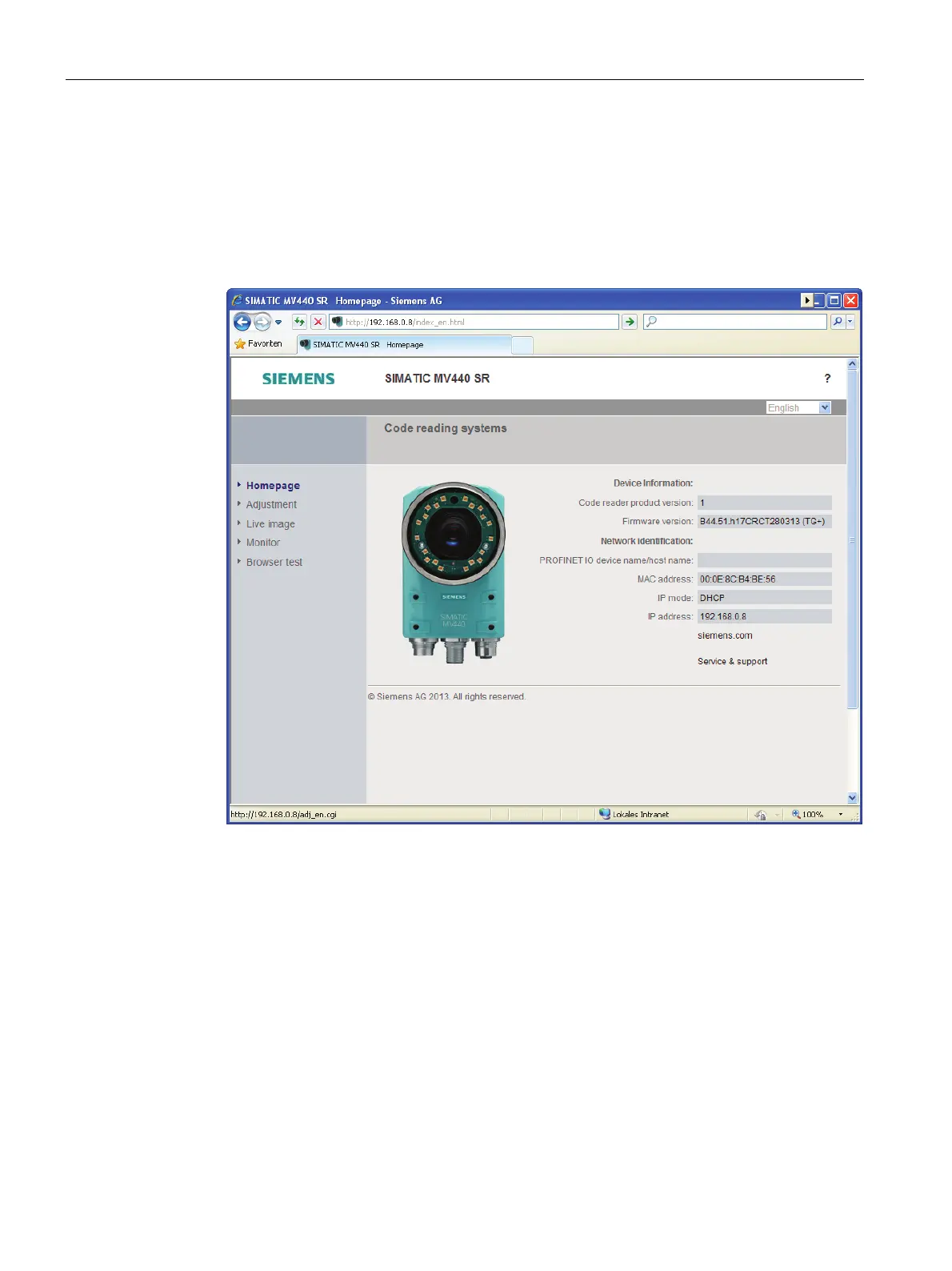
Starting the user interface
1. Open Internet Explorer and enter the IP address of the reader in the address bar.
2. Press Enter to confirm.
The home page of the reader is loaded.












 To Next Page