Operator control and monitoring
9.2 Working with the user interface
SIMATIC MV420 / SIMATIC MV440
Operating Instructions, 04/2013, A5E02371045-06
179
Table 9- 8 Step tab
For the read settings of a step
For the filter settings of a step
For the result settings/formatting of a step
Libraries
The "Libraries" button
opens a list of available libraries. Clicking on an entry opens
the library view and allows you to edit the library and its entries.
Table 9- 9 Control elements
Save step (creates the program)
Inserts a program/step/library element
Deletes a program/step/library element
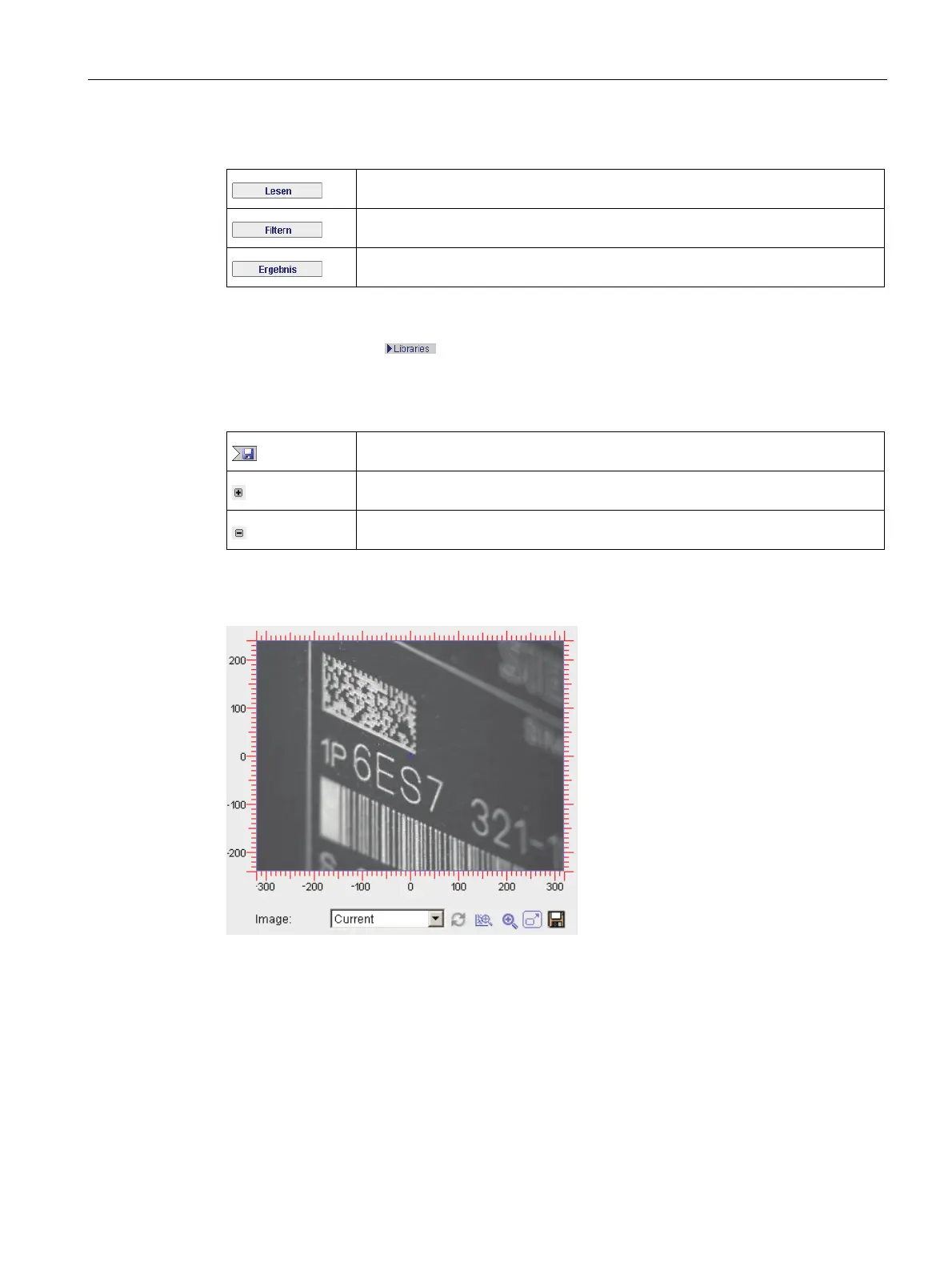
Image control
Figure 9-13 Image control
Image control is displayed for many of the task pages. Image control contains the image,
and for some tasks also the overlays.












 To Next Page