Operator control and monitoring
9.2 Working with the user interface
SIMATIC MV420 / SIMATIC MV440
180 Operating Instructions, 04/2013, A5E02371045-06
"Image" drop-down list
You select the image source, e.g. "Current", "Triggered (1x)", "New".
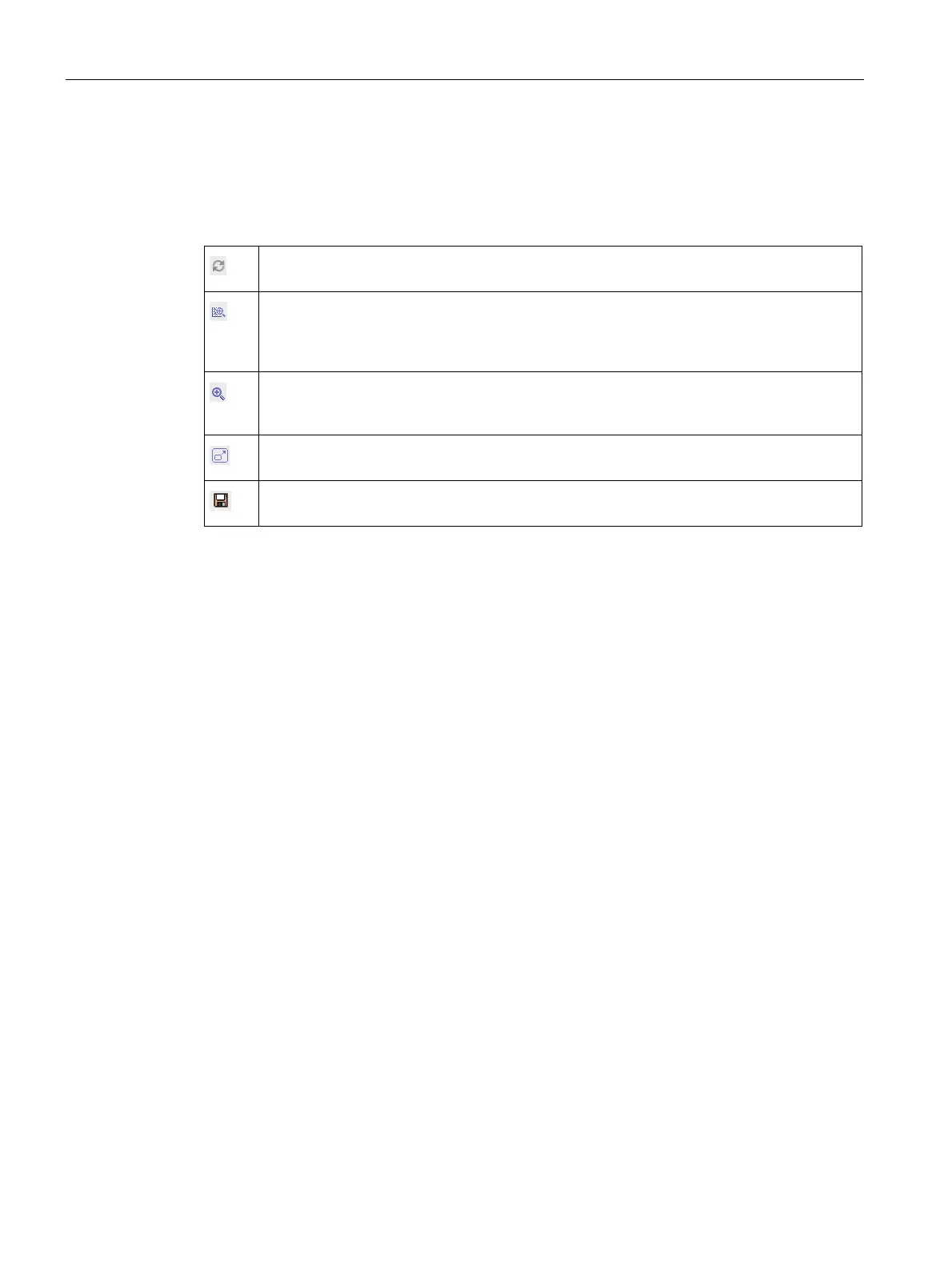
Table 9- 10 "Image" drop-down list symbols
Update display
Updates the image display and also updates the result display, if necessary.
Show details
Enables and disables the display of result details in the image.
A right click on the button opens a shortcut menu in which the details to be displayed can be
selected.
Zoom
Switches between the display of the entire image (reduced) and the image section in full
resolution.
Full screen
Opens the image in full size and full resolution in a new window.
Save image
Saves the currently displayed image on your PC.












 To Next Page