Operator control and monitoring
9.2 Working with the user interface
SIMATIC MV420 / SIMATIC MV440
Operating Instructions, 04/2013, A5E02371045-06
199
"Image collection" tab
Note
Saving necessary acquired images
All actions you perform in this tab can affect the content of the diagnostic image memory.
If you still require the acquired images which it currently contains, you will need to save
them; "Information" task, "Diagnostics" tab (Page 213).
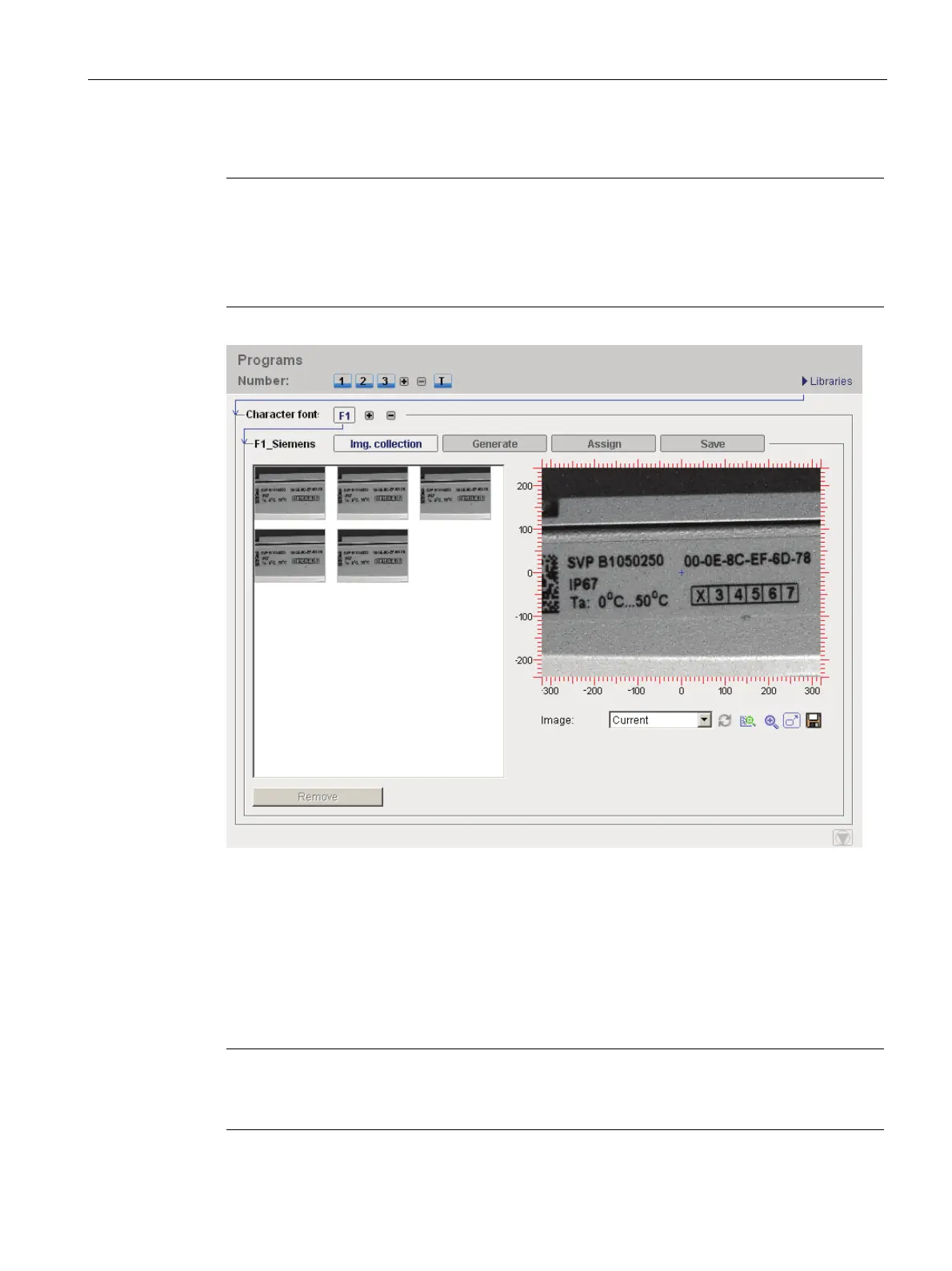
Figure 9-28 Character font library - "Image collection" tab
In this tab, you specify the acquired images on which you want to base the prototypes for
your custom font. The images that are currently in the diagnostic image memory of the
reader are displayed first.
● Use the "Remove" button to clear the acquired images which you do not need.
● Use the "Add" button to add the image currently displayed in the image control to the
collection.
Note
Detailed description of parameters in the online help
For a detailed description of the parameters and possible values, refer to the online help.












 To Next Page