Operator control and monitoring
9.2 Working with the user interface
SIMATIC MV420 / SIMATIC MV440
202 Operating Instructions, 04/2013, A5E02371045-06
Assigned prototypes must be checked
Check whether the prototypes have been assigned to the right character class.
1. To do so, click on the character classes on the left.
2. Check whether the assigned prototypes match.
Note
Detailed description of parameters in the online help
For a detailed description of the parameters and possible values, refer to the online help.
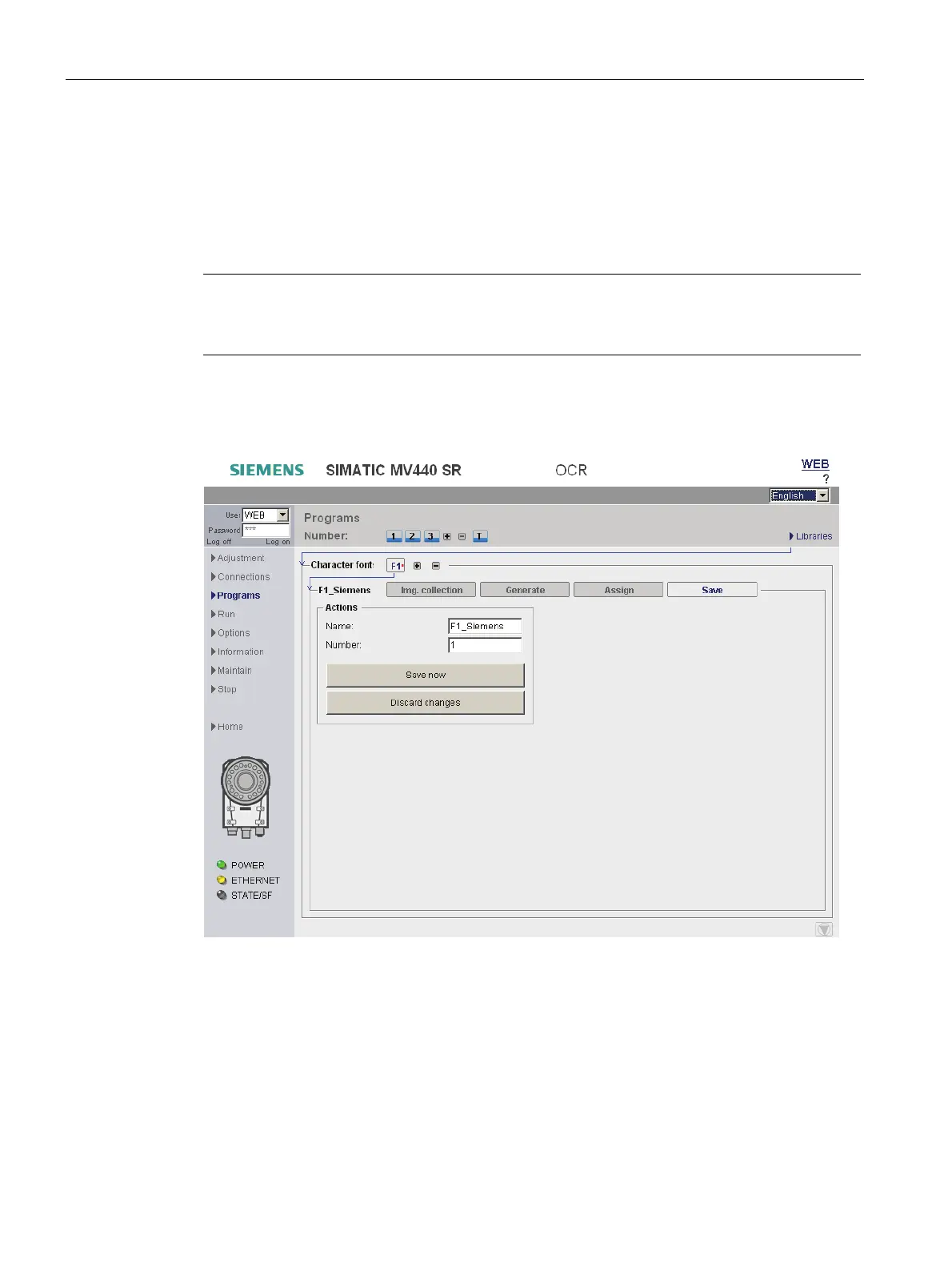
"Save" tab
Figure 9-31 Character font library - "Save" tab
"Name" input field
Enter the name under which the current character font is to be saved. The entry is optional.
Possible values: Letters, numbers and underscores. Maximum of 10 characters.












 To Next Page