Operator control and monitoring
9.2 Working with the user interface
SIMATIC MV420 / SIMATIC MV440
Operating Instructions, 04/2013, A5E02371045-06
201
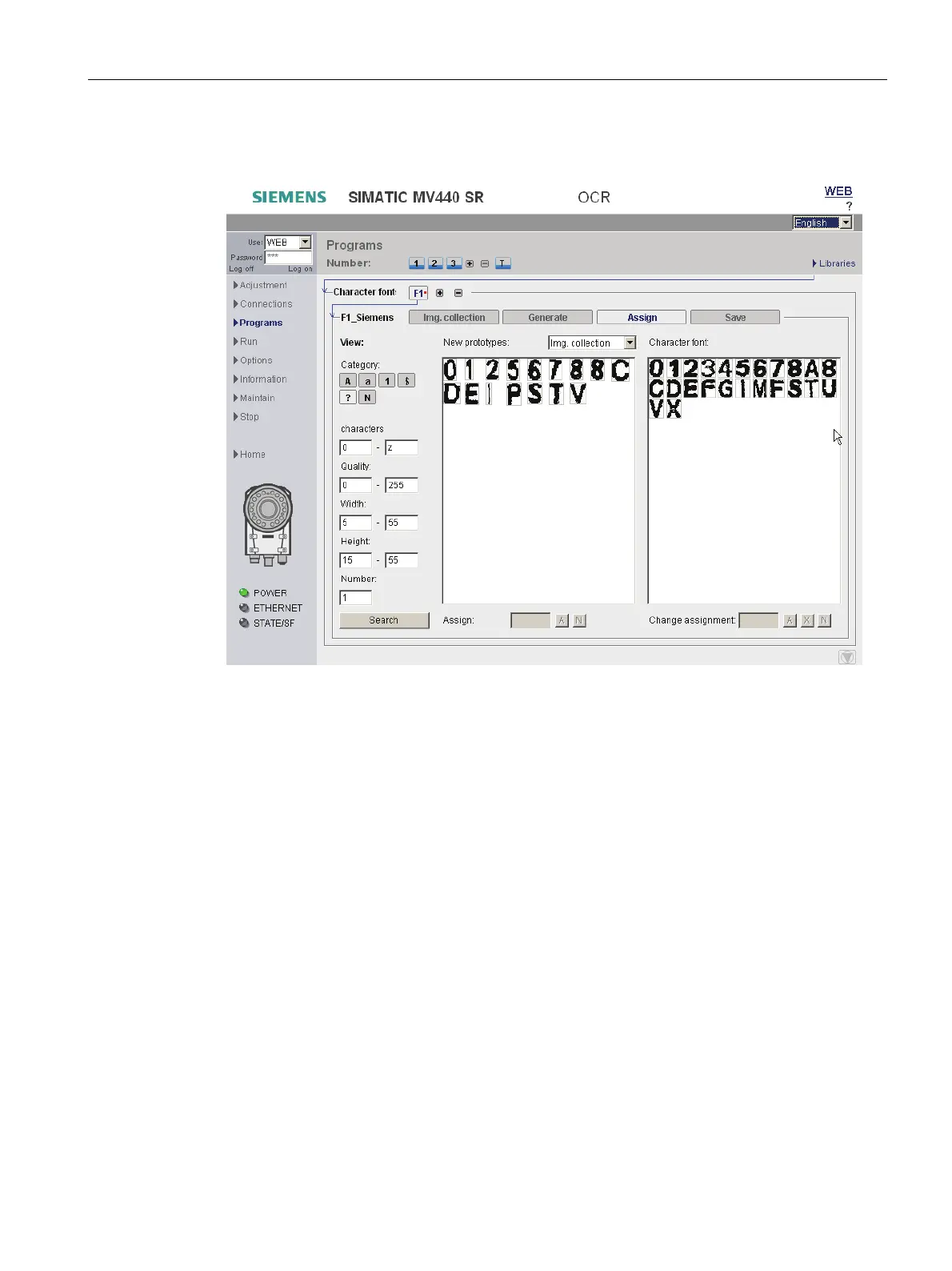
"Assign" tab
Figure 9-30 Character font library - "Assign" tab
This tab gives you an overview of:
● The generated character prototypes and their automatic assignment to a character class.
● The prototypes contained in the character font and their assignment to a character class.
In this tab, you can also:
● Add new prototypes to the character font and assign them to a character class.
● Delete prototypes you do not need from the character font.
● Correct wrong assignments by changing the assignment of a prototype to a character
class.












 To Next Page