Operator control and monitoring
9.2 Working with the user interface
SIMATIC MV420 / SIMATIC MV440
Operating Instructions, 04/2013, A5E02371045-06
209
The reader allows different levels of access control for different users.
Note
Detailed description of parameters in the online help
For a detailed description of the parameters and possible values, refer to the online help.
Diag.&monitoring
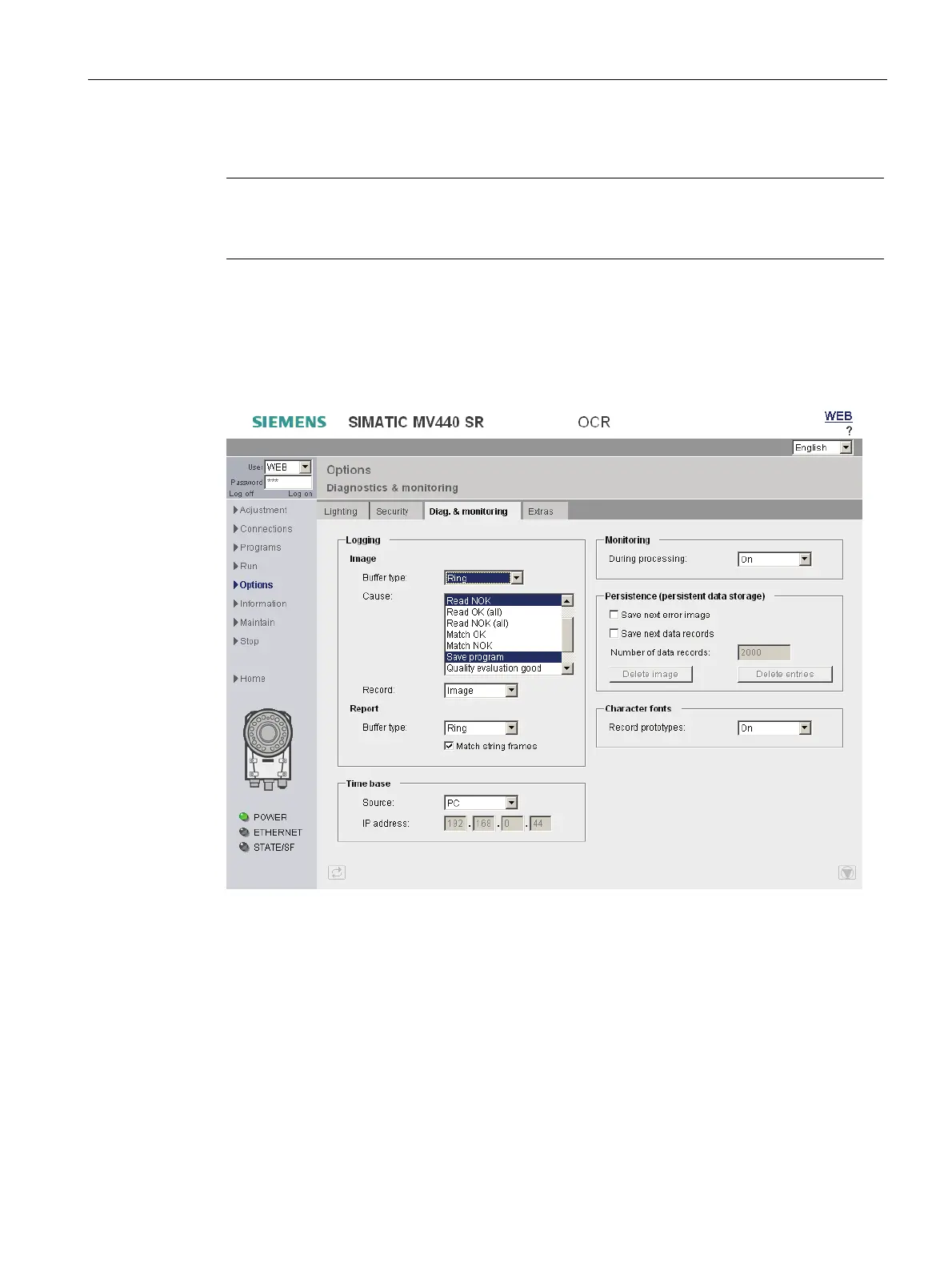
Under Options, in the "Diag.&monitoring" tab, you specify the information to be stored for
diagnostic purposes.
Figure 9-35 Options - "Diag.&monitoring" tab
● In the "Image" box of the "Logging" group box, you specify which images will be stored in
which format on the reader.
● In "Report", you specify the format in which the diagnostics events will be stored on the
reader.
● In the "Time base" group box, you specify whether the time stamp of the diagnostics
events is supplied by the PC or by an SNTP server in the network. If you specify SNTP as
the source, you will also need to specify the IP address of the server.












 To Next Page