Operator control and monitoring
9.3 Monitoring via HTML pages
SIMATIC MV420 / SIMATIC MV440
Operating Instructions, 04/2013, A5E02371045-06
229
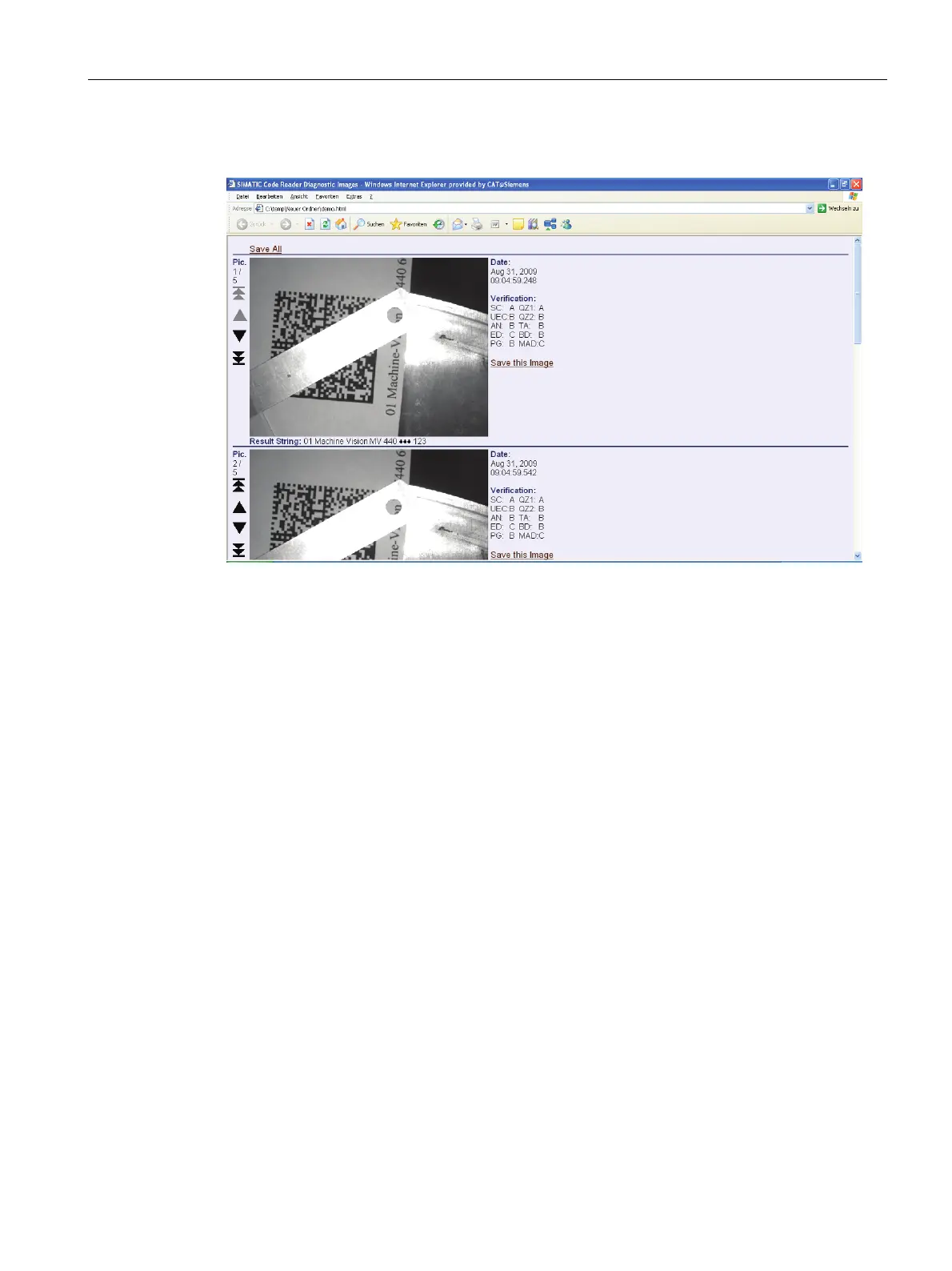
Extended diagnostic images (optimized for touch panels)
Figure 9-49 Extended diagnostic images (optimized for touch panels)
Provides a dynamically created HTML page with which you can display diagnostic images
buffered on the reader along with additional information. You specify which images are
buffered and displayed in the adjustment support in the Options/Diag.&monitoring tab.
This page combines a large format image display with the most important additional
information about the image such as the read result and display of the quality values.
This page is particularly suitable when using touch panels.
Navigation is made easier by the large area navigation symbols at the left edge.












 To Next Page