SMARTRG INC. PROPRIETARY AND CONFIDENTIAL. ALL RIGHTS RESERVED. COPYRIGHT © 2014 99
The following table describes the options for configuration of the System Log:
Action Description
Enable/Disable Select to turn logging completely off or on.
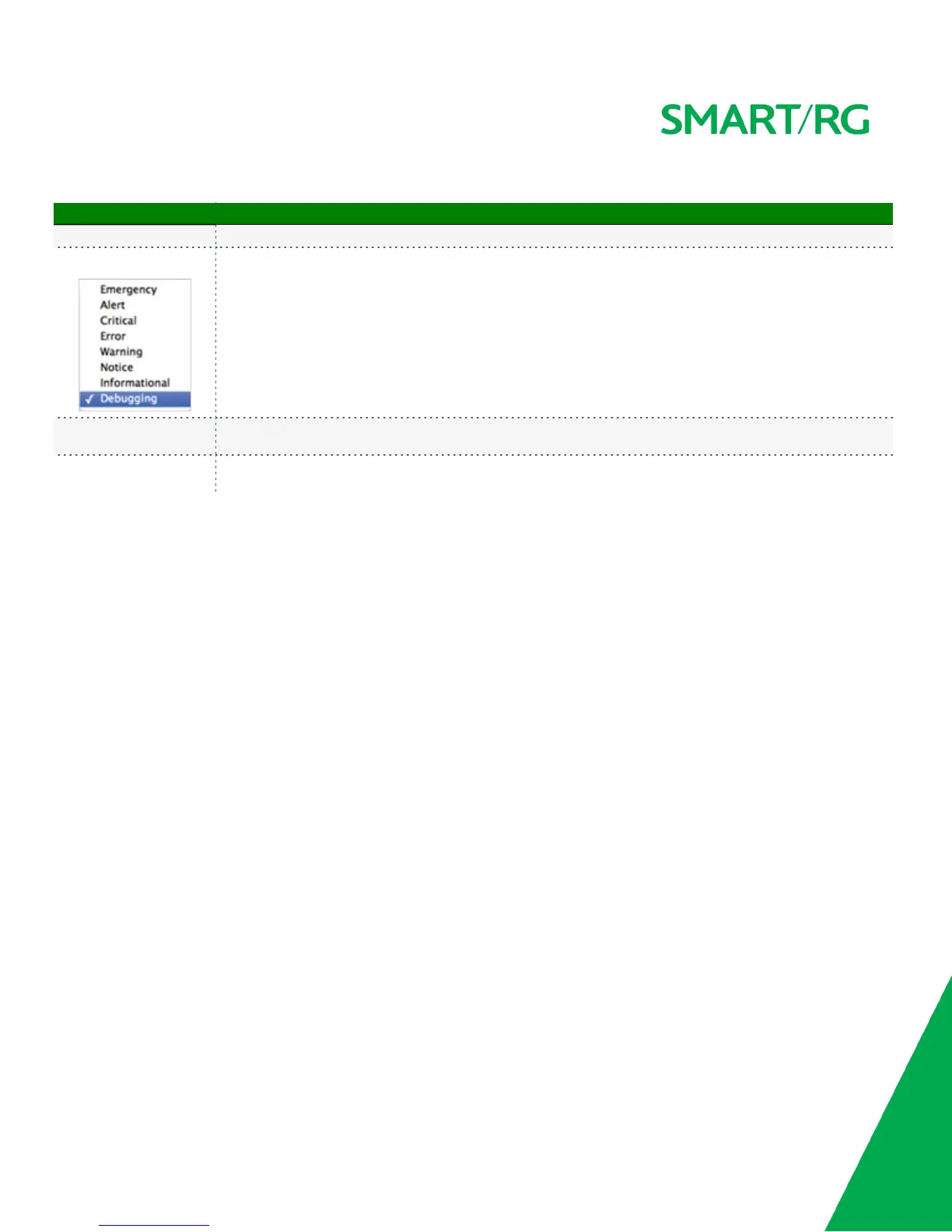
Logging Level
Select the Error option is (least verbose) unless actively troubleshooting a situation with a subscriber for which
increased log detail is required.
Display Level
Options are displayed in top-down order of least verbose to most verbose. Error option is recommended (least
verbose) unless actively troubleshooting a situation with a subscriber for which increased detail is required.
Mode
Control where log events will be sent. Choose 'Remote' or 'Both' to send to the specified IP address and UDP port of
a remote syslog server. Choose 'Local' or 'Both' to record events in the local memory of your SmartRG gateway.
Security Log
The security log contains a history of events related to sensitive access to the gateway. Logged events include:
l Password change success
l Password change failure
l Authorized login success
l Authorized login fail
l Authorized user logged out
l Security lockout added
l Security lockout removed
l Authorized resource access
l Unauthorized resource access
l Software update
Upon selecting Management -> Settings -> Security Log from the left navigation bar, the following screen will appear.



 To Next Page