SMARTRG INC. PROPRIETARY AND CONFIDENTIAL. ALL RIGHTS RESERVED. COPYRIGHT © 2014 98
System Log
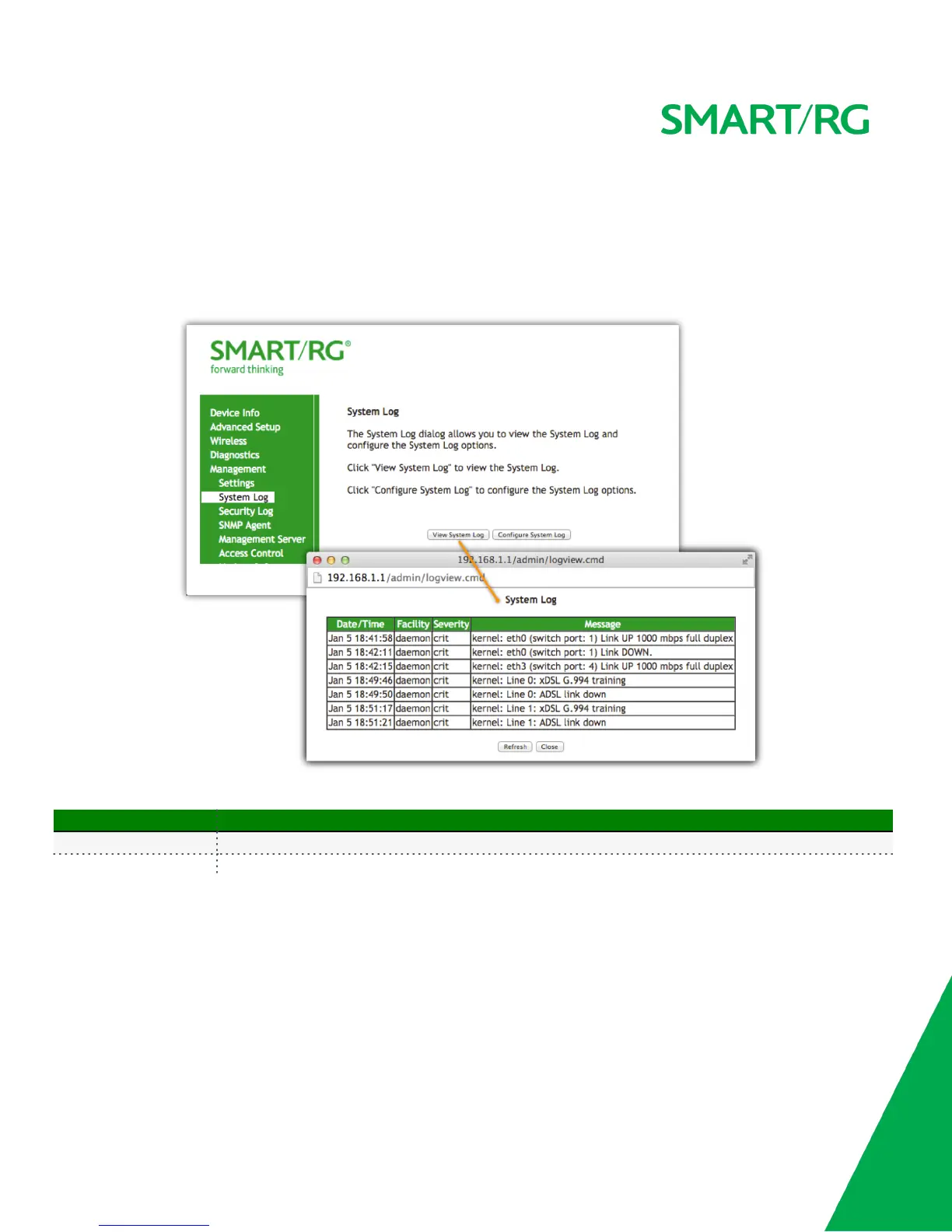
In the System Log you will find a history of error conditions and other events encountered by your gateway. Use the features on this screen to
view or alter the behavior of the System Log.
Upon selecting Management -> Settings -> System Log from the left navigation bar, the following screen will appear.
The individual fields on this screen are defined as follows:
Action Description
View System Log This button will display the system log.
Configure System Log This button will edit the system log



 To Next Page