SMARTRG INC. PROPRIETARY AND CONFIDENTIAL. ALL RIGHTS RESERVED. COPYRIGHT © 2014 65
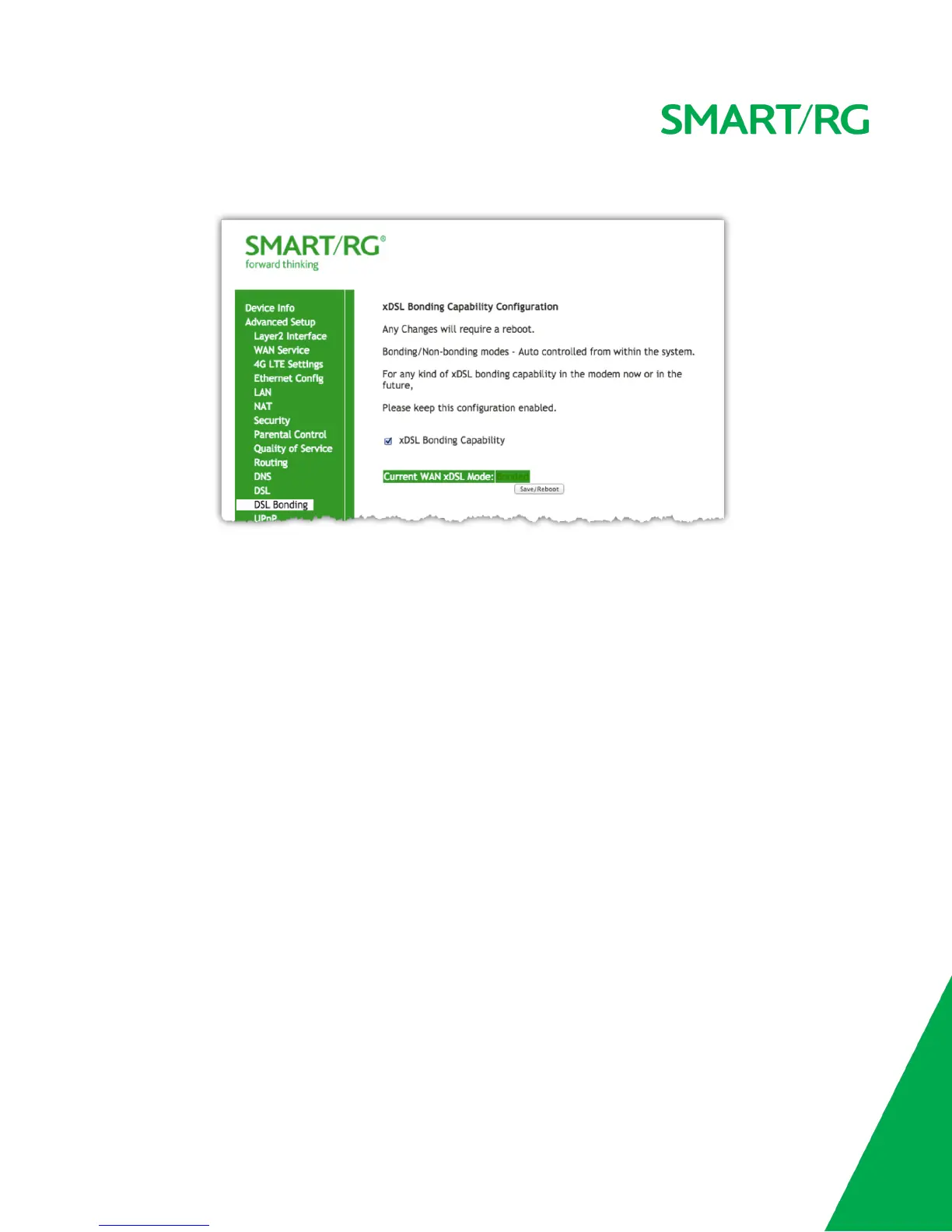
Click Save/Reboot to commit your changes.
UPnP
Enable UPnP when 3rd party devices on your LAN support this Universal Plug and Play standard. Common client devices include gaming consoles,
IP cameras, printers and others.
After selecting Advanced Setup -> UPnP from the left navigation bar. The following screen will appear. Check the checkbox to enable UPnP.
Click Apply/Save to commit your changes.



 To Next Page