SMARTRG INC. PROPRIETARY AND CONFIDENTIAL. ALL RIGHTS RESERVED. COPYRIGHT © 2014 14
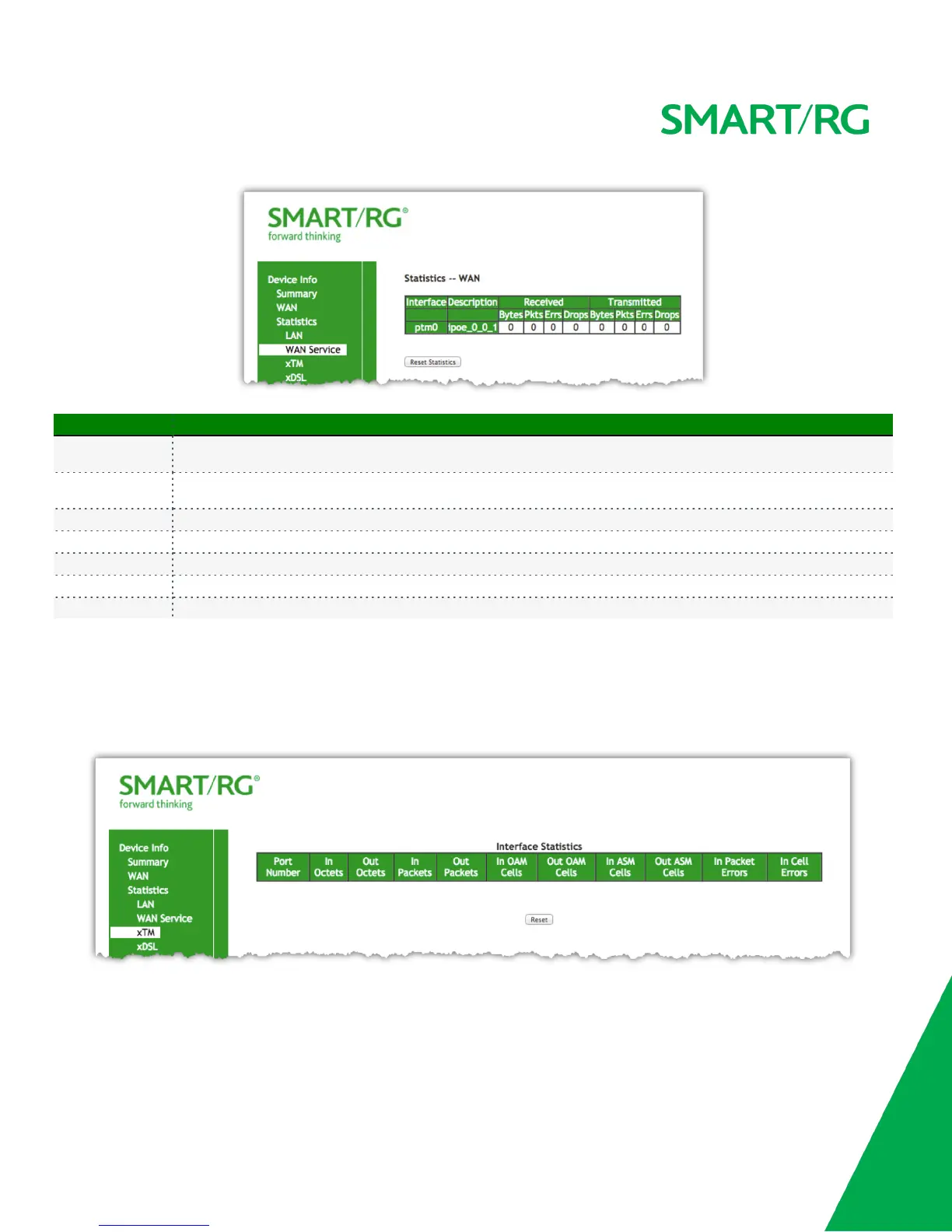
The individual fields on this screen are defined as follows:
Field Name Description
Interface
(RX/ TX)
Displays available WAN interfaces (atm, ptm, eth)
Description
(RX/ TX)
Displays the service description (pppoe, ipoe, b)
Bytes - (RX/ TX) total quantity of packets in Bytes
Pkts - (RX/ TX) total quantity of packets
Errs - (RX/ TX) total quantity of error packets
Drops -(RX/ TX) total quantity of dropped packets
Reset Statistics Resets the Statistics to zero.
xTM
The Device Info -> Statistics -> xTM displays the ATM/PTM statistics for your SmartRG Gateway. All WAN interfaces configured for your
SmartRG gateway are included.
Use the Reset button near the bottom of the screen to reset these counters.



 To Next Page