SMARTRG INC. PROPRIETARY AND CONFIDENTIAL. ALL RIGHTS RESERVED. COPYRIGHT © 2014 97
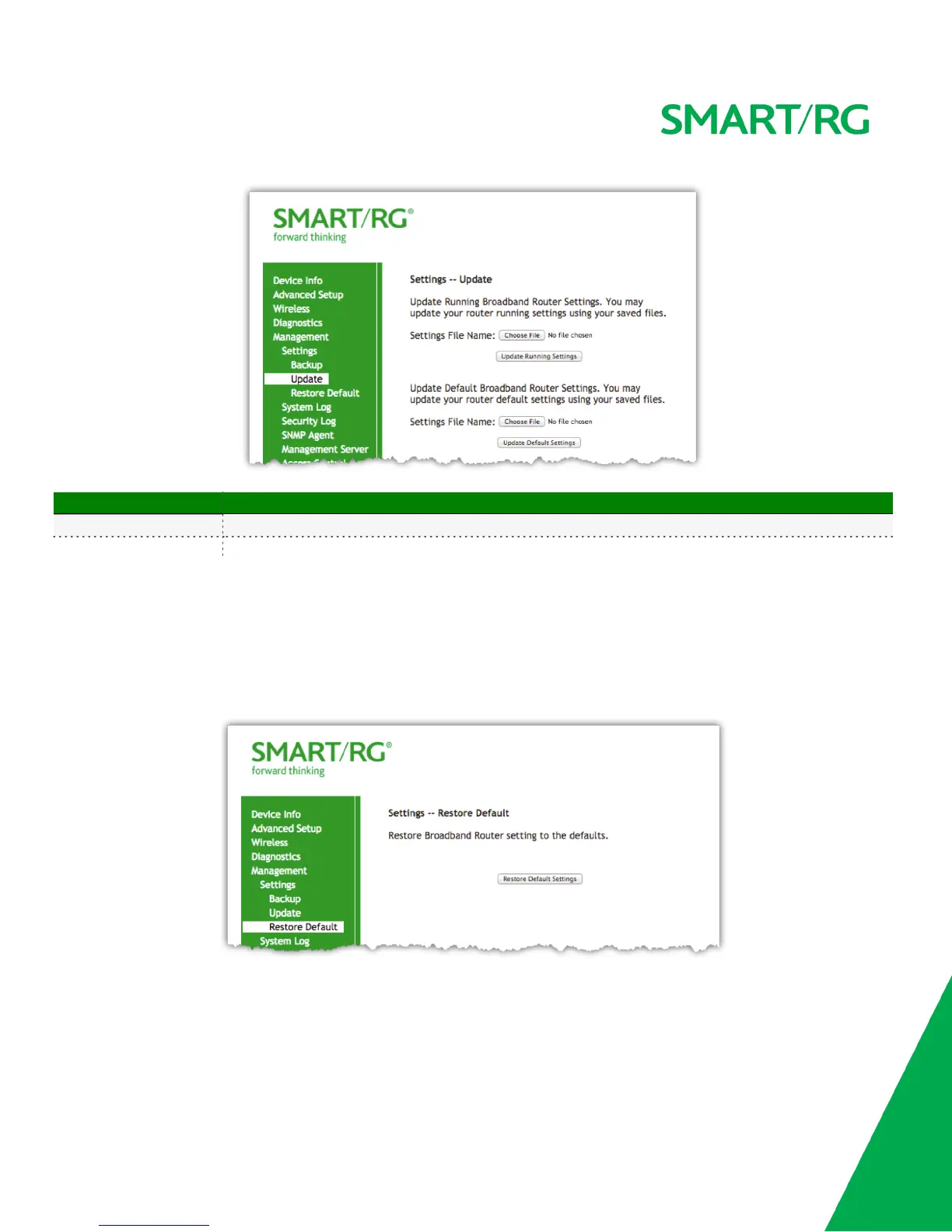
The individual fields on this screen are defined as follows:
Field Name Description
Update Running Settings This button will allow you to select a .conf backup file to update the currently running settings
Update Default Settings This button will allow you to select a .conf backup file to update the Defaulted settings
Restore Default
Use this screen to reset the gateway to its Default settings. Defaults can be customized and stored. For details, see Backup and Restore Settings
sections of this user manual.
After selecting Management -> Settings -> Restore Default from the left navigation bar, the following screen will appear.
Click the Restore Default Settings button.



 To Next Page